 New: SalesBlink is now in ChatGPT
Land in the inbox, not spam
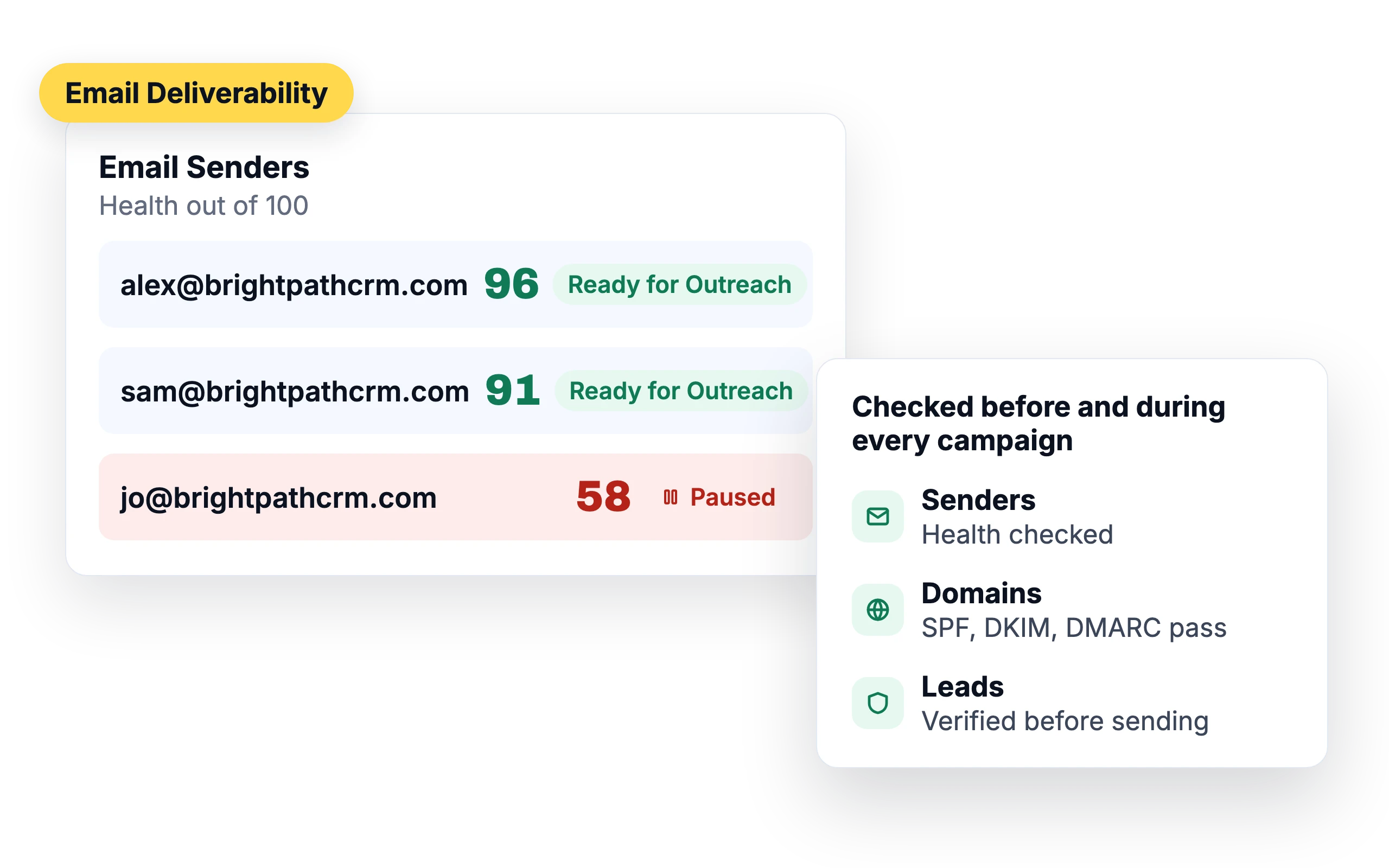
A great email in the spam folder gets no replies. SalesBlink checks your senders, domains and leads before and during every campaign, and can pause a sender when its Health drops.
14-day free trial. No credit card required.
Trusted by 12,000+ businesses


A Health score for every sender
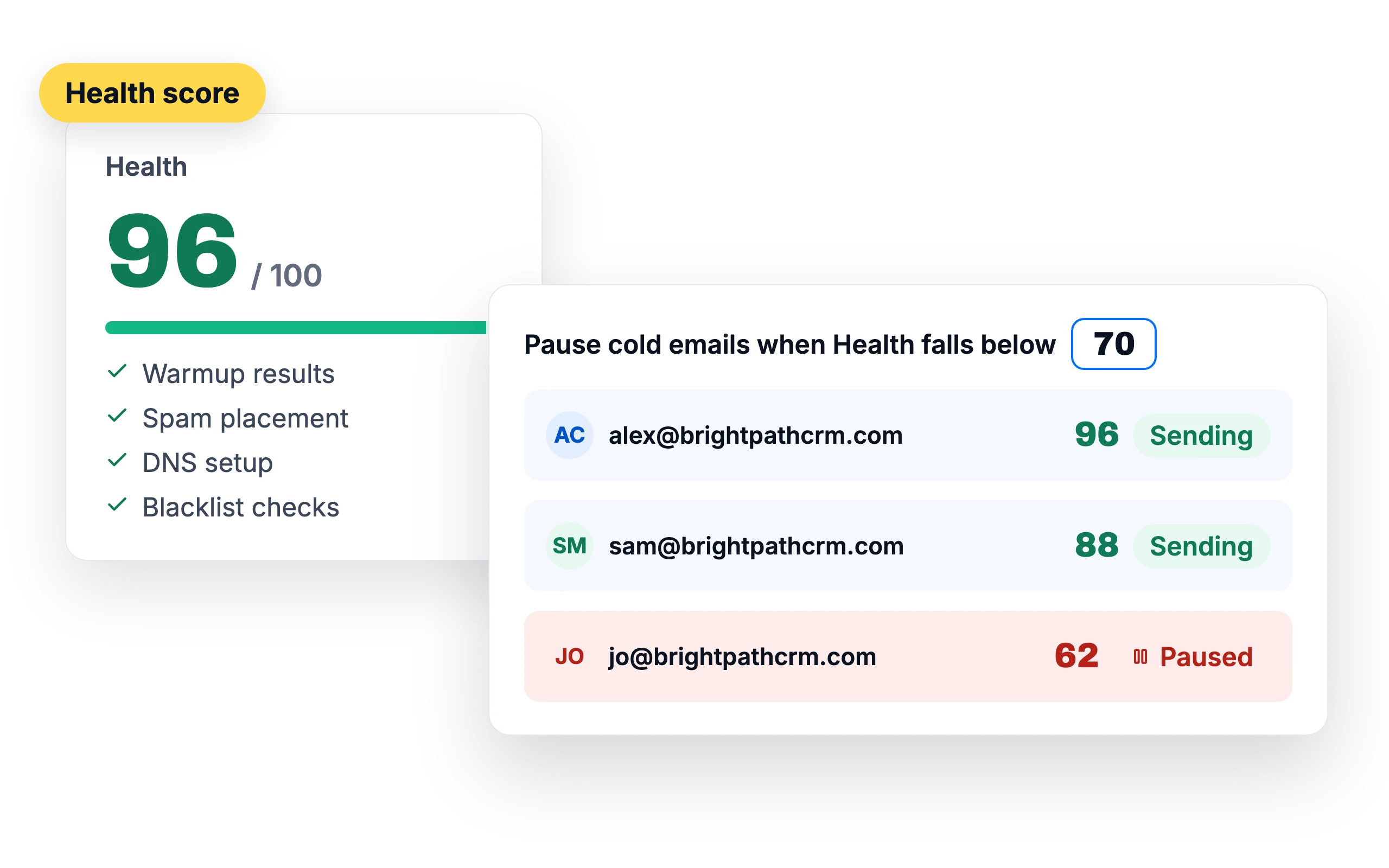
Health combines warmup results, spam placement, DNS setup and blacklist checks into one score out of 100. Set a threshold and SalesBlink pauses cold emails from any sender that drops below it.
Test placement before you launch
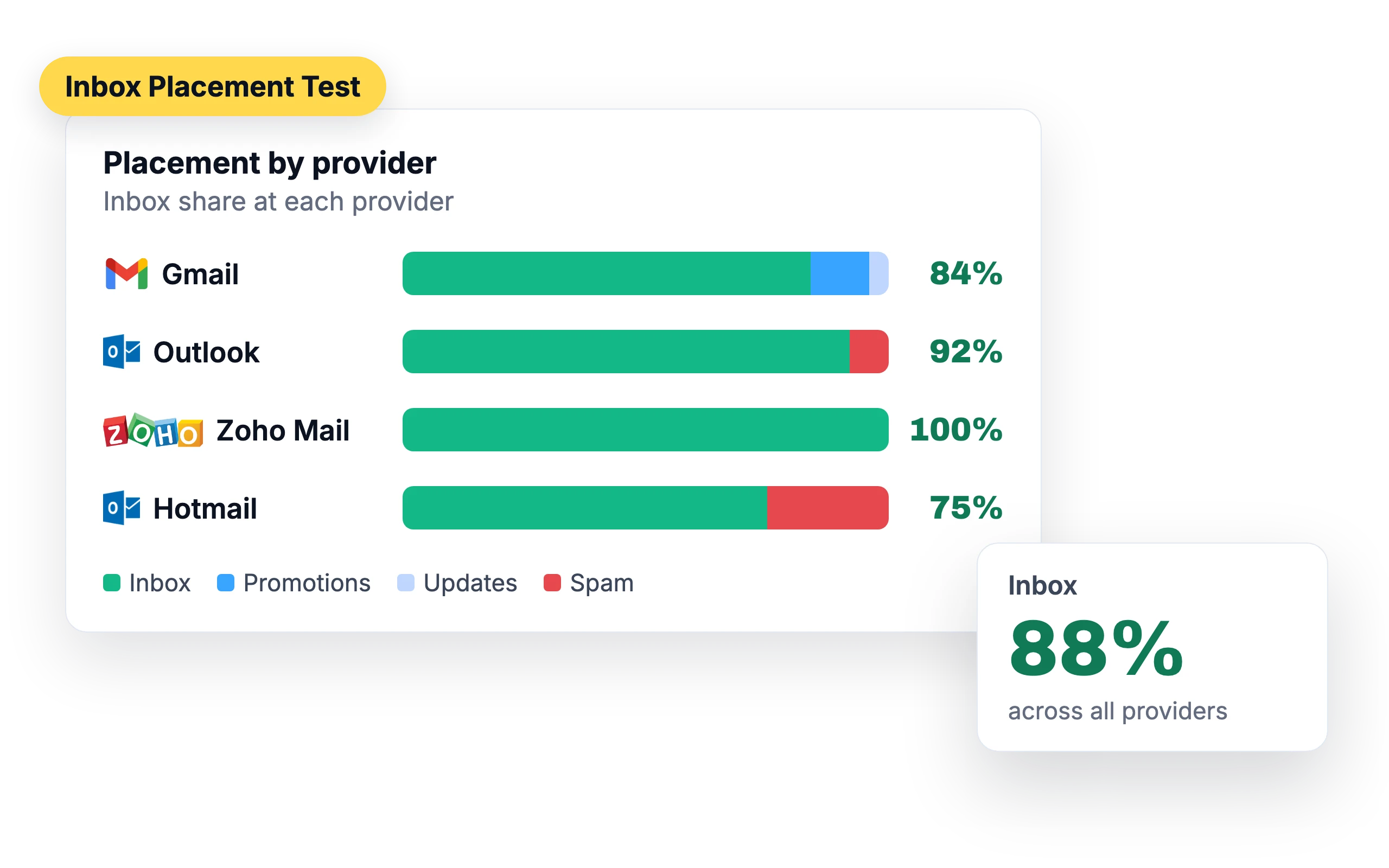
Inbox Placement Tests show what share of your emails reach the inbox at Gmail, Outlook, Zoho Mail and Hotmail.
Learn about the Inbox Placement Test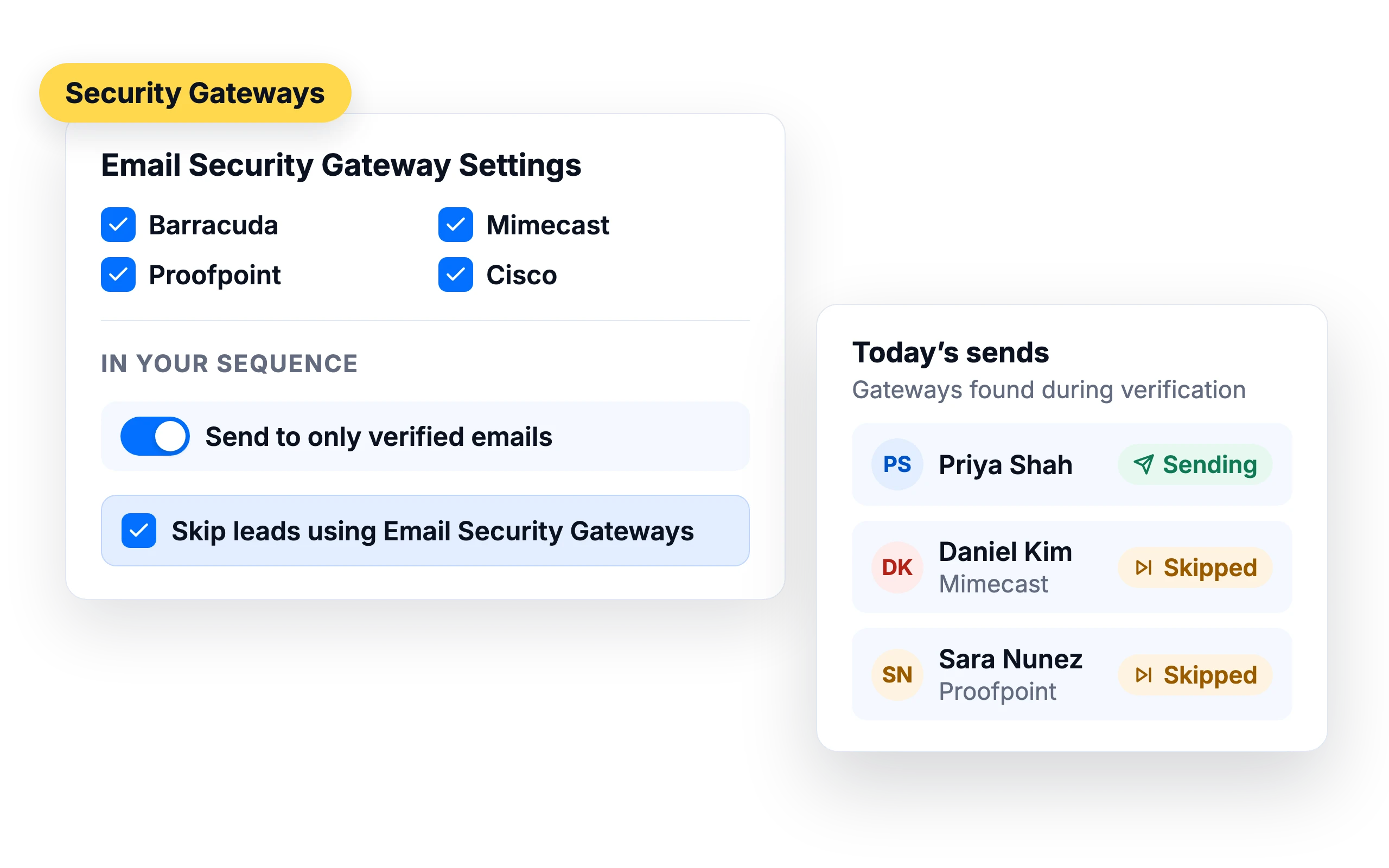
Skip leads behind security gateways
Companies that use Barracuda, Mimecast, Proofpoint or Cisco gateways often block cold email. SalesBlink spots these leads during verification and can skip them, so your daily sending capacity goes to leads you can reach.
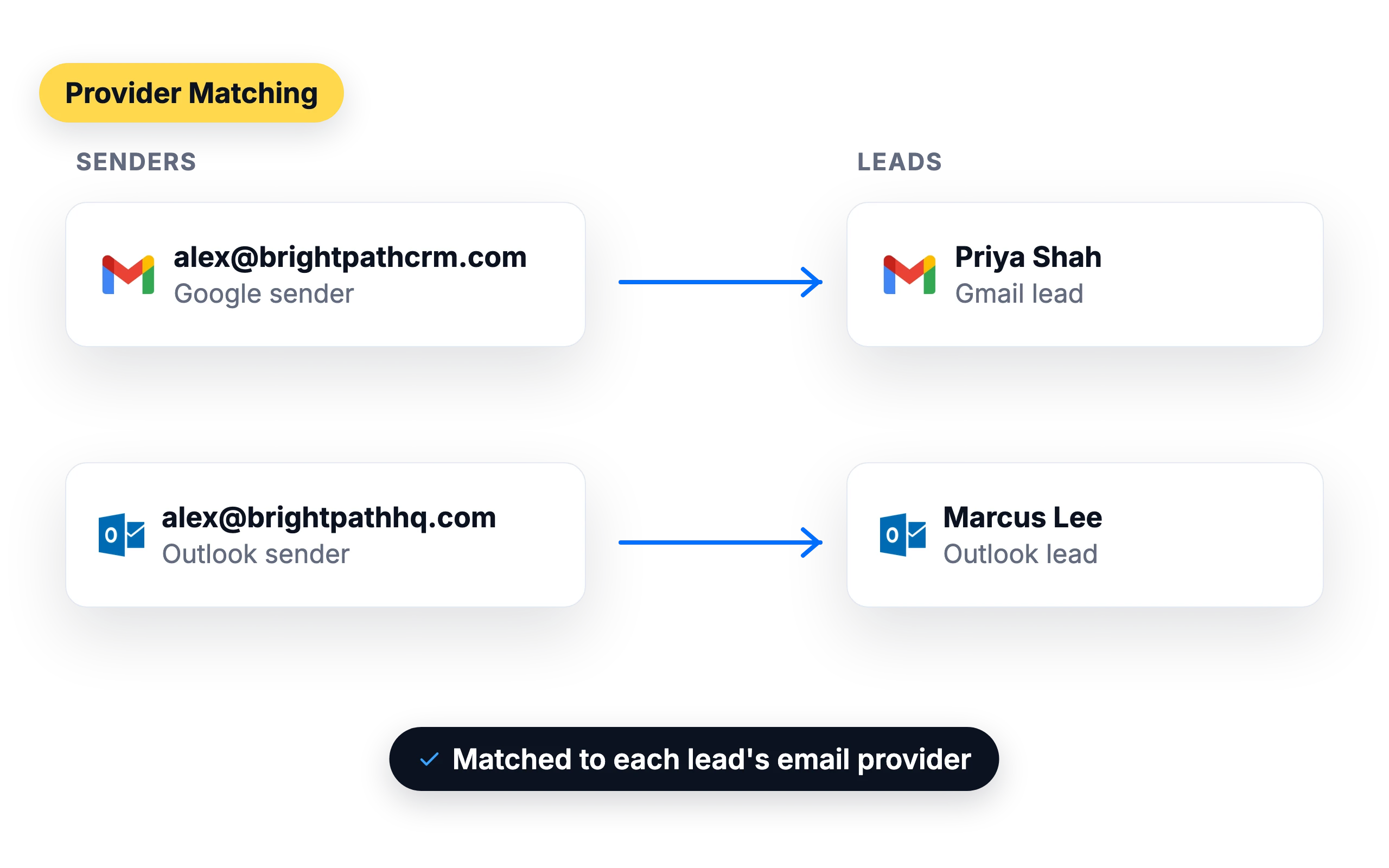
Provider matching
Send to Gmail leads from Google senders and to Outlook leads from Outlook senders.
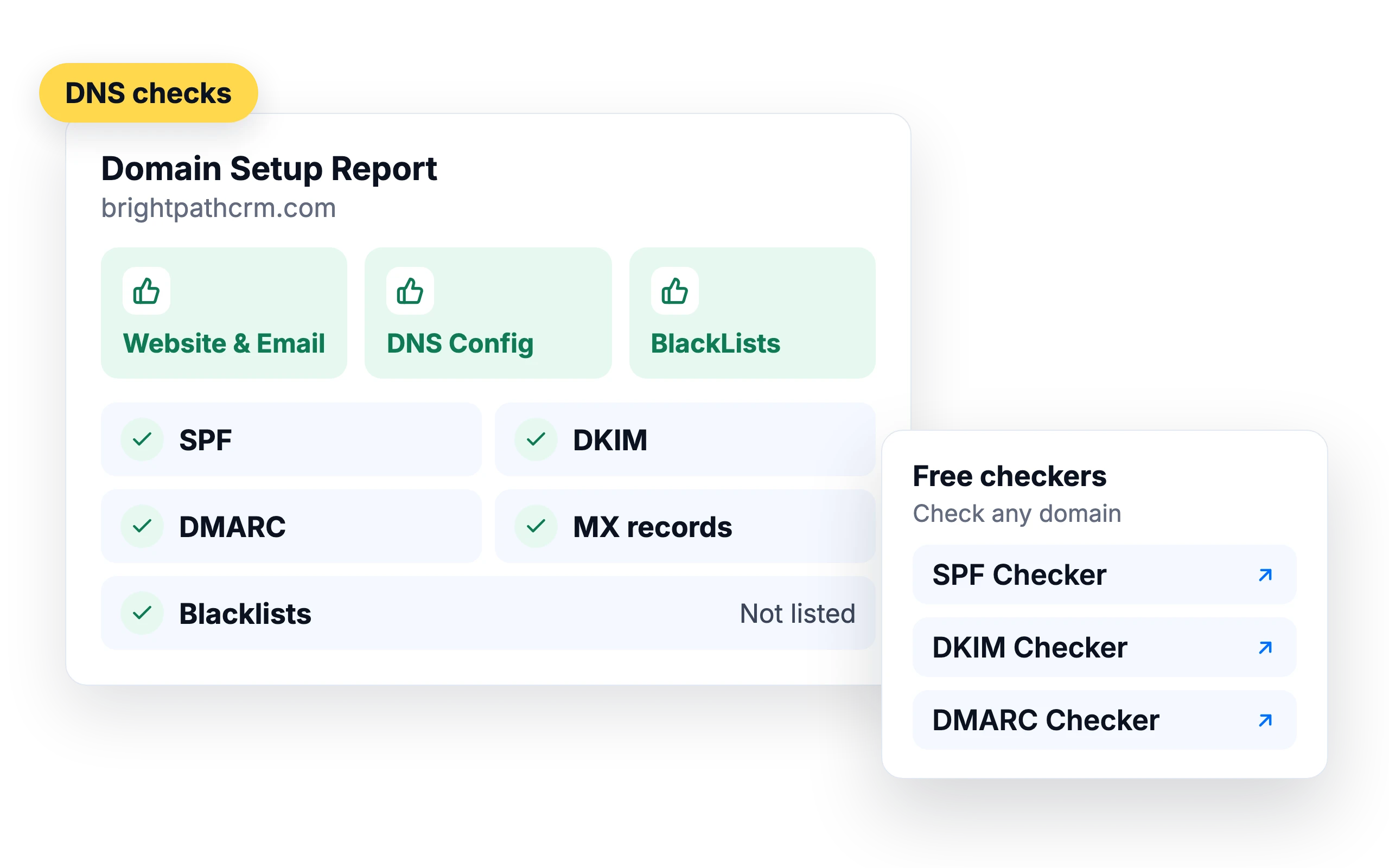
DNS checks for every domain
The Domain Setup Report checks SPF, DKIM, DMARC, MX records and blacklists for each sending domain. Check any domain for free with our SPF, DKIM and DMARC checkers.
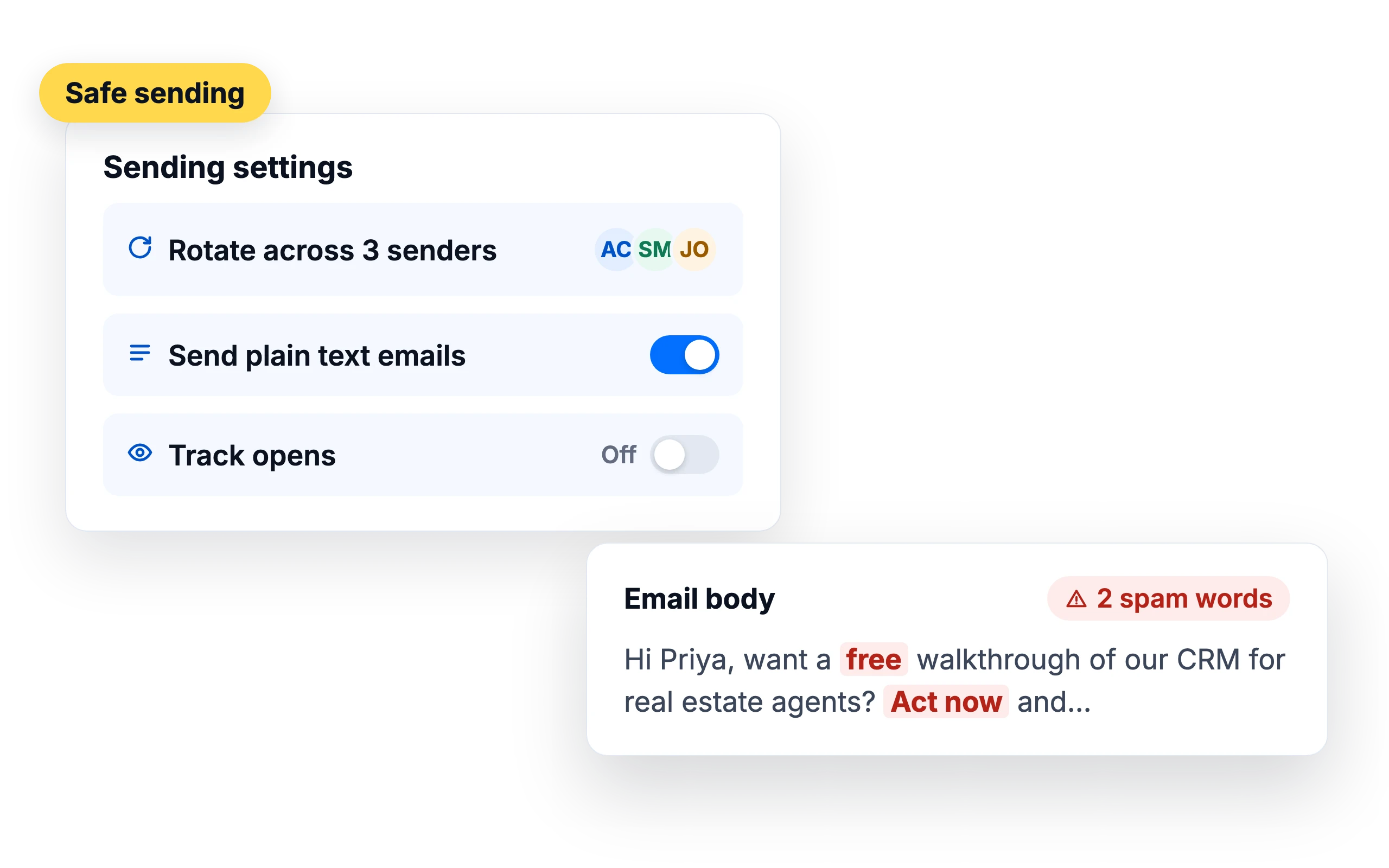
Safe sending by default
Rotate sending across several senders, send plain-text emails, keep tracking off when you don't need it, and spot spam words in your email body before you send.





Run it from your agent
Ask your agent to run a placement test or check a sender's health.
What customers say
4.7/5 on Capterra (286 reviews)4.5/5 on G2 (311 reviews)
5.0 on G2
“The standout strengths of SalesBlink are its top-tier email deliverability and its native Model Context Protocol (MCP) integration. Email warm-up and campaign management protect sender reputation and domain security even during high-volume cold outreach sequences.”
Frequently Asked Questions
What is email deliverability?
Email deliverability is whether your email reaches the recipient's mail server. SPF, DKIM and DMARC setup, sender reputation and list quality all affect it.
How do I improve email deliverability?
Warm up new senders, verify your list, keep daily volume per sender low, send plain-text emails and test placement before you launch.
What is a good deliverability rate?
You can consider an email deliverability rate of 90% to be good. If yours is lower, check your Domain Setup Report, sender Health and placement test results.
What does an inbox placement test show?
Which folder your email lands in at each provider: inbox, spam, promotions, updates or another tab.
Do subject lines affect deliverability?
Misleading subject lines lead recipients to mark you as spam, which hurts your sender reputation.
Do images affect deliverability?
Emails with too many images and very little text can trigger spam filters. Avoid images and links in your first email, and send plain text where you can.
How is the Health score calculated?
Health is based on two things: warmup readiness checks and your domain setup. The readiness checks cover domain age, warmup history and consistency, and spam placement overall and per provider. Each missing SPF, DKIM, DMARC or MX record, or an unreachable website, takes 3 points off, and each blacklist listing takes 1 point off. SalesBlink rechecks each sender about every 48 hours, and the score never reaches 100.
What happens when a sender's Health drops below my threshold?
If you turn on Pause cold emails when health falls below in the sender's settings (the threshold defaults to 80), SalesBlink stops scheduling cold emails from that sender, and emails already queued for it are not sent. Other healthy senders in the sequence keep sending, and Email WarmUp keeps running so the sender can recover. When Health climbs back above the threshold, sending resumes. Emails that came due during the pause are marked as errors, so reschedule the sequence to send them.
How many cold emails should each sender send per day?
Start low and increase slowly. A new sender should send 10 to 20 emails a day for the first one to two weeks, a warmed-up sender 20 to 30, and an established sender with a good reputation 30 to 50. These limits apply to each sender, whatever the provider. Set them with Max emails per day in the sender's settings, and add senders to a sequence to send more in total.
Why does an Inbox Placement Test show spam when my Health is high?
Health measures your mailbox's reputation, but some providers filter email coming from a different provider more strictly, for example Google senders emailing Outlook inboxes. The test's placement table shows each sender-to-recipient provider pair, so you can see where it happens. Provider Matching sends Gmail leads from Google senders and Outlook leads from Outlook senders to reduce this.
Does sending from a subdomain hurt deliverability?
It can. The Domain Setup Report shows red for senders on a subdomain and adds the message "Sending cold emails with email senders on subdomains have poor deliverability". It doesn't block sending. The report also flags a sending domain with no working website, since providers distrust bulk email from domains without one. Redirect the domain to your main site with a 301 redirect to fix that.