 New: SalesBlink is now in ChatGPT
No AI agent? Use ours
You don't need ChatGPT or Claude to run outreach by chat. The Copilot is a chat panel inside SalesBlink: tell it what you need and it does the work in your account, with 60+ built-in tools.
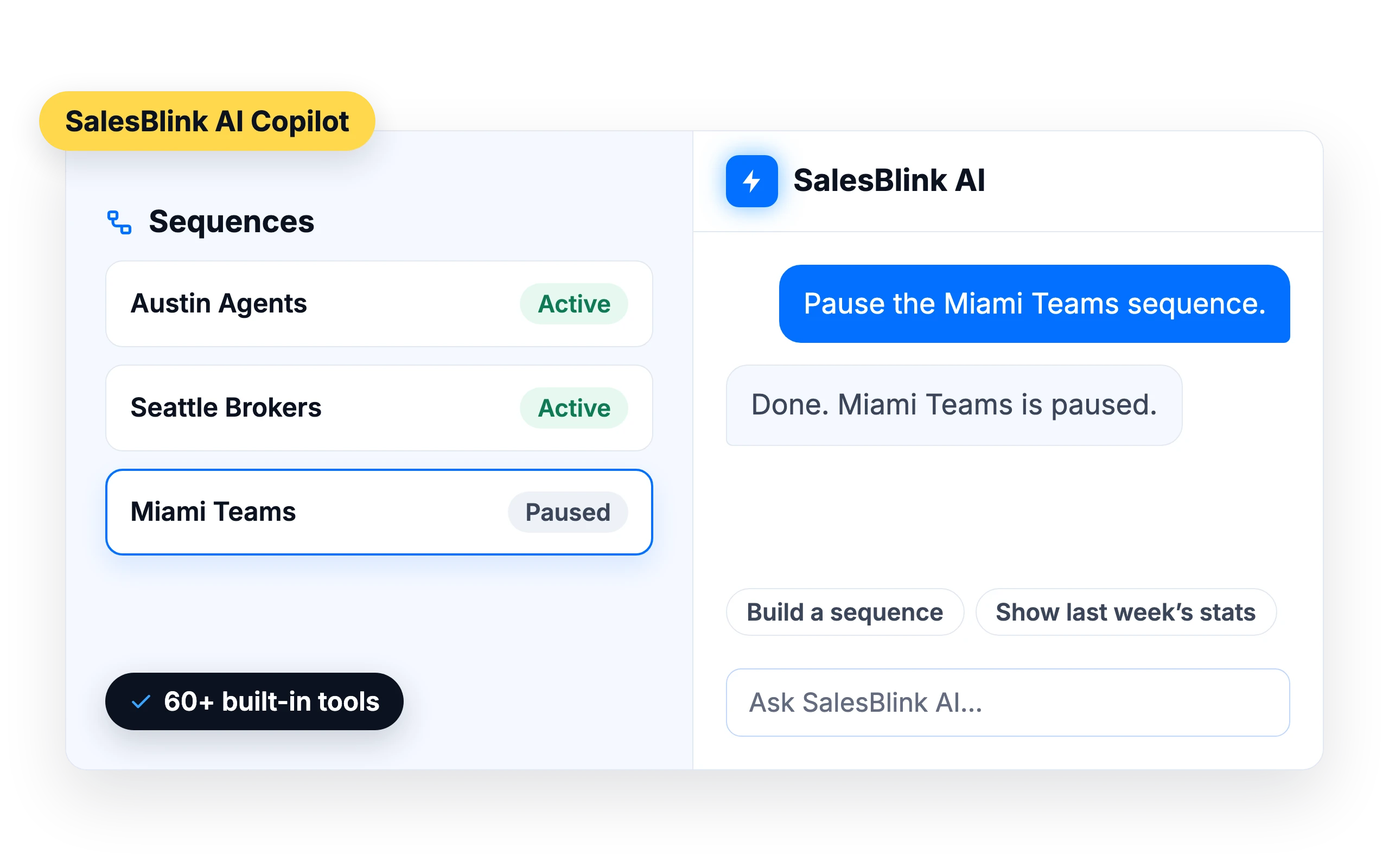
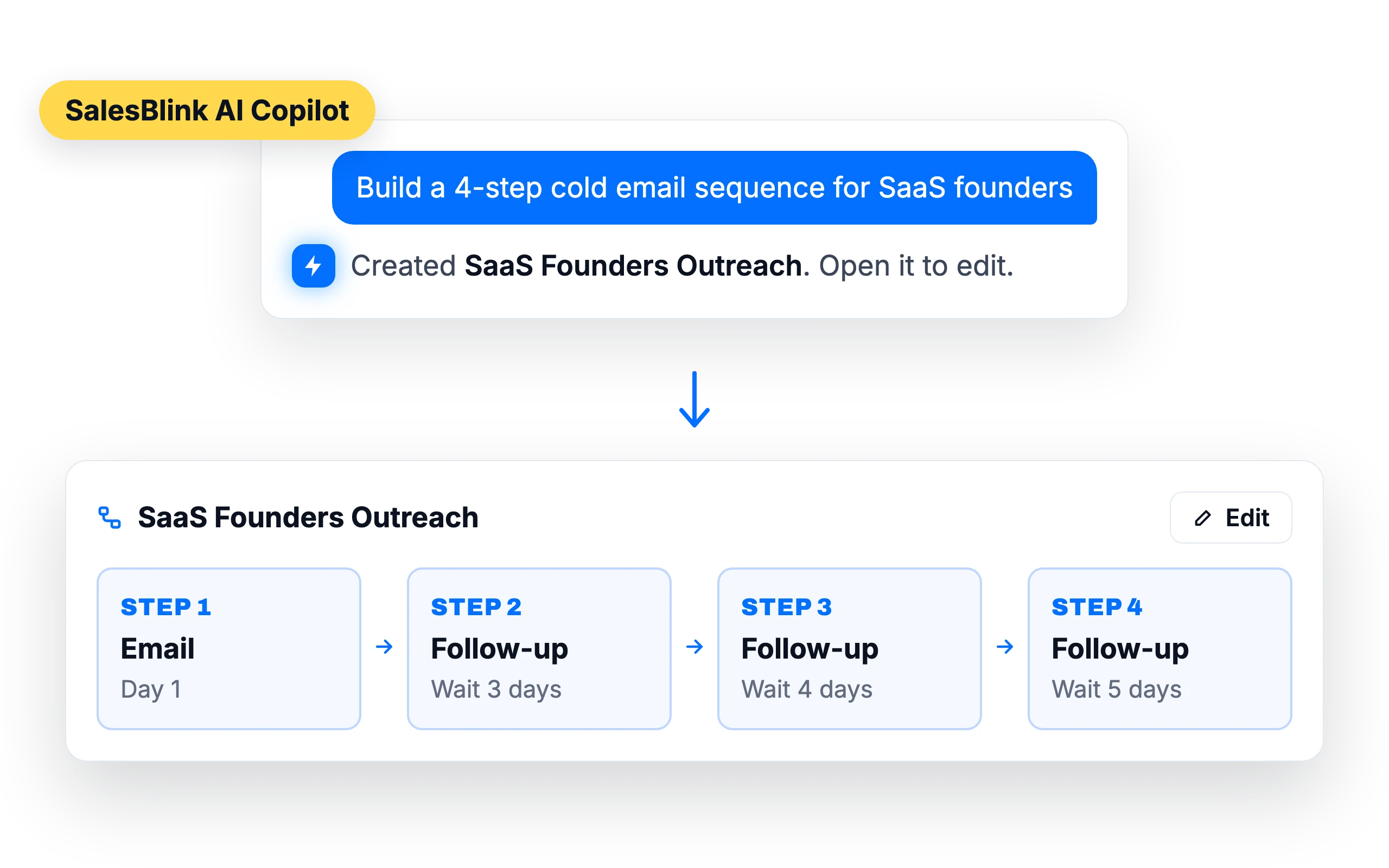
Build sequences by asking
Type “Build a 4-step cold email sequence for SaaS founders” and the Copilot creates it. Edit the result in the sequence builder like any other sequence.
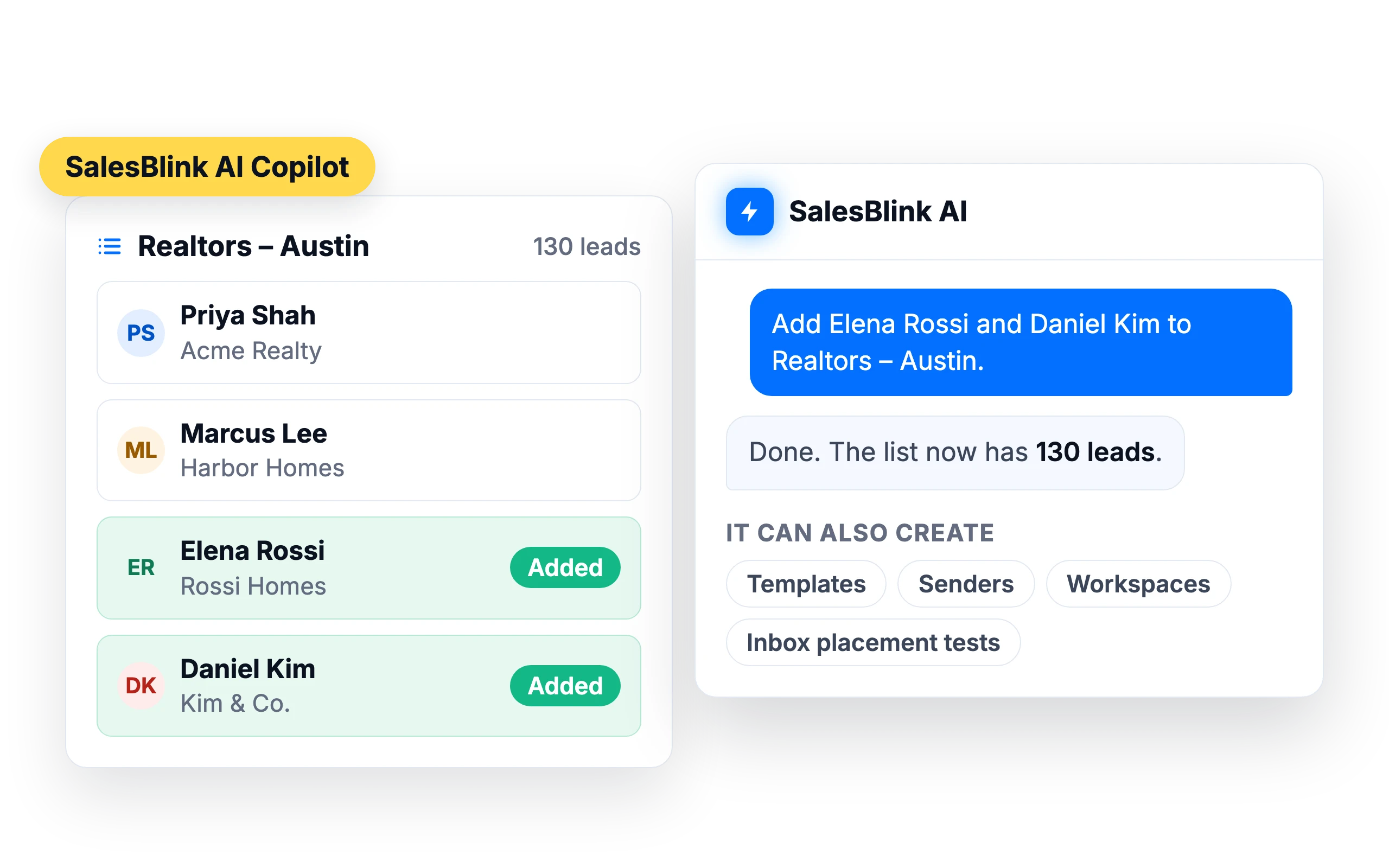
Manage lists and leads
Add, search and organize leads without clicking through menus. The Copilot can also create templates, senders, workspaces and inbox placement tests.
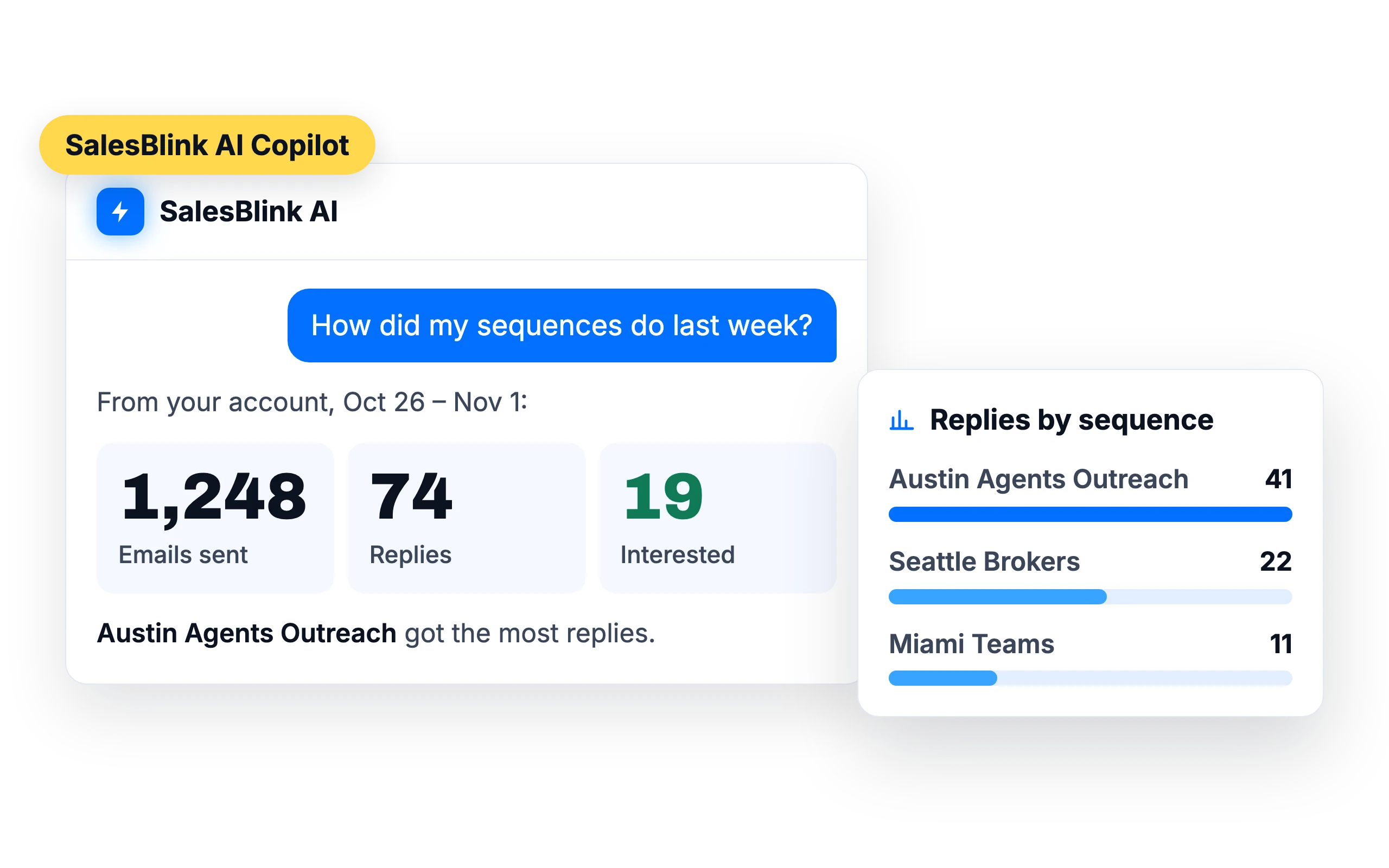
Ask how your campaigns are doing
Ask how your sequences are doing and get the answer from your own data, without building a report.
Help in the inbox
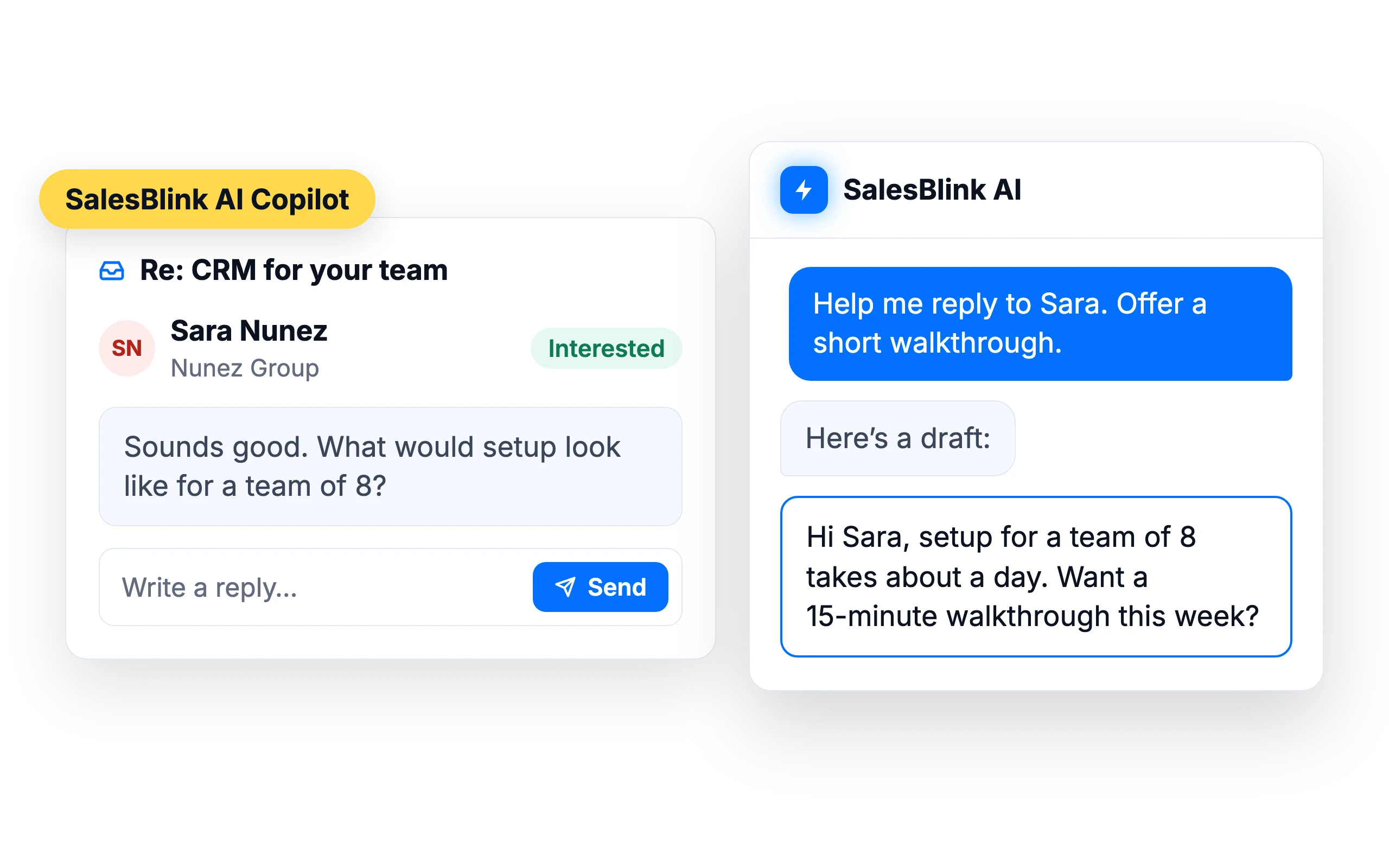
Ask the Copilot to help you answer a lead, for example “Help me reply to Sara.”
Under your brand
With Whitelabel, the Copilot carries your agency's name, so clients see “{Your agency} AI”.
SalesBlink for agencies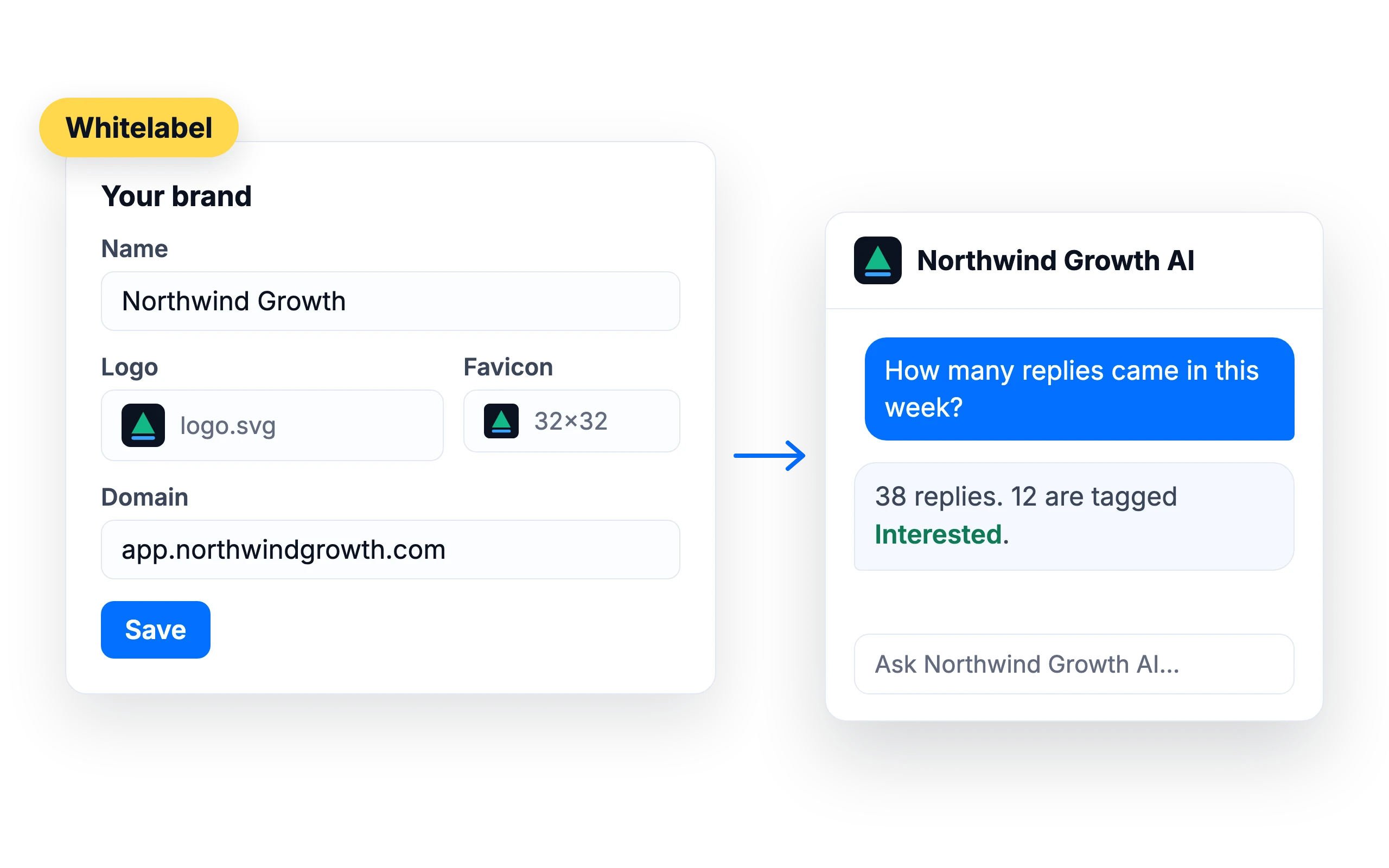
What customers say
4.7/5 on Capterra (286 reviews)4.5/5 on G2 (311 reviews)
5.0 on Capterra
“Campaign creation is simple, deliverability has been reliable, and the built-in AI helps speed up email creation.”
Frequently asked questions
What's the difference between the Copilot and connecting my own agent?
The Copilot works inside the SalesBlink app. Connecting your own agent lets ChatGPT, Claude or another AI work with SalesBlink from outside the app. Both act on the same account.
Which AI model does it use?
SalesBlink's default models, or your own model if you add an OpenRouter API key in AI Settings.
Can it launch campaigns on its own?
It acts when you ask it to. Review what it creates before you launch, or turn on Outbox review to approve emails before they send.
Can the Copilot rewrite my email templates?
Yes. Ask it to improve, expand, shorten, rephrase or change the tone of a template, and it rewrites the template in your account. It can also generate AI Spintax variations, write a personalized email for one lead based on their website and company details, and improve a draft waiting in the Outbox.