 New: SalesBlink is now in ChatGPT
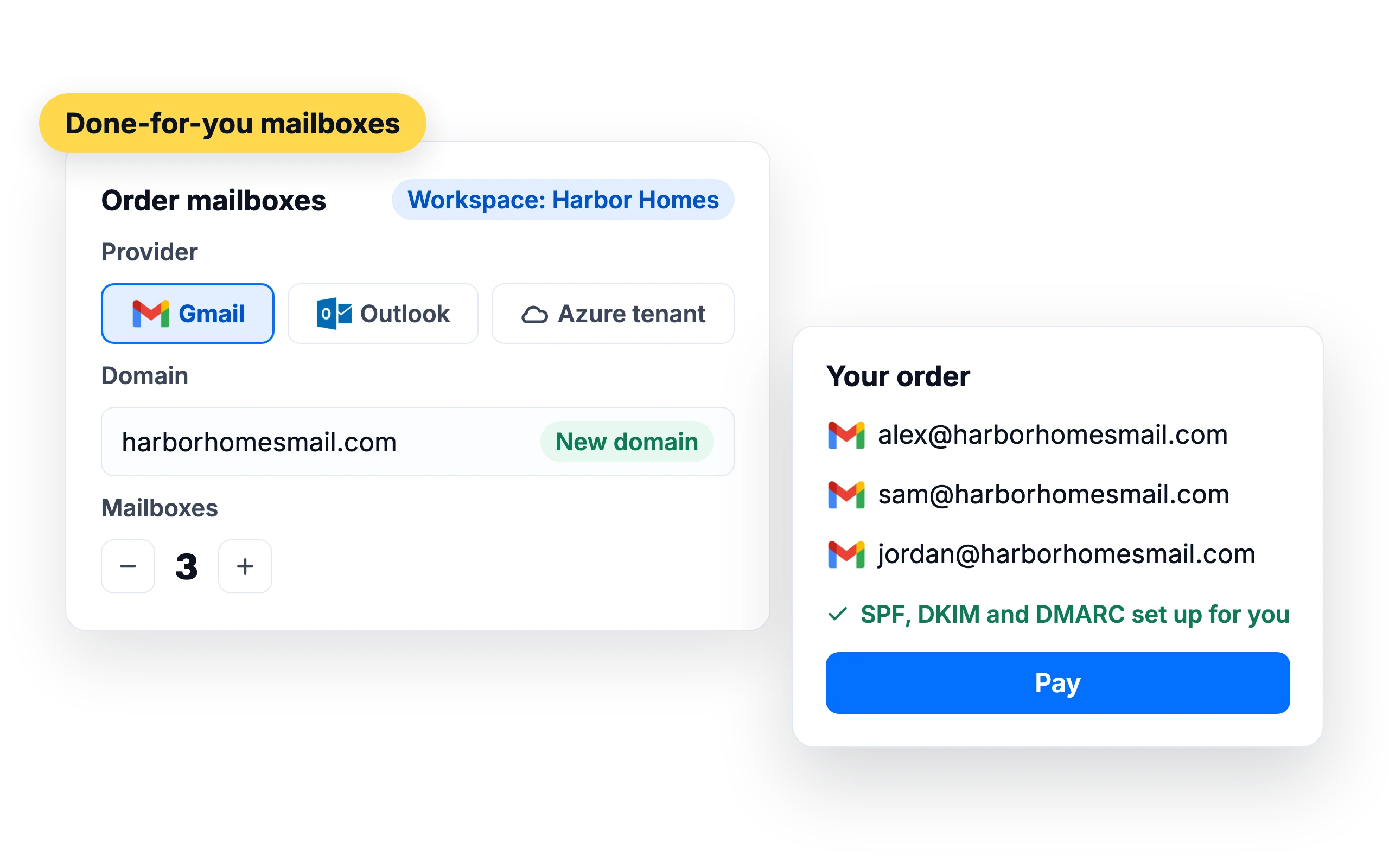
Done-for-you mailboxes
Cold email mailboxes, set up and connected for you
Setting up domains, mailboxes and DNS records for cold email takes time and is easy to get wrong. Order mailboxes on a separate sending domain and SalesBlink sets up the DNS and connects them to your account.
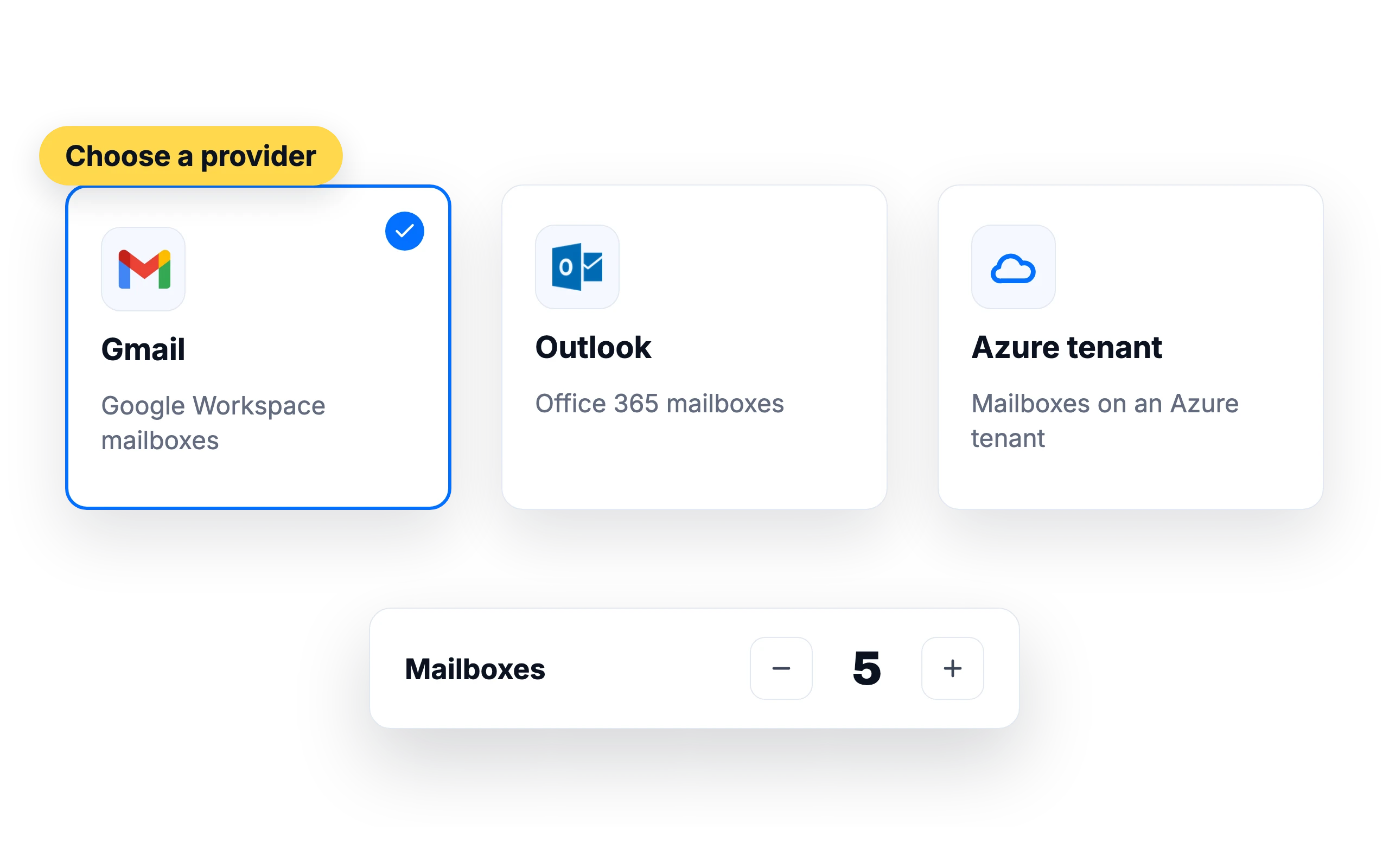
Gmail, Outlook or Azure-tenant mailboxes
Choose Google Workspace mailboxes, Outlook (Office 365) mailboxes or Azure-tenant mailboxes. Order one mailbox or many.
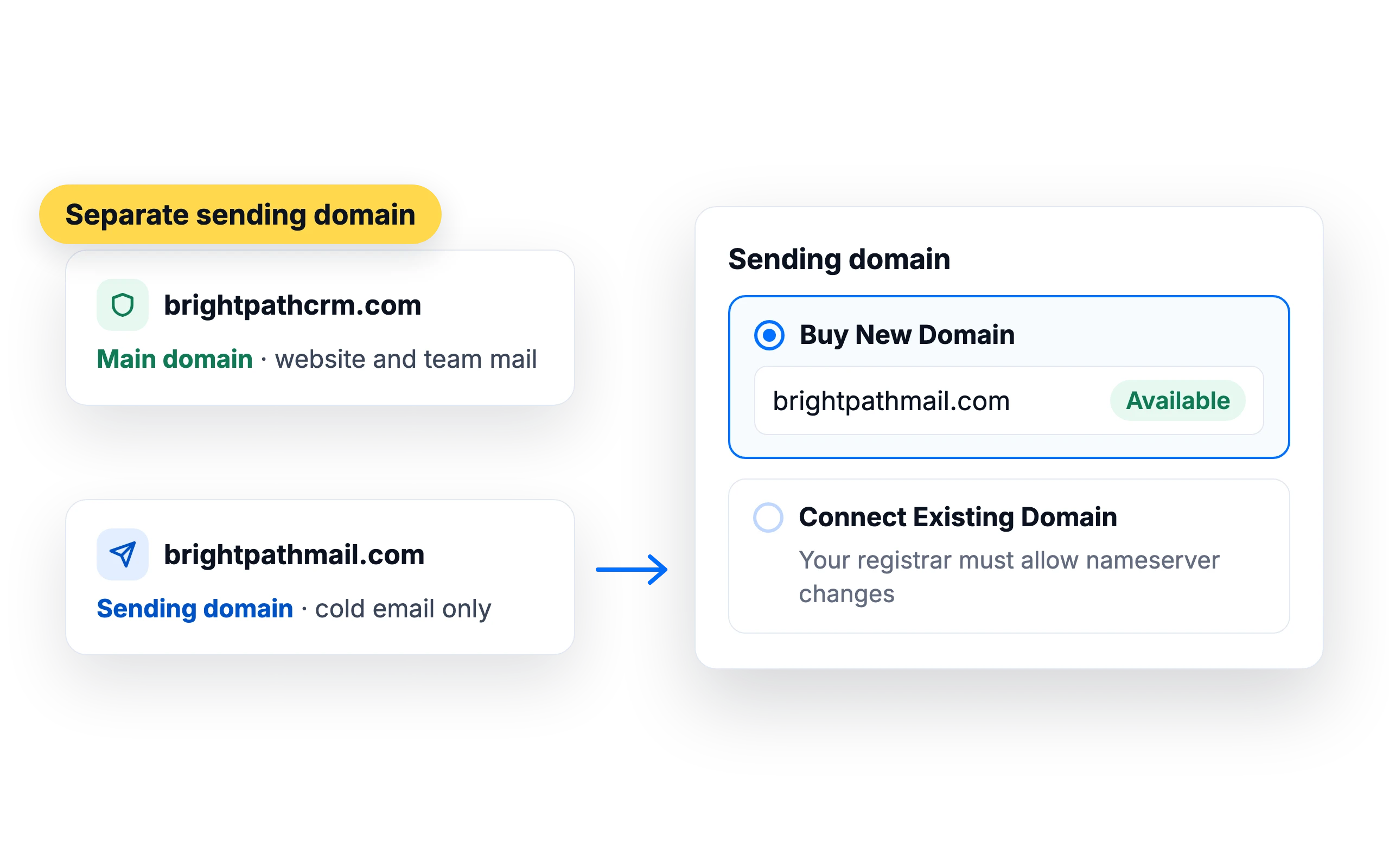
Keep your main domain safe
Cold email should go out from a separate domain, so your main domain's email keeps landing in inboxes. Buy a new domain in the same order, or connect one you own that allows nameserver changes.
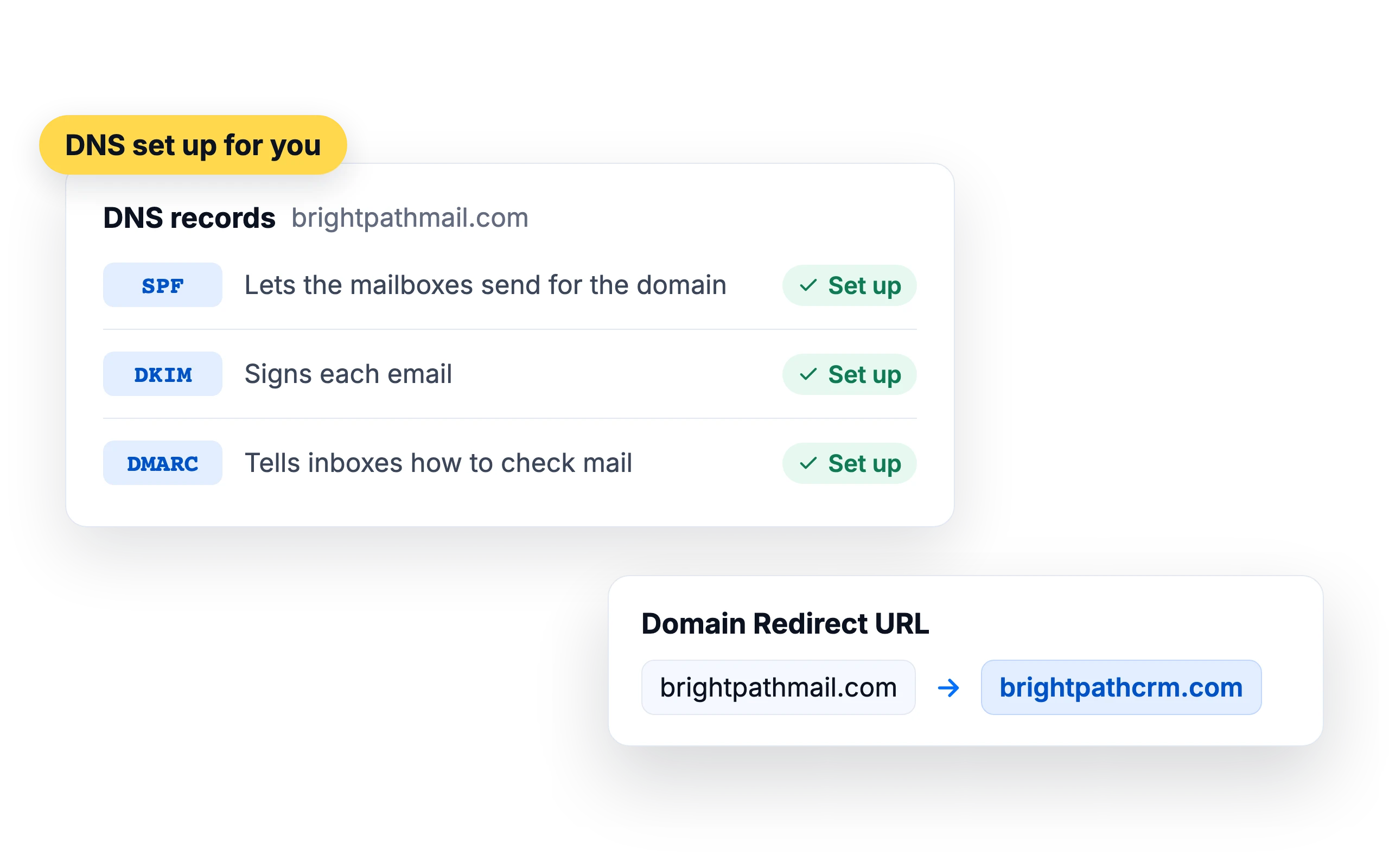
DNS set up for you
SalesBlink handles SPF, DKIM and DMARC, and can forward the domain to your website.
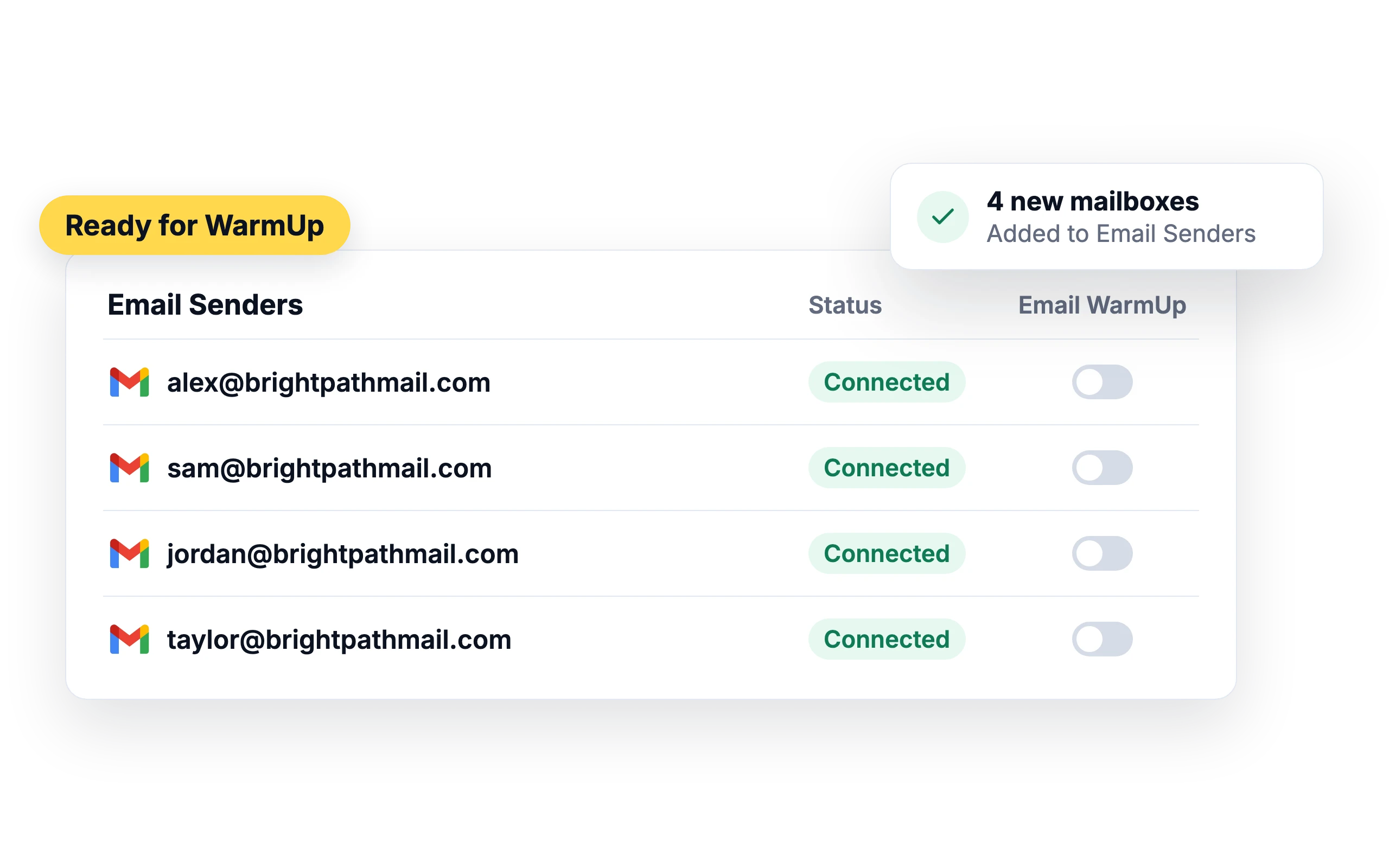
Connected and ready to warm up
New mailboxes appear in your Email Senders, ready for Email WarmUp.
Email WarmUpWhat customers say
4.7/5 on Capterra (286 reviews)4.5/5 on G2 (311 reviews)
5.0 on G2
“The done-for-you mailbox setup was the standout. Mailboxes were delivered on my own domains in under 24 hours, fully configured - SPF, DKIM and DMARC all set up correctly.”
Frequently asked questions
Can I use my main website domain?
No. Use a separate domain for cold email. Connecting a live domain would affect your website and your regular email.
Can I connect a domain I already own?
Yes, if your registrar allows nameserver changes. Cloudflare Registrar doesn't, so buy a new domain in the order instead.
Do I get webmail access?
Not by default. You see replies and activity in SalesBlink. Contact support if you need to log in to a mailbox.
How much does it cost?
Prices are shown when you place the order in SalesBlink.
How long does it take for DFY mailboxes to be ready?
Gmail and Outlook mailboxes are generally ready within 3 hours, though DNS propagation can stretch that to 24 to 48 hours. Azure-tenant mailboxes are added within 24 working hours. If you connect a domain you already own, setup can take up to 24 hours after your nameserver change propagates. You get a confirmation email when the mailboxes are ready.
How many emails can each DFY mailbox send per day?
Gmail and Outlook mailboxes are each set to send 30 to 35 emails a day, which follows deliverability best practice. An Azure tenant sends 100 to 200 emails a day across all its mailboxes, and new Azure mailboxes start low while warmup runs. To send more, add mailboxes on more domains. Google and Outlook orders allow up to 5 mailboxes per domain.
How many mailboxes come with an Azure-tenant order?
Each Azure tenant comes with 30 to 100 mailboxes, set up in bulk at purchase. You can't add single mailboxes to an Azure order later, and removing one mailbox removes all the mailboxes on that domain. Google and Outlook orders are managed per mailbox instead.
Can I change the sender name on a DFY mailbox?
Yes. Send support the new first and last name, and the change takes 24 to 48 hours. Mailboxes start with the sender profile you entered when ordering. Don't rename the address itself: changing the username before the @ creates a new mailbox, and its warmup starts over.