 New: SalesBlink is now in ChatGPT
 SalesBlink for OpenClaw
Let OpenClaw run your cold email
Connect your account once, then ask OpenClaw to build lists, launch sequences and tell you who replied, in the same chat where you already work.
You need a SalesBlink account to connect. The 14-day trial needs no credit card.
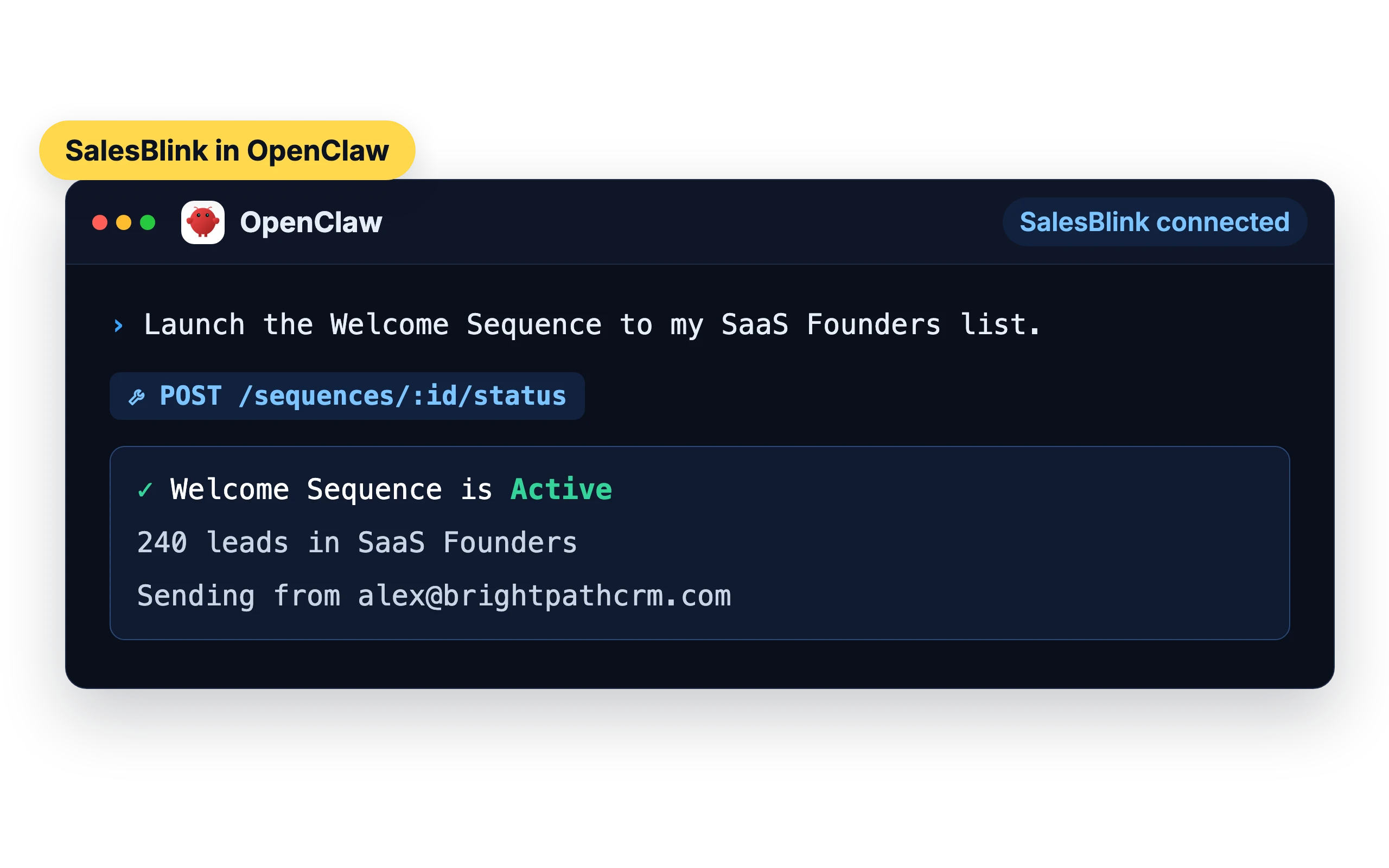
Ask OpenClaw to run your outreach
“Create a list called Marketing Agencies in New York.”
OpenClaw creates the list in SalesBlink.
“Add these emails to my SaaS Founders list.”
The contacts are added to the list.
“Launch the Welcome Sequence to my new list.”
OpenClaw launches it in SalesBlink.
“Show me replies from this week.”
You get the replies with their outcome tags.
“How many opens did my campaign get yesterday?”
OpenClaw pulls the sequence stats.
“Run an inbox placement test for john@mycompany.com.”
A placement test starts. Ask for the results once it finishes.
Connect in three steps
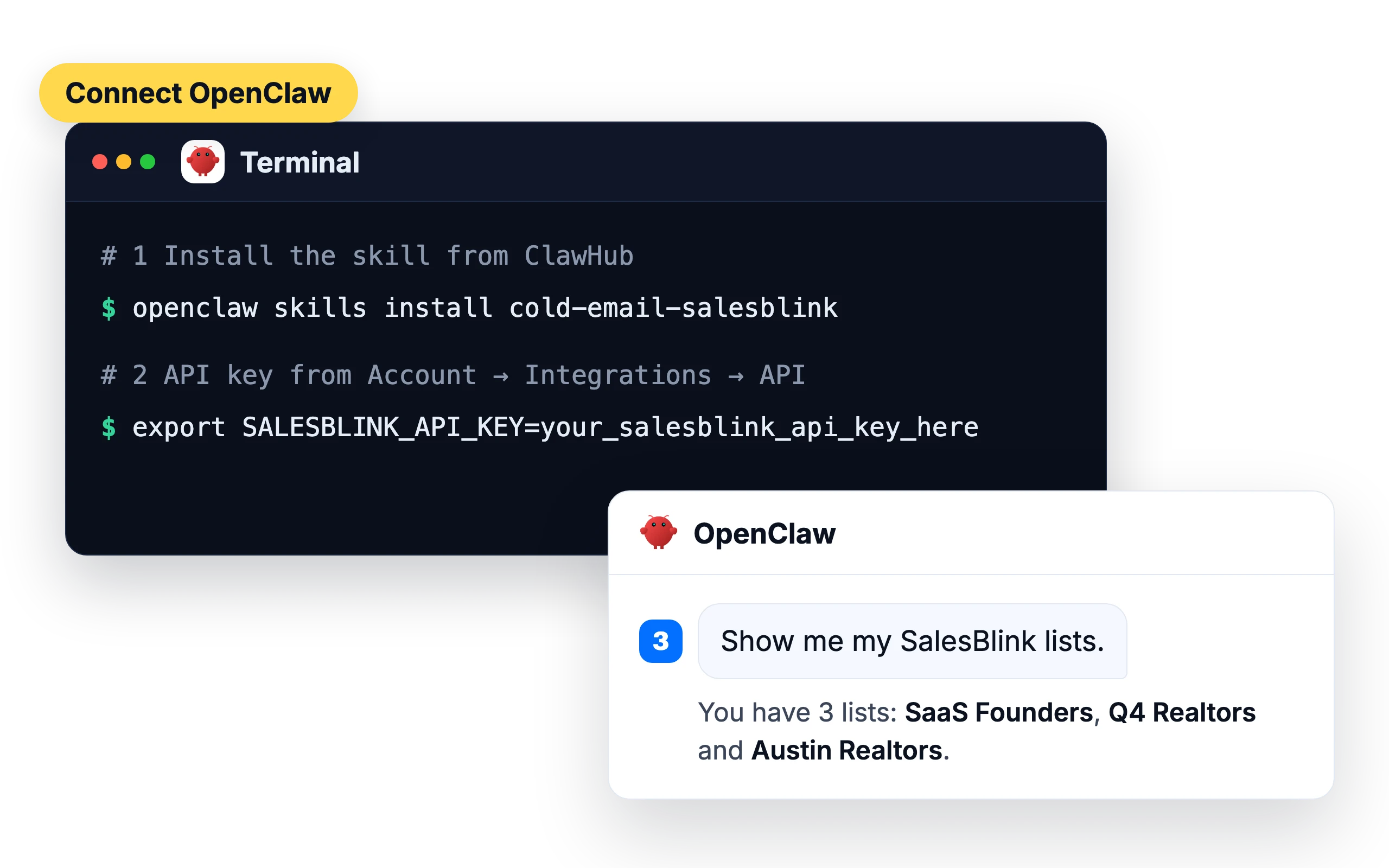
- 1
Install the skill from ClawHub.
openclaw skills install cold-email-salesblink
- 2
Set
SALESBLINK_API_KEYto an API key from Account → Integrations → API.export SALESBLINK_API_KEY=your_salesblink_api_key_here
- 3
Start a chat and ask, for example, “Show me my SalesBlink lists.”
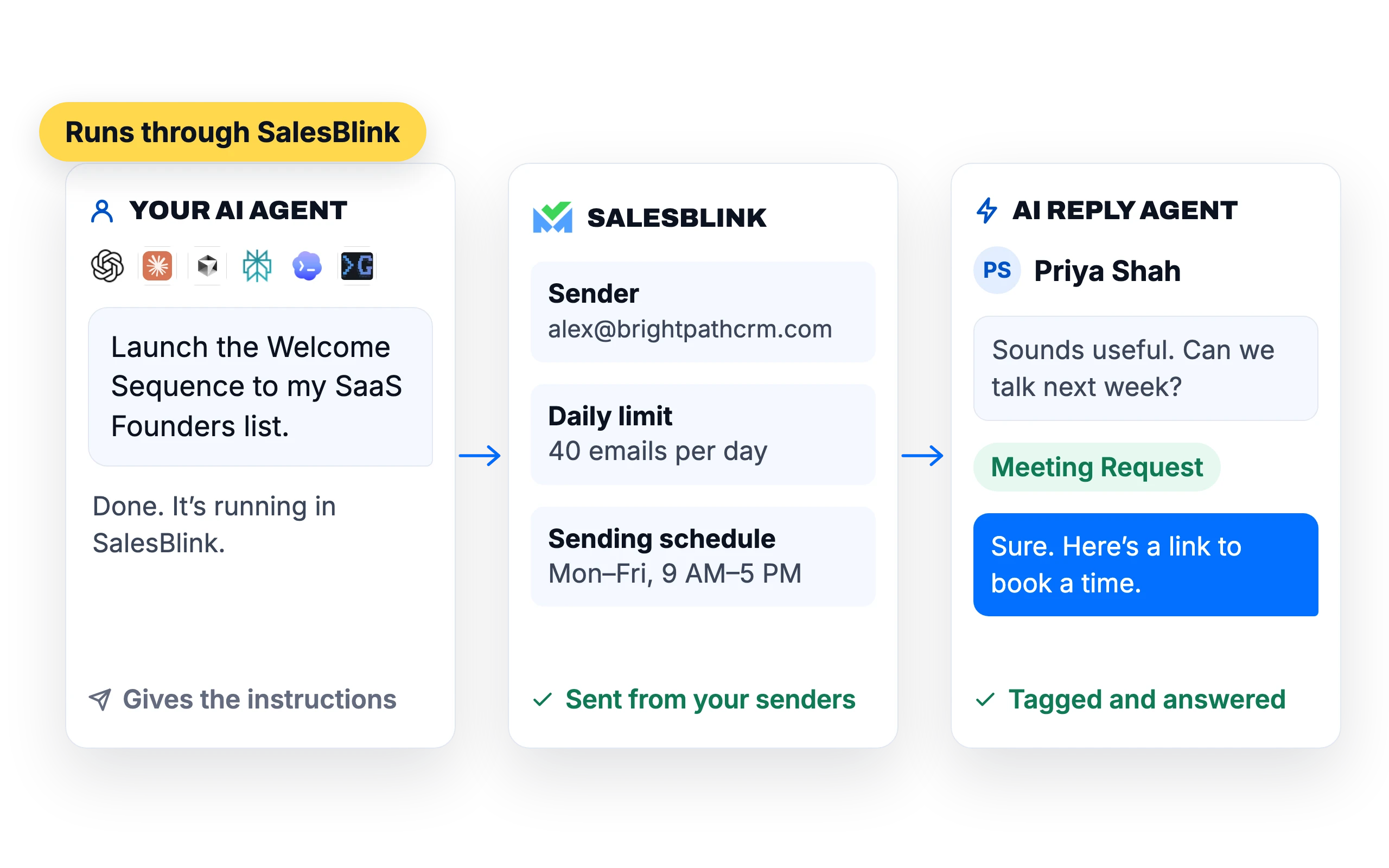
Everything OpenClaw does goes through SalesBlink
OpenClaw gives the instructions. SalesBlink does the sending, so your emails still go out from your SalesBlink senders with their daily limits and sending schedule, and the AI Reply Agent can tag and answer the replies.
You stay in charge
Outbox review
Turn it on to approve every email before it sends.
Revoke access
Delete the API key in Account → Integrations → API to cut off OpenClaw's access.
What customers say
4.7/5 on Capterra (286 reviews)4.5/5 on G2 (311 reviews)
5.0 on Capterra
“I like how SalesBlink connects with AI and my own code, making the email outreach process faster and easier. This integration allows me to build sequences quickly and carry out email outreach with automatic follow-ups.”
Frequently asked questions
Do I need a SalesBlink account?
Yes. OpenClaw connects to your SalesBlink account with an API key from Account → Integrations → API. You can start with the 14-day free trial.
Can OpenClaw send emails without asking me?
OpenClaw can launch a sequence when you ask it to. Turn on Outbox review in a sequence's settings and every email waits for your approval before it sends.
Can I use other AI agents too?
Yes. The same account works with ChatGPT, Claude, Perplexity and any MCP client. SalesBlink for AI agents
Can OpenClaw attach files to emails?
Yes. Through the skill, OpenClaw can attach up to 3 files to an email template and add or remove them later. Replies it sends from your inbox can include attachments as well, and each reply goes out from the same sender that first emailed the lead.
Is there a limit on how fast OpenClaw can work?
Yes. The API allows 30 GET requests, 15 POST or PATCH requests and 10 PUT or DELETE requests per minute, and contacts are added in batches of up to 500. If OpenClaw hits a limit, it waits at least 60 seconds before retrying. For large jobs, the skill tells it to leave about 4 seconds between requests.
Does a new sequence start sending as soon as OpenClaw creates it?
Not by default. Sequences created through the skill start paused unless OpenClaw sets them to launch. When it launches a sequence to start now, sending begins about 5 minutes later. To check emails first, ask OpenClaw to keep new sequences paused, or turn on Outbox review so every email waits for your approval.
Can OpenClaw connect a new email sender?
For Gmail and Outlook, yes, with one step from you. OpenClaw gets an authorization link, you open it in your browser and sign in, and the sender is added automatically. SMTP/IMAP accounts and bulk CSV uploads can't be added through the skill, so OpenClaw gives you a link to the Email Senders page in SalesBlink instead.
Can OpenClaw create a new API key?
No. API keys are created and refreshed in the SalesBlink web app under Account → Integrations → API, and OpenClaw can give you a sign-in link to that page. It can list your keys and delete one, but it can't delete the key it's using, and every account needs at least one key.