 New: SalesBlink is now in ChatGPT
Let an OpenAI dot run your cold email outreach
Dots are the always-on agents in ChatGPT. Install the SalesBlink plugin on your ChatGPT account and a dot can watch your replies, report on campaigns and prepare the next one while you do other work.
14-day free trial. No credit card required.
Trusted by 12,000+ businesses


How it works
Install the SalesBlink plugin
Open SalesBlink in ChatGPT, install it and sign in with your SalesBlink account.
Open your dot
A dot can use the plugins that are installed and enabled for your ChatGPT account.
Give it an outreach task
Ask for a one-off job or a recurring one, such as a reply summary every weekday morning.
A dot that checks your replies every morning
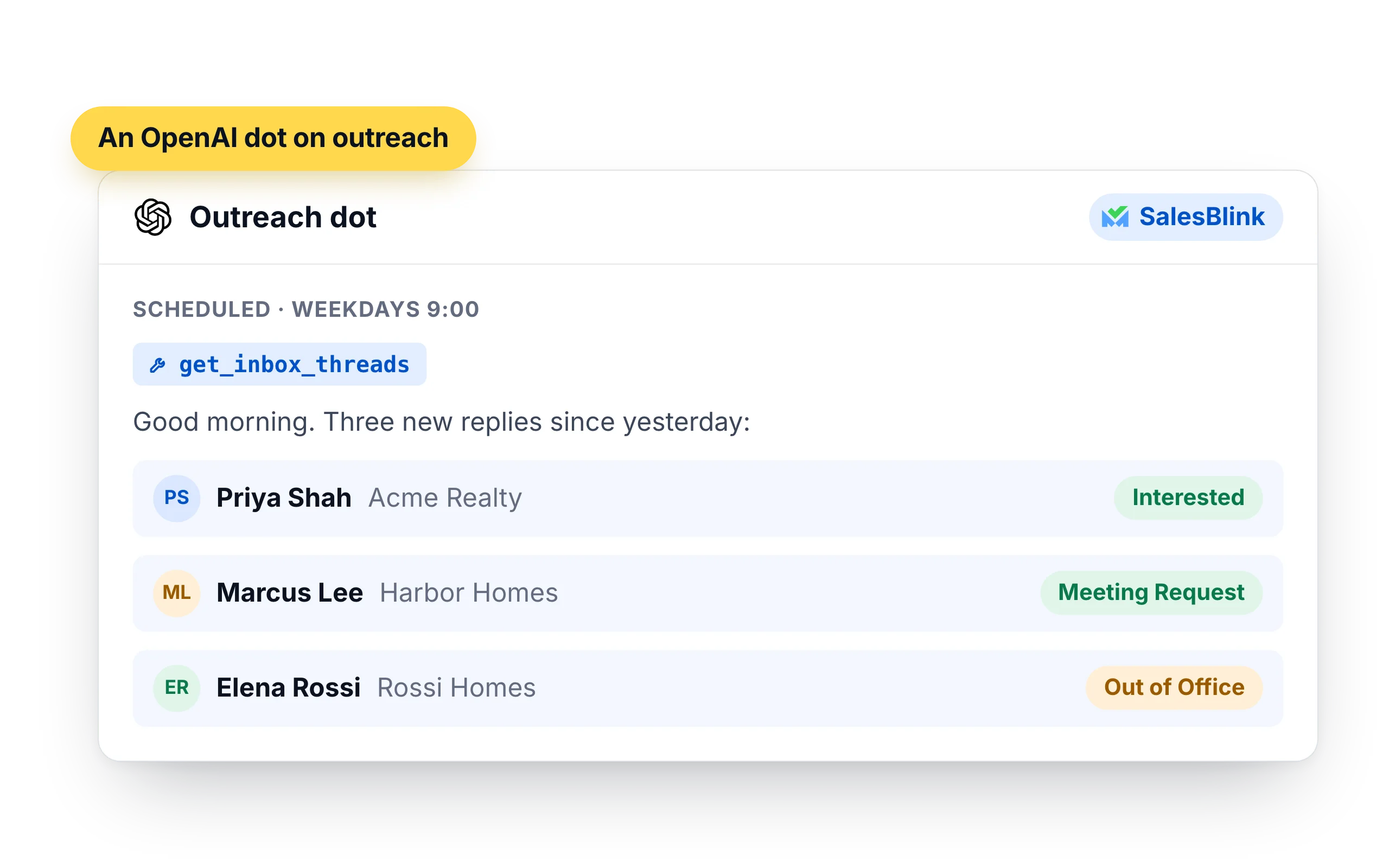
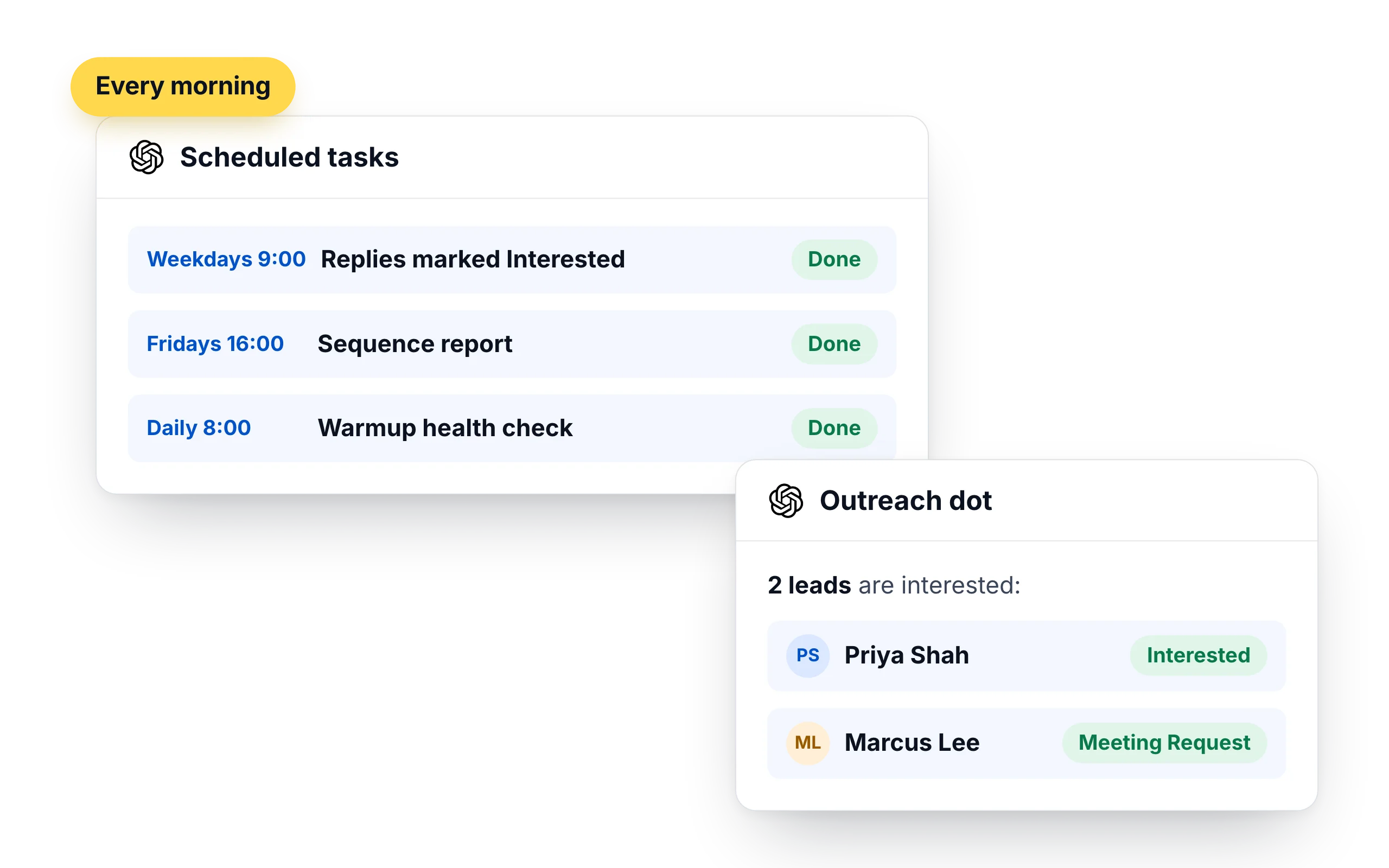
A dot can work to a fixed schedule and post the result in its chat. Ask it to read your SalesBlink inbox each morning and list the leads who are interested, so you start the day with the conversations that need you.
- "Every weekday at 9 in my time zone, list new replies marked Interested or Meeting Request."
- "Each Friday, send me opens, replies and bounces for every active sequence."
- "Tell me if any sender's warmup health drops."
Prepare the next campaign, then wait for your yes
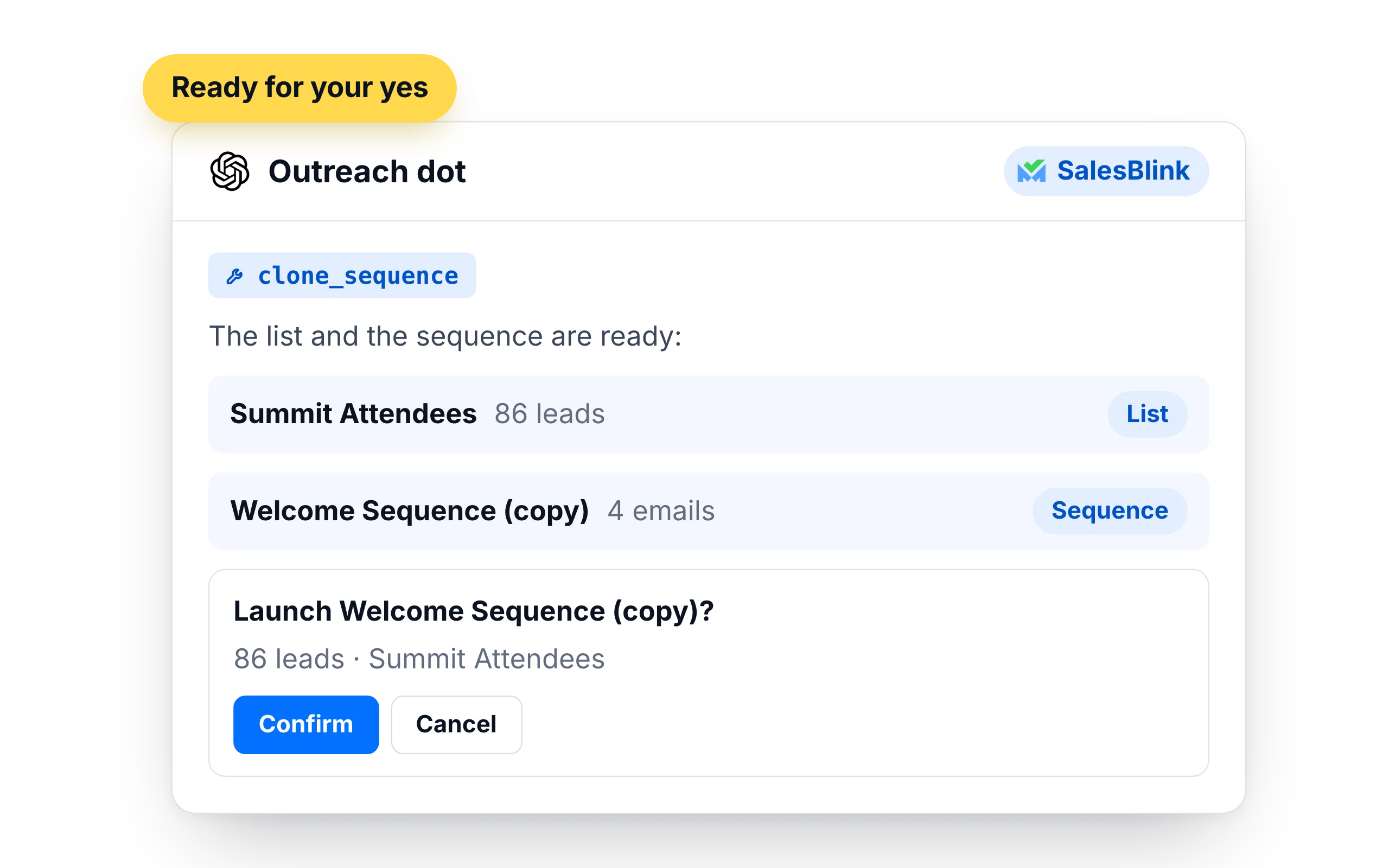
A dot can build the list, clone last month's sequence and get everything ready. Launching still needs your confirmation, so nothing goes out on a schedule you did not approve.
- Create the list and add contacts from a source you name
- Clone a sequence that worked and point it at the new list
- Ask you to confirm before the sequence starts
What to hand a dot, and what to keep
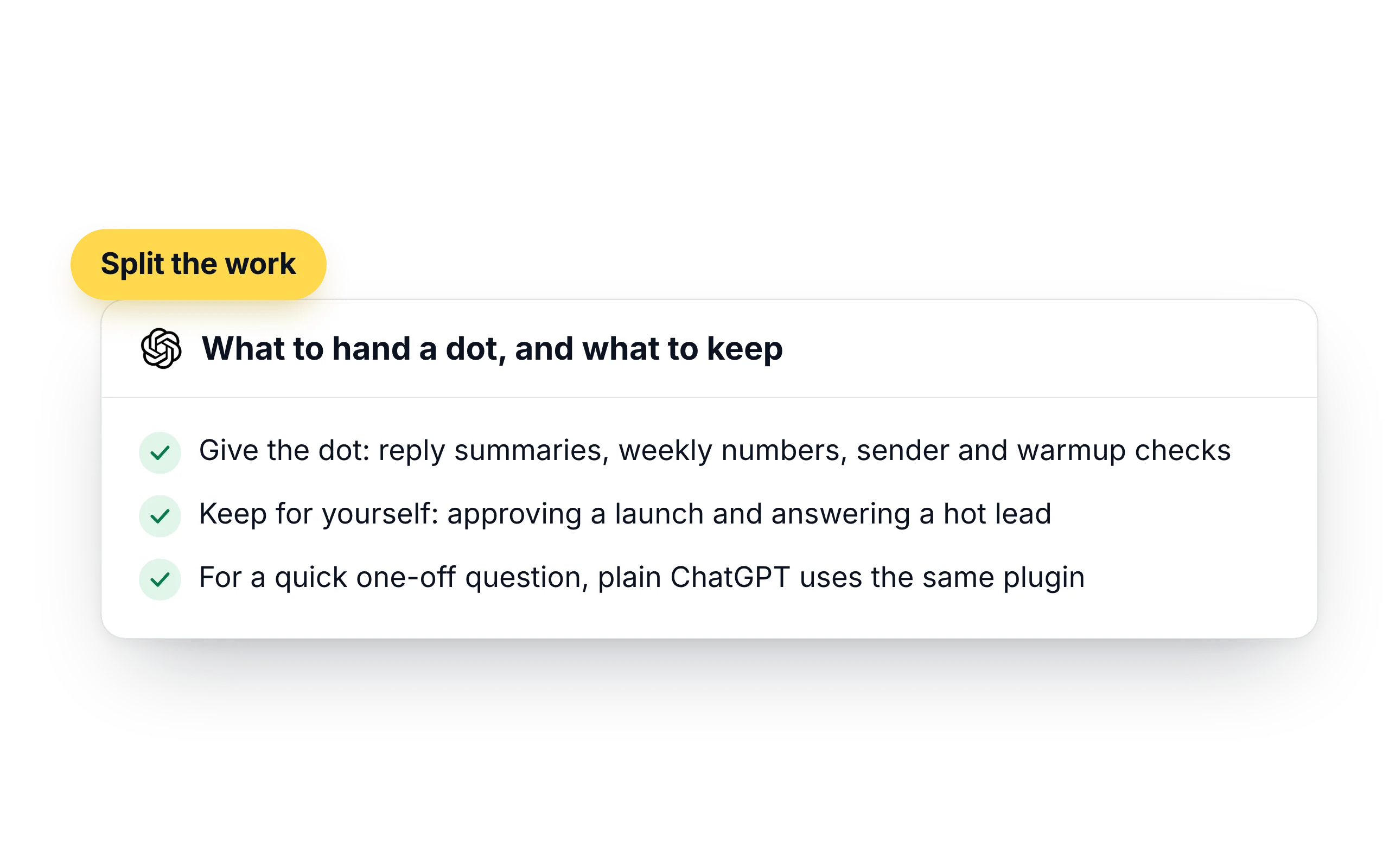
A dot is a good fit for work that repeats: checking the inbox, counting replies, noticing a sender that needs attention. Decisions that reach your prospects stay with you.
- Give the dot: reply summaries, weekly numbers, sender and warmup checks
- Keep for yourself: approving a launch and answering a hot lead
- For a quick one-off question, plain ChatGPT uses the same plugin
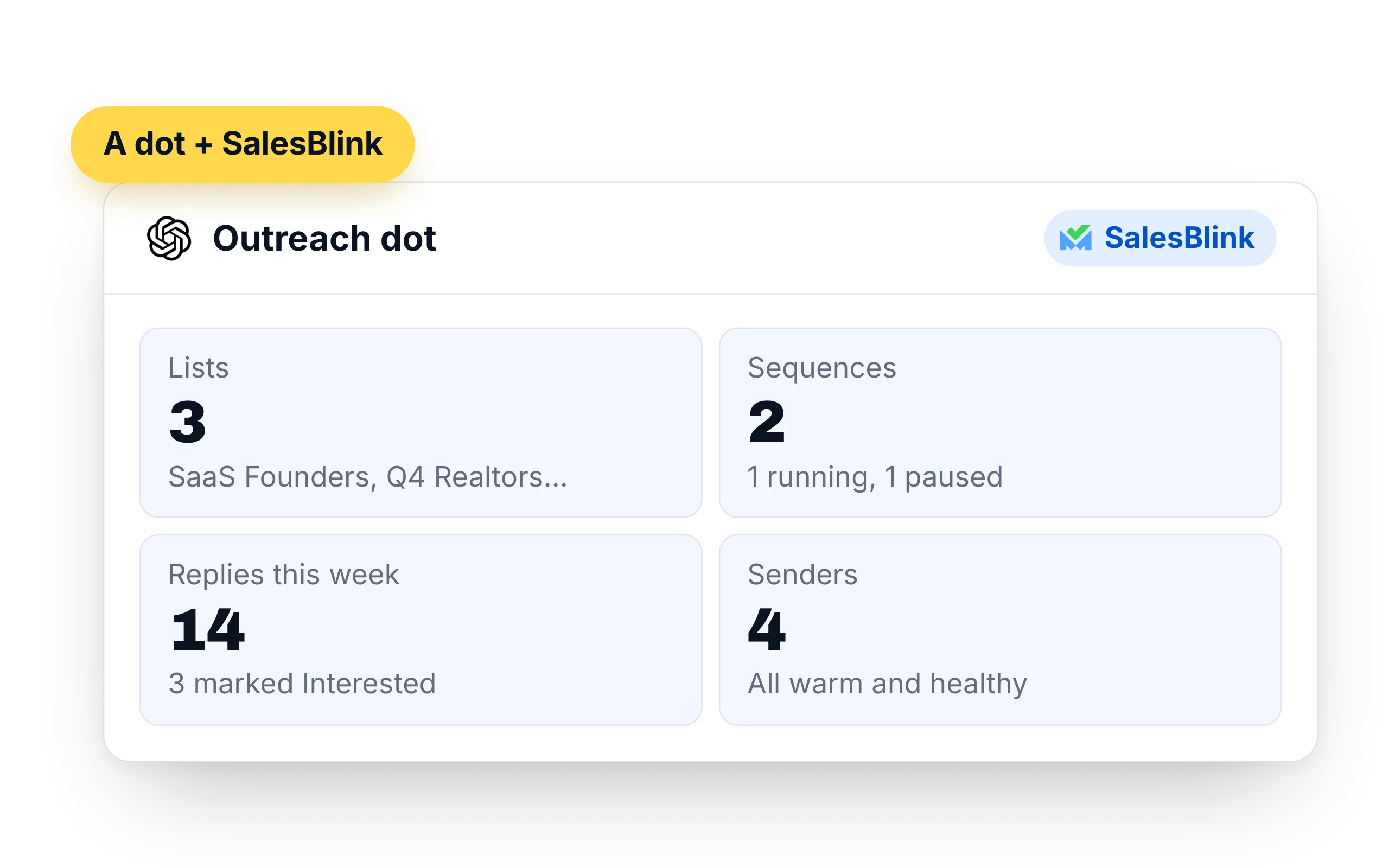
What OpenAI Dots can do in your SalesBlink account
A dot uses the same SalesBlink plugin as ChatGPT, so it reaches the same account. The difference is timing: it can do these things on a schedule and report when it is done.
- Lists and leads: create lists, add up to 500 contacts at a time, look up leads and move them between lists
- Sequences: create, clone, launch and pause cold email sequences, and pull their stats
- Replies: read reply threads from the Unified Inbox, answer them and forward messages
- Senders: check sender health and warmup stats, and run an inbox placement test
- Templates and workspaces: create email templates and switch between client workspaces
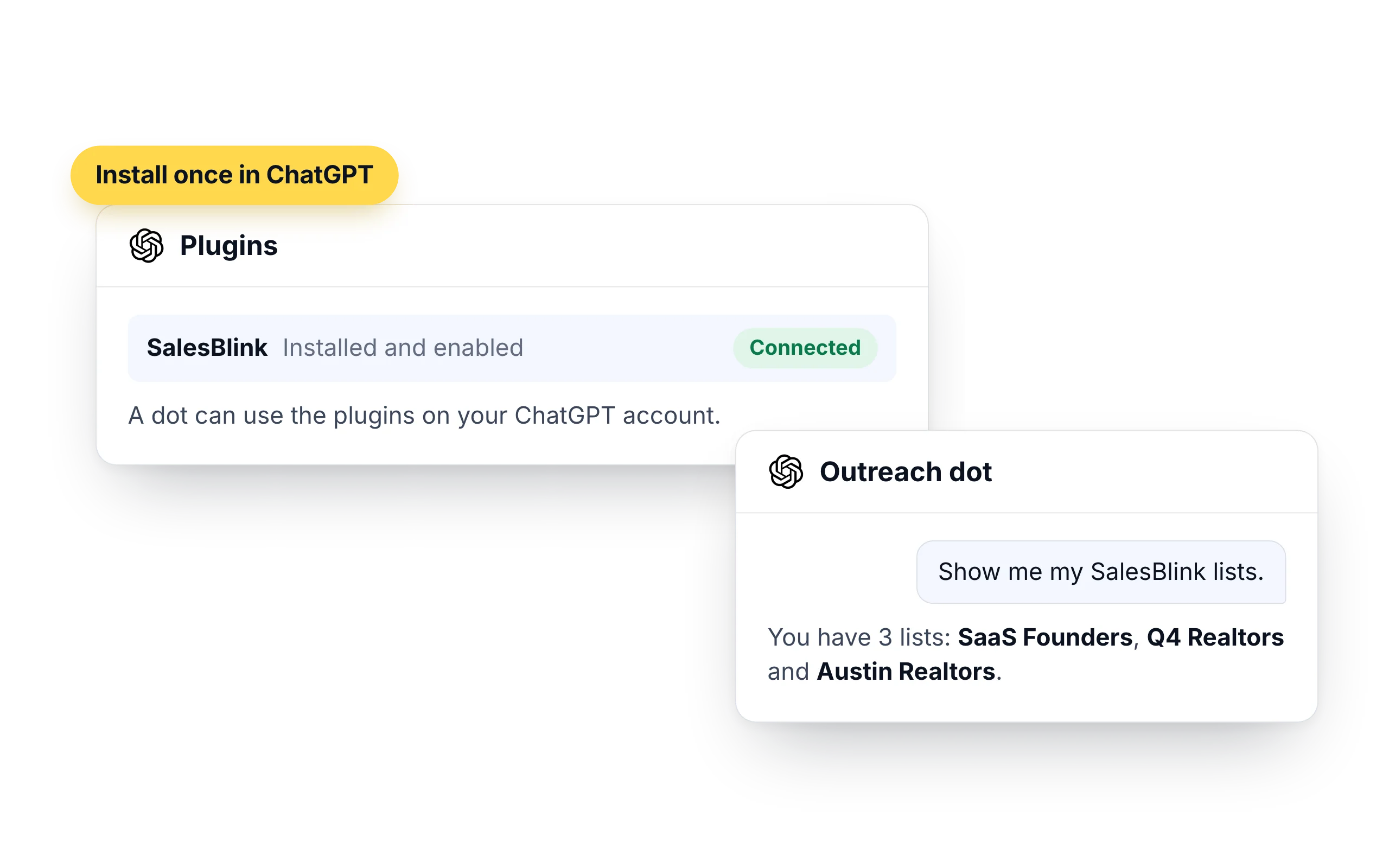
How to connect OpenAI Dots to SalesBlink
A dot can use supported plugins that are installed and enabled for your ChatGPT account. SalesBlink is a listed ChatGPT plugin, so you install it once and your dot can use it.
- Open the SalesBlink plugin in ChatGPT and install it
- Sign in with your SalesBlink account to connect it. You don't need an API key
- Open your dot and ask it to show your SalesBlink lists
- Review SalesBlink under Plugin permissions. Your ChatGPT app permissions apply to your dot
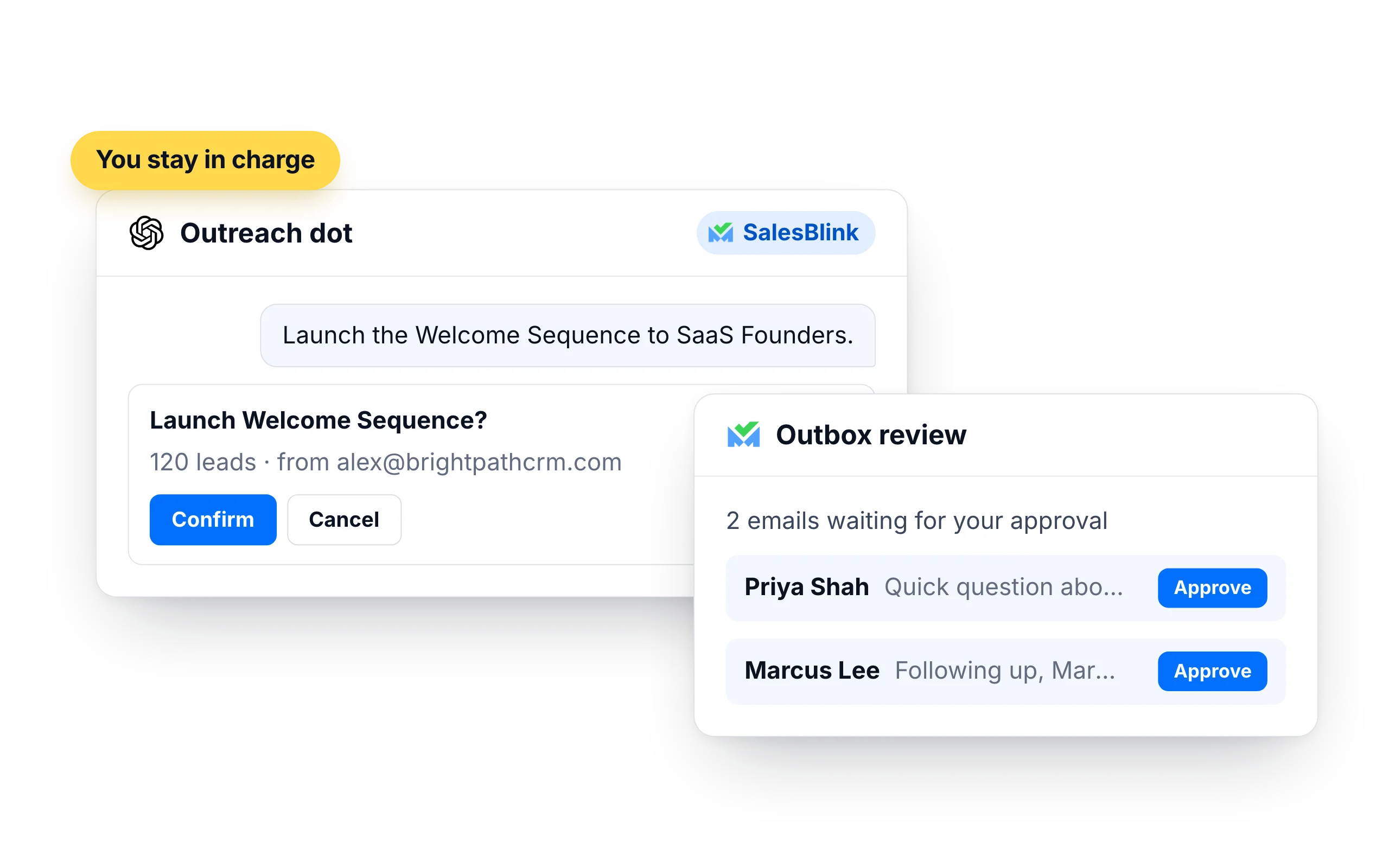
You stay in charge of what gets sent
A dot follows the same rule as ChatGPT: launching or resuming a sequence needs your confirmation. A scheduled task that reaches that point waits for you.
- Turn on Outbox review in a sequence's settings and every email waits for your approval
- Emails go out from your own SalesBlink senders, inside their daily limits and sending schedule
- Each time OpenAI Dots adds contacts it has to state where they came from, such as an opt-in list, a CRM export or an event
- In ChatGPT, open Settings → Personalization → Custom rules and add a rule such as "Ask before taking action" for launching sequences
- Keep scheduled dot tasks to reading and reporting, and launch when you are there to confirm
What customers say
4.7/5 on Capterra (286 reviews)4.5/5 on G2 (311 reviews)
5.0 on Capterra
“I like how SalesBlink connects with AI and my own code, making the email outreach process faster and easier. This integration allows me to build sequences quickly and carry out email outreach with automatic follow-ups.”














Frequently Asked Questions
What are OpenAI Dots?
Dots are agents inside ChatGPT that keep working toward a goal after you close the chat. A dot has its own cloud computer, can work to a schedule and can use the plugins on your ChatGPT account, which is how it reaches SalesBlink.
What is the difference between ChatGPT and a dot for outreach?
Both use the same SalesBlink plugin. ChatGPT answers when you ask. A dot can also run a task later or on a schedule and post the result in its chat.
Do I connect SalesBlink to each dot separately?
No. You install and connect the SalesBlink plugin on your ChatGPT account once. A dot can use the plugins that are installed and enabled for that account.
Can a dot launch a sequence while I am away?
Launching and resuming a sequence need your confirmation. A scheduled dot can prepare the list and the sequence, and the task waits for you to confirm the launch.
Where do I see what my dot did in SalesBlink?
In the ChatGPT desktop app, open your dot's profile and select Activity. Each task shows its progress and results, and a task that is waiting for your approval is listed there.
Does the dot need my SalesBlink password?
No. You sign in to SalesBlink once, in your browser, when you connect the plugin. Don't type your password into a chat with your dot.
Do I need a SalesBlink account?
Yes. OpenAI Dots connects to your SalesBlink account through a sign-in that you approve, so you don't need an API key. You can start with the 14-day free trial.
Can OpenAI Dots send emails without asking me?
OpenAI Dots asks you to confirm before it launches or resumes a sequence. You can also turn on Outbox review so every email waits for your approval.