 New: SalesBlink is now in ChatGPT
Run cold email outreach from OpenCode
OpenCode is an open-source coding agent for the terminal. Add SalesBlink as a remote MCP server and it can manage your lists, sequences and replies, whichever model you have it running.
14-day free trial. No credit card required.
Trusted by 12,000+ businesses


How it works
Add the server
opencode mcp add registers SalesBlink as a remote MCP server.
Authenticate
opencode mcp auth opens the SalesBlink sign-in in your browser.
Ask OpenCode
Ask it to show your lists, add contacts or report on a sequence.
Bring your own model, keep one sending setup
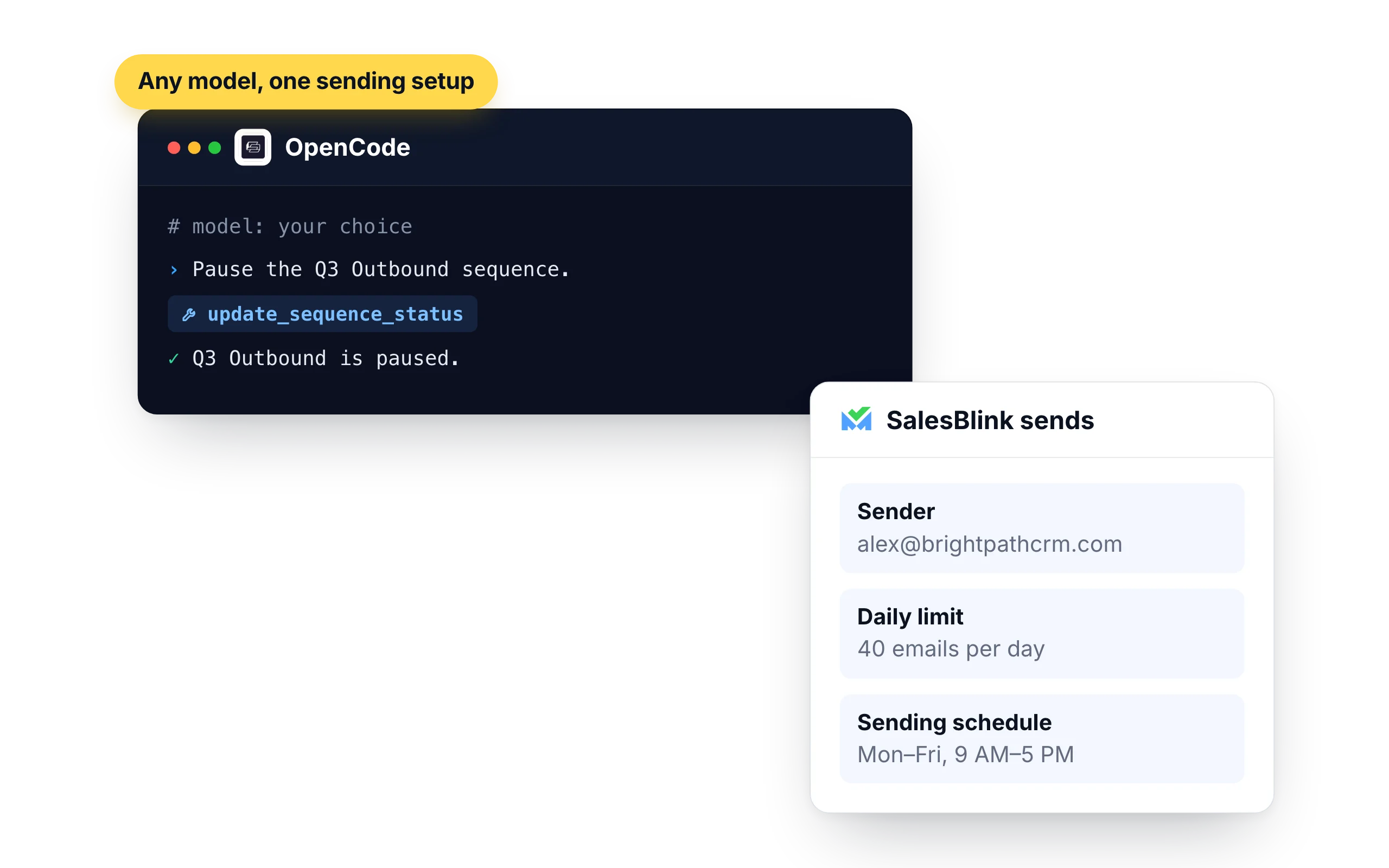
OpenCode lets you choose the model. SalesBlink does the sending either way, from your own senders with their limits and schedule, so changing models does not change how your email goes out.
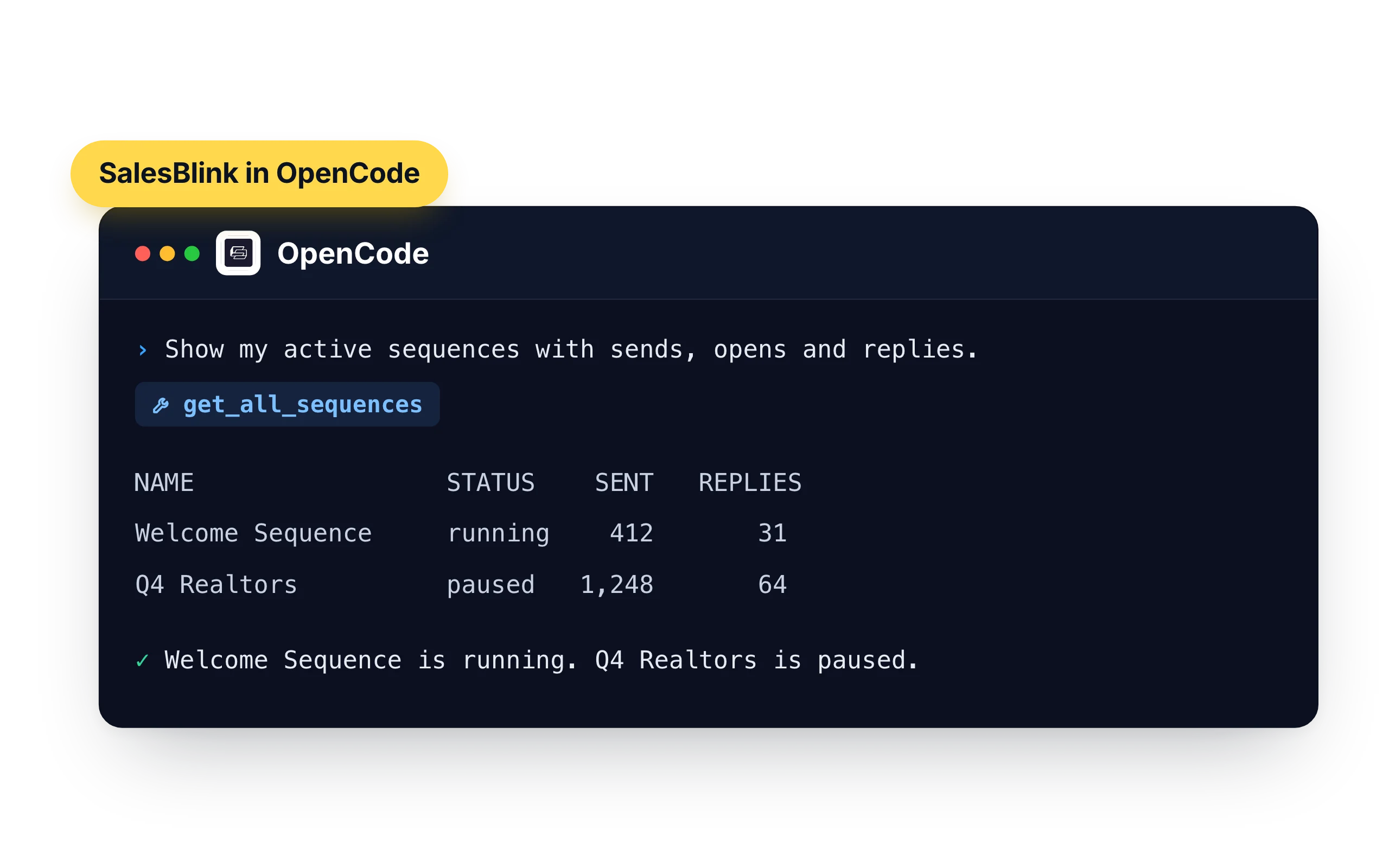
- "Show my active sequences with sends, opens and replies."
- "Pause the Q3 Outbound sequence."
Lists from the files in your project
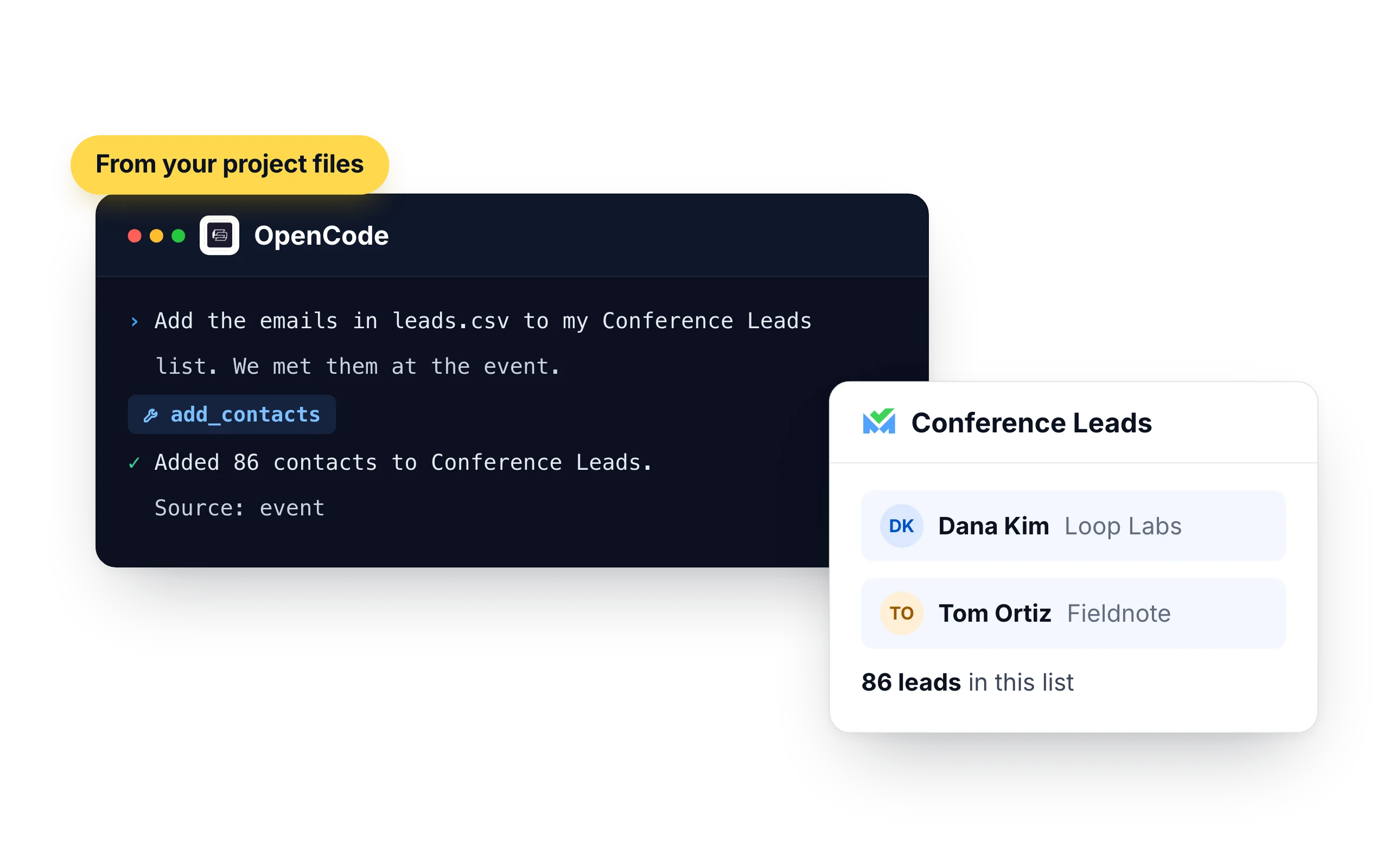
OpenCode works in your project folder, so a CSV or JSON export is one request away from a SalesBlink list.
- "Add the emails in leads.csv to my Conference Leads list. We met them at the event."
- "Create a list called Newsletter Opt-ins and add everyone in subscribers.json."
Who should run outreach from OpenCode
OpenCode fits people who want an open-source agent and a free choice of model. If that is how you already work, SalesBlink becomes one more server in your config.
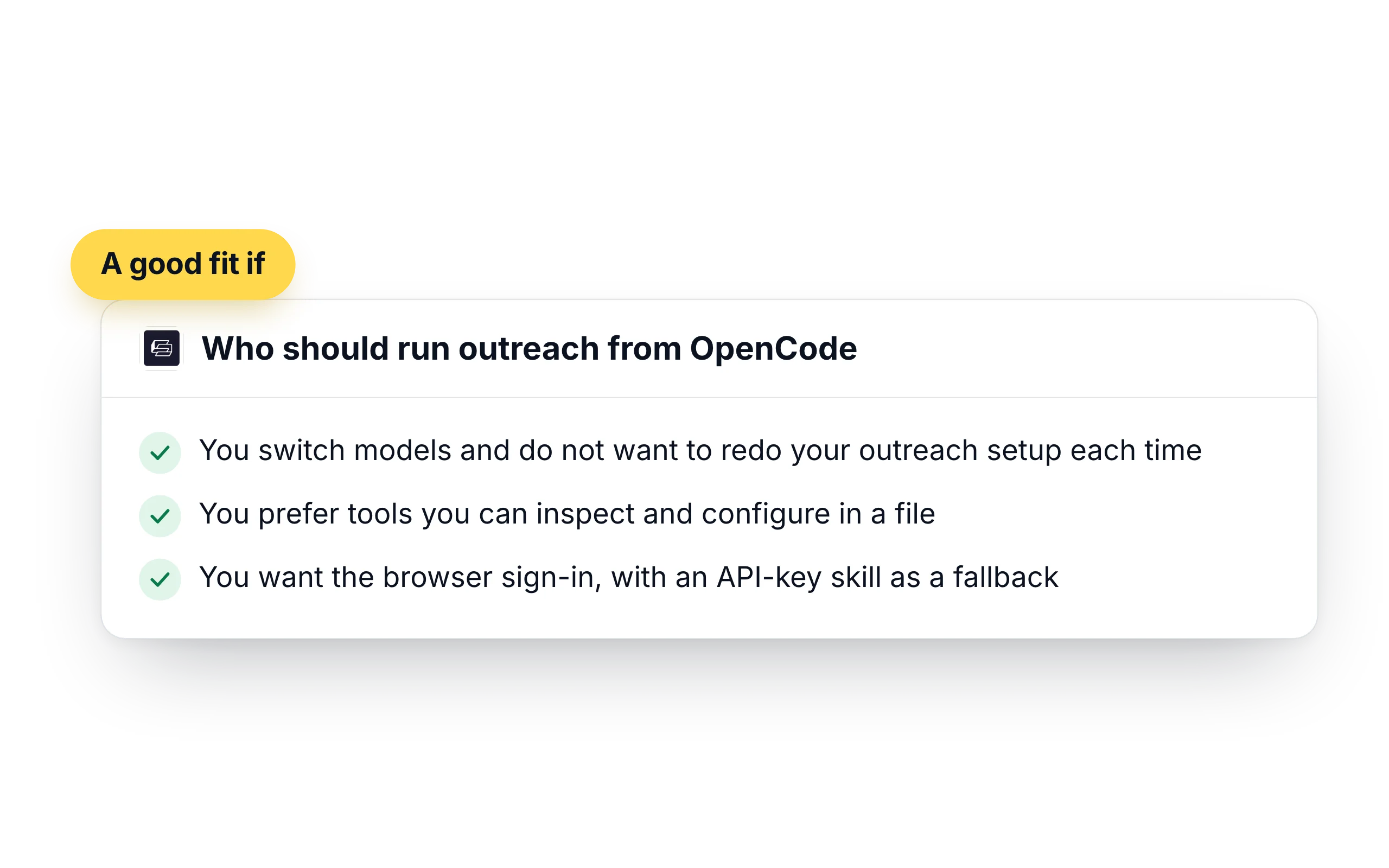
- You switch models and do not want to redo your outreach setup each time
- You prefer tools you can inspect and configure in a file
- You want the browser sign-in, with an API-key skill as a fallback
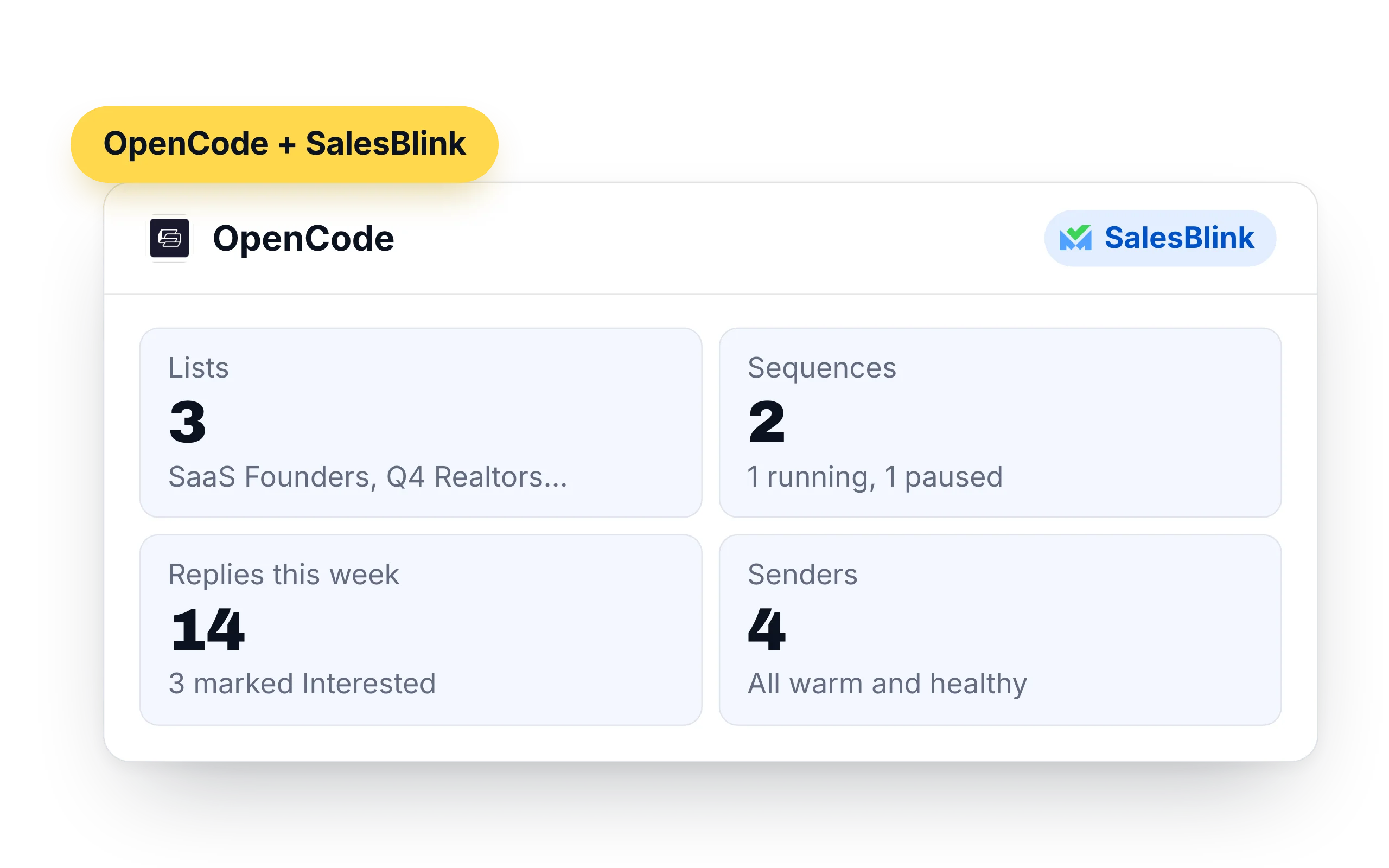
What OpenCode can do in your SalesBlink account
OpenCode exposes the SalesBlink tools to whichever model you picked. You see each call in the session, and you can keep the server to one project.
- Lists and leads: create lists, add up to 500 contacts at a time, look up leads and move them between lists
- Sequences: create, clone, launch and pause cold email sequences, and pull their stats
- Replies: read reply threads from the Unified Inbox, answer them and forward messages
- Senders: check sender health and warmup stats, and run an inbox placement test
- Templates and workspaces: create email templates and switch between client workspaces
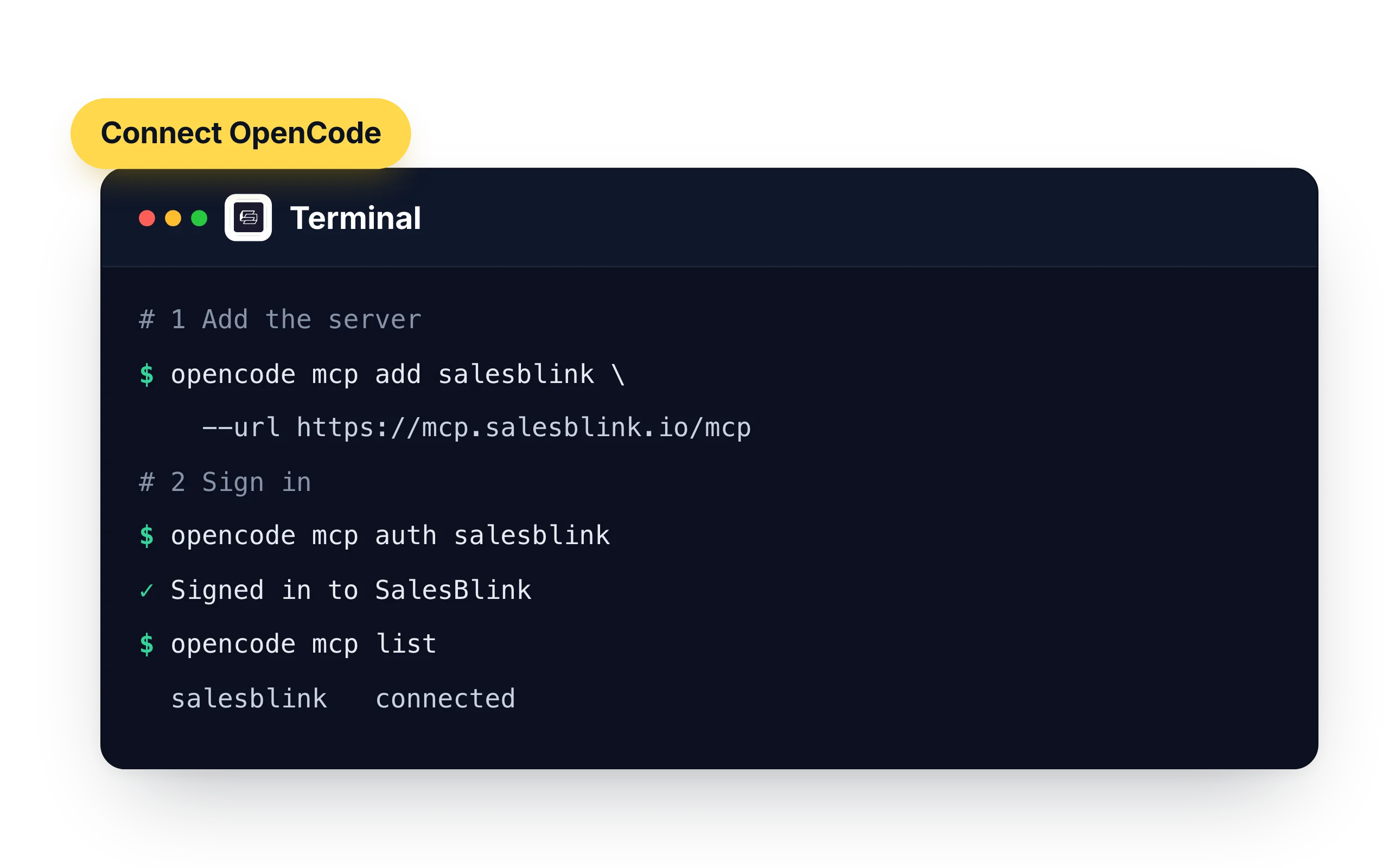
How to connect OpenCode to SalesBlink
Two commands. The second one opens a browser sign-in.
- Run
opencode mcp add salesblink --url https://mcp.salesblink.io/mcp. Add--globalto use it in every project - Run
opencode mcp auth salesblinkand sign in to SalesBlink - Check the connection with
opencode mcp list - Ask for something small first, such as "Show me my SalesBlink lists."
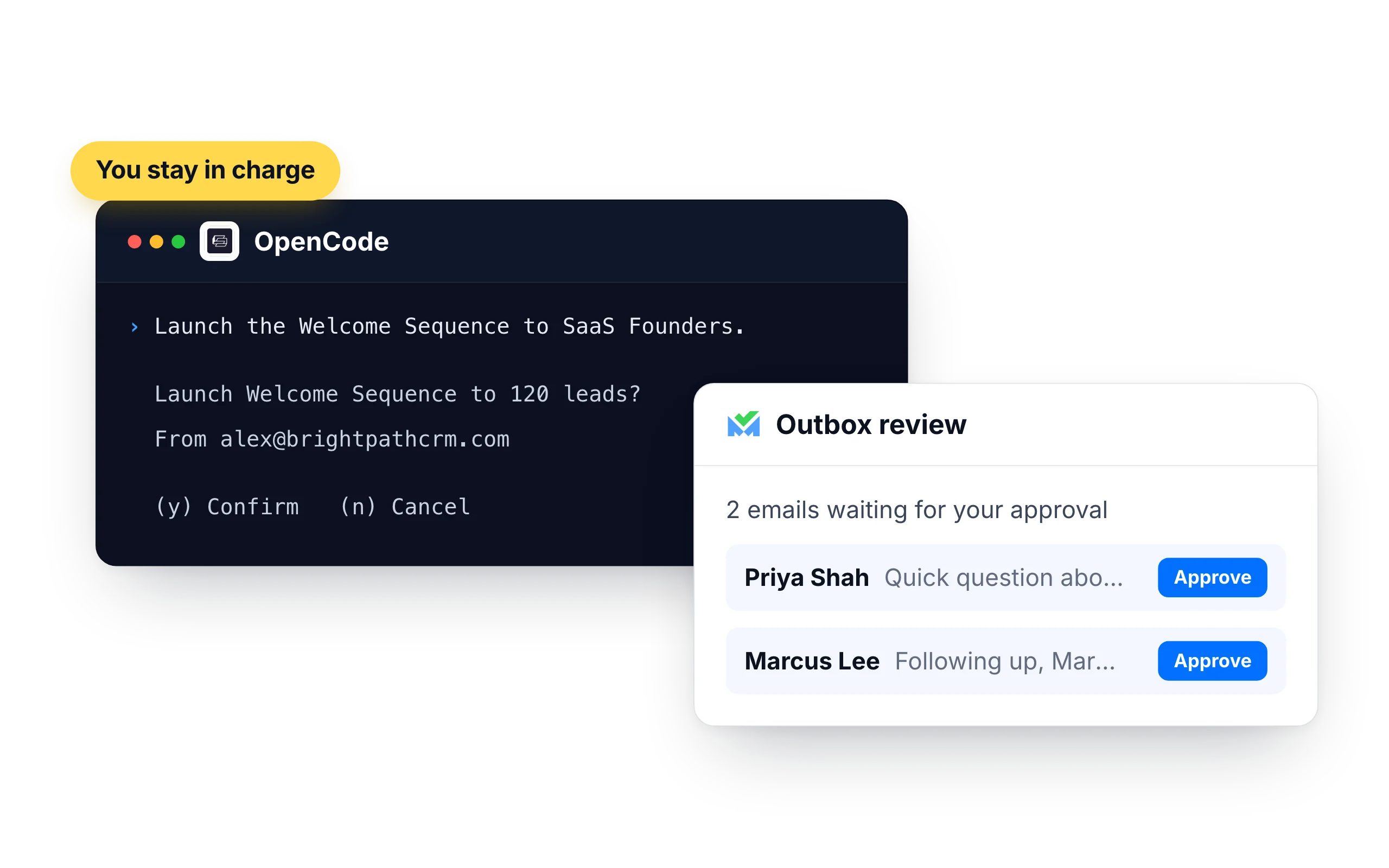
You stay in charge of what gets sent
Whatever model you run, the confirmation is part of the SalesBlink connection: launching or resuming a sequence needs your yes.
- Turn on Outbox review in a sequence's settings and every email waits for your approval
- Emails go out from your own SalesBlink senders, inside their daily limits and sending schedule
- Each time OpenCode adds contacts it has to state where they came from, such as an opt-in list, a CRM export or an event
What customers say
4.7/5 on Capterra (286 reviews)4.5/5 on G2 (311 reviews)
5.0 on Capterra
“I like how SalesBlink connects with AI and my own code, making the email outreach process faster and easier. This integration allows me to build sequences quickly and carry out email outreach with automatic follow-ups.”












Frequently Asked Questions
How do I add SalesBlink to OpenCode?
Run opencode mcp add salesblink --url https://mcp.salesblink.io/mcp, then opencode mcp auth salesblink to sign in. You can also add a remote server entry with that URL to your OpenCode config file.
Can OpenCode create a sequence?
Yes. Describe the emails and the delays between them, and OpenCode creates the sequence in SalesBlink. It asks you to confirm before the sequence is launched.
What if the server shows "needs authentication"?
Run opencode mcp auth salesblink again and finish the sign-in in your browser. opencode mcp list then shows the server as connected.
Does OpenCode store my SalesBlink password?
No. The sign-in happens in your browser. OpenCode keeps the resulting token on your machine, and opencode mcp logout salesblink removes it.
Can I add SalesBlink for one project only?
Yes. opencode mcp add writes to the project configuration by default. Add --global to make SalesBlink available in every project.
Which models work?
Any model you run in OpenCode that can call tools. The model decides what to ask for, and SalesBlink carries it out.
Is there an API-key option?
Yes. Install the SalesBlink Agent Skill with npx skills add open-salesblink/skill and set SALESBLINK_API_KEY.
Do I need a SalesBlink account?
Yes. OpenCode connects to your SalesBlink account through a sign-in that you approve, so you don't need an API key. You can start with the 14-day free trial.
Can OpenCode send emails without asking me?
OpenCode asks you to confirm before it launches or resumes a sequence. You can also turn on Outbox review so every email waits for your approval.