 New: SalesBlink is now in ChatGPT
Add a cold email agent to your Paperclip company
Paperclip is open-source orchestration for teams of AI agents. Give one of those agents the SalesBlink skill and outreach becomes tracked work, with a ticket, an owner and an approval step.
14-day free trial. No credit card required.
Trusted by 12,000+ businesses


How it works
Import the SalesBlink skill
Add the SalesBlink skill repository under Skills and give the skill to your outreach agent.
Store your API key as a secret
Create a key in Account → Integrations → API, save it in Company Settings → Secrets and map it to SALESBLINK_API_KEY on the agent.
Assign outreach work
Open a ticket or set a routine for the agent, such as a weekly reply report.
Outreach as tracked work, with an owner
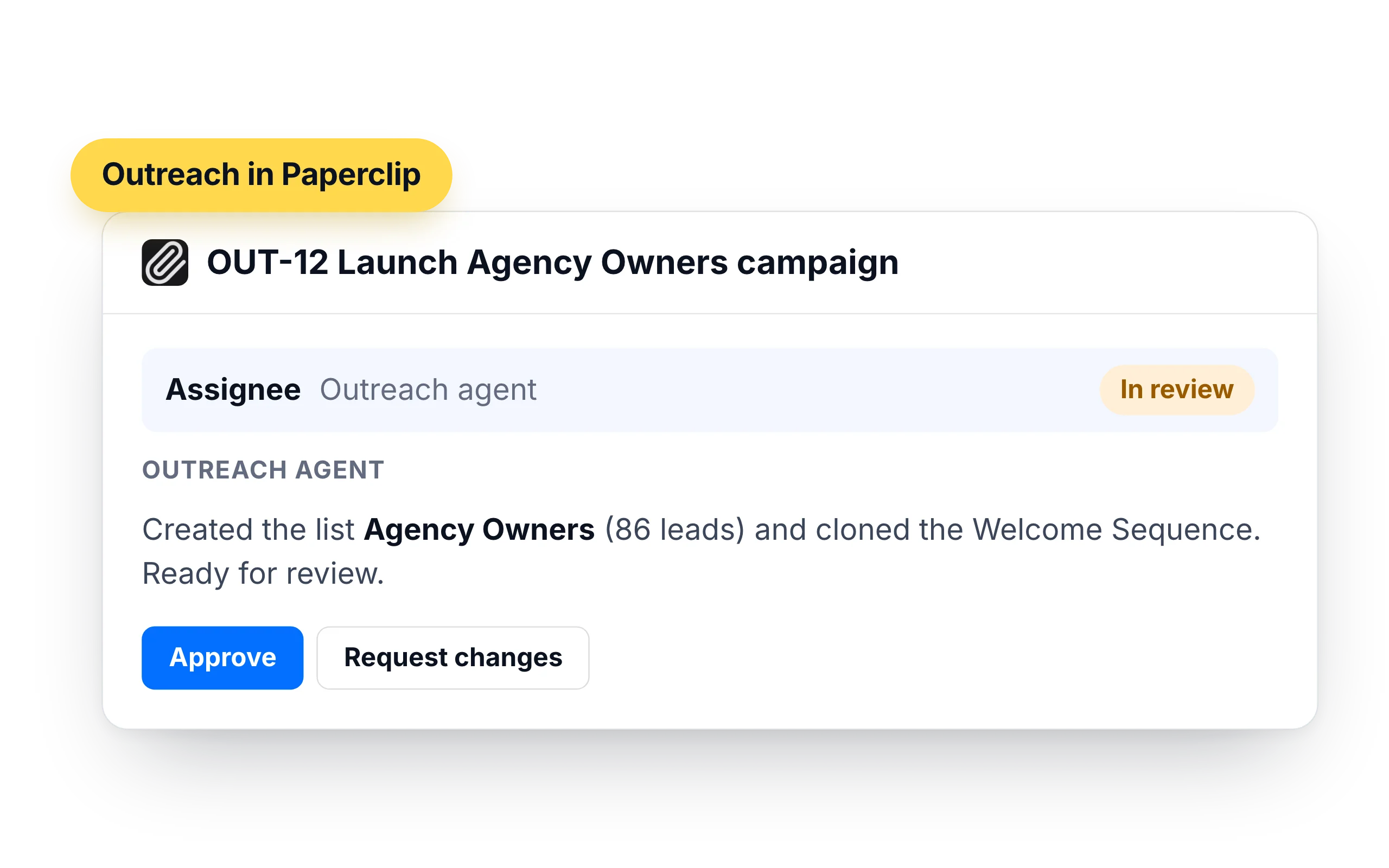
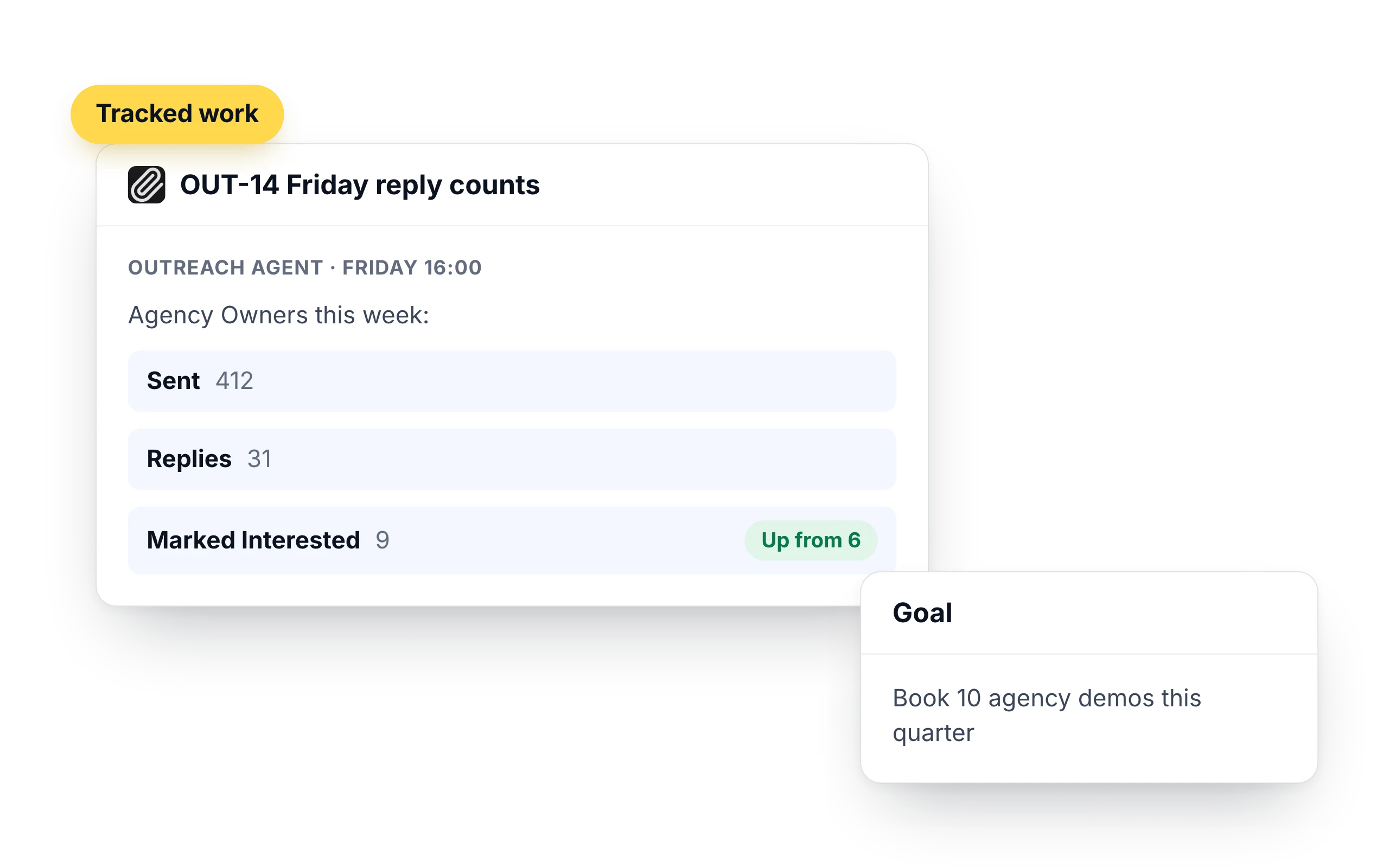
In Paperclip, work is a ticket with comments and a goal behind it. Assign a campaign to your outreach agent and the list, the sequence and the results are recorded on that ticket, where the rest of the team can see them.
- "Create a list called Agency Owners and add the contacts from the attached export."
- "Clone the Welcome Sequence for that list and report back when it is ready."
- "Post reply counts on this ticket every Friday."
Routines, approvals and budgets around every send
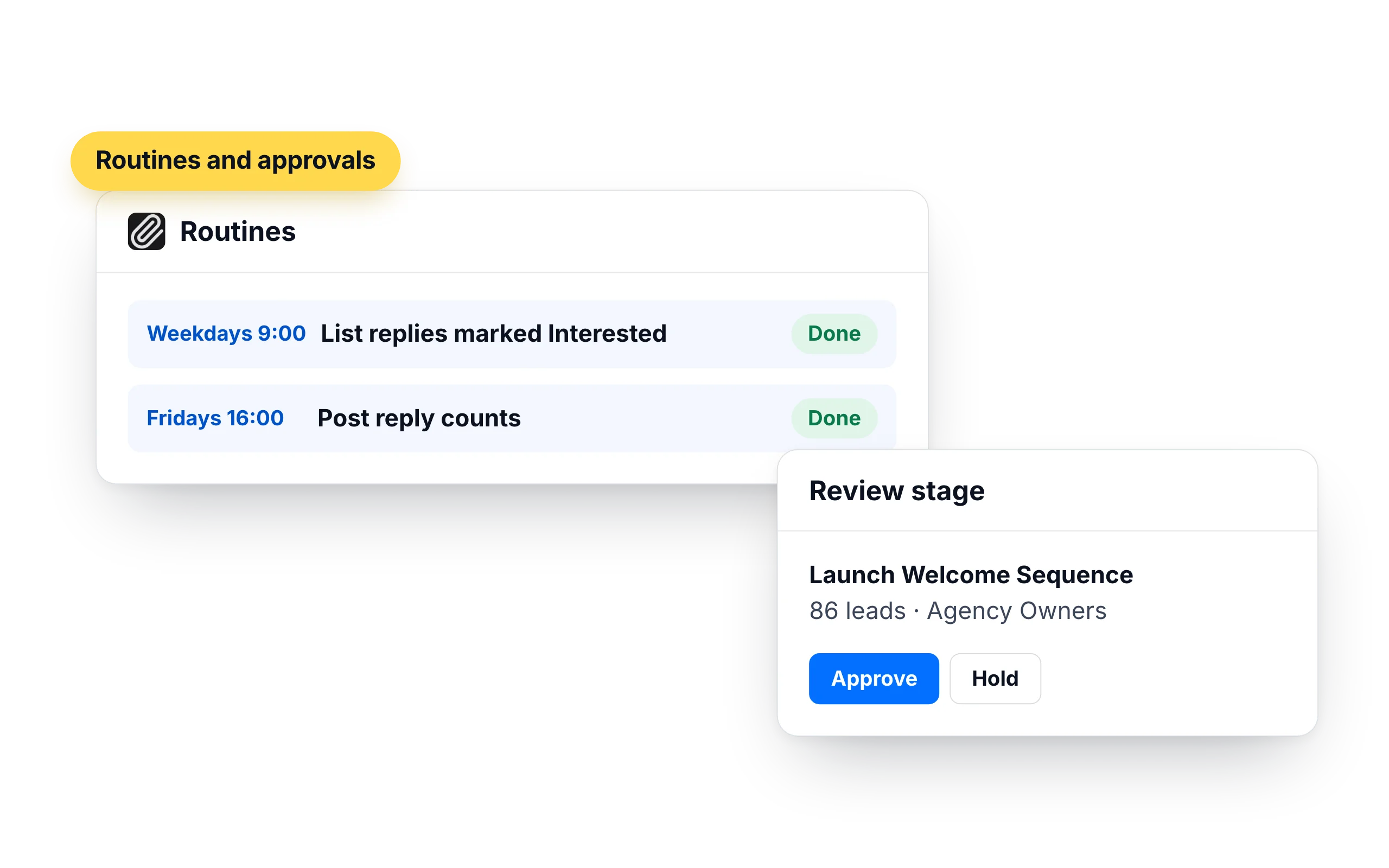
A Paperclip routine wakes the agent on a schedule and opens a tracked issue for each run. Put a review stage in front of launches, and the agent prepares the campaign while a person approves it.
- A weekday routine that lists replies marked Interested
- A review stage before any sequence is launched
- Agent budgets that pause work at the limit you set
Who should run outreach in Paperclip
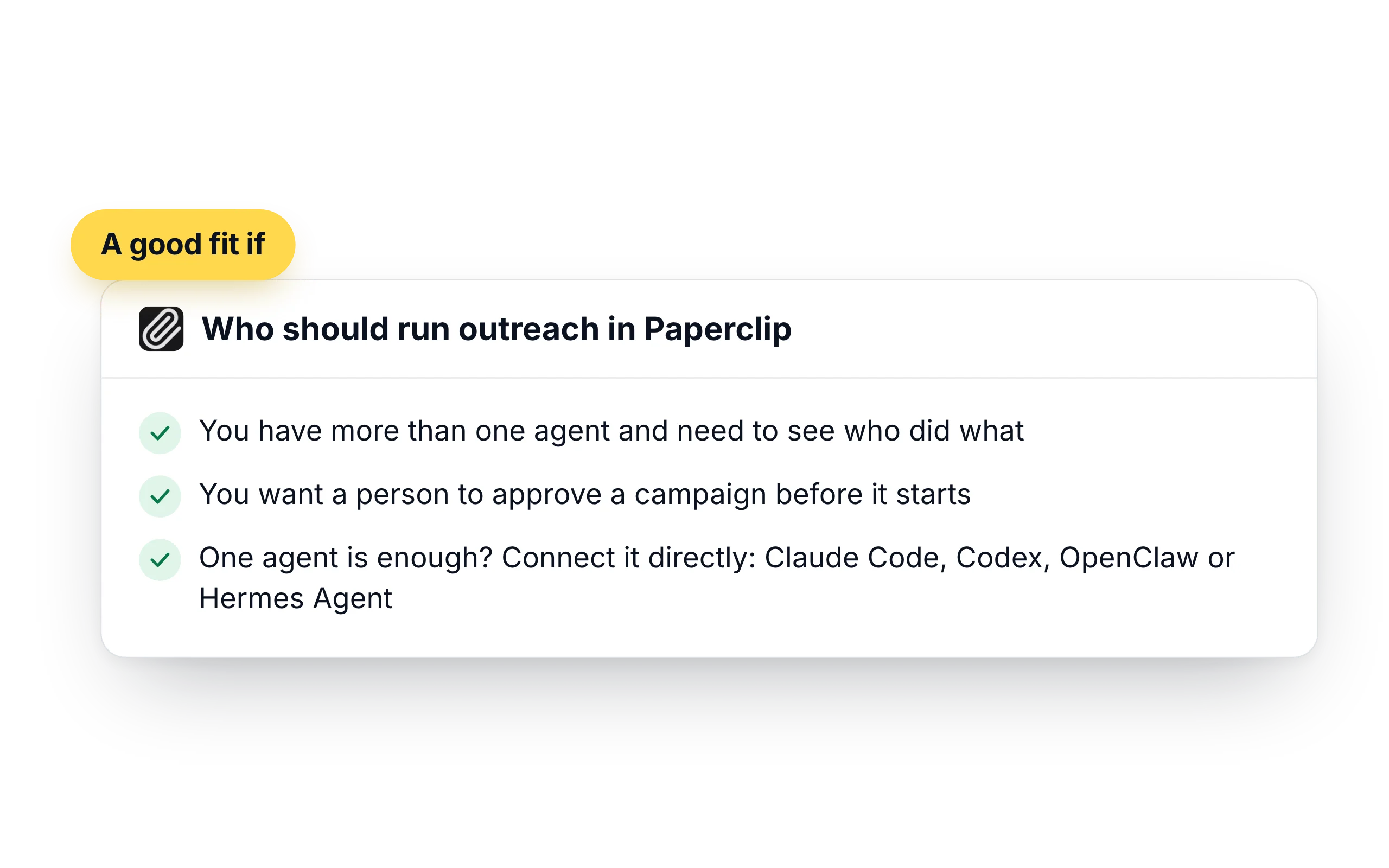
Paperclip fits teams that already run several agents and want sales work to follow the same rules as the rest: a goal, an owner, a budget and a record of what was done.
- You have more than one agent and need to see who did what
- You want a person to approve a campaign before it starts
- One agent is enough? Connect it directly: Claude Code, Codex, OpenClaw or Hermes Agent
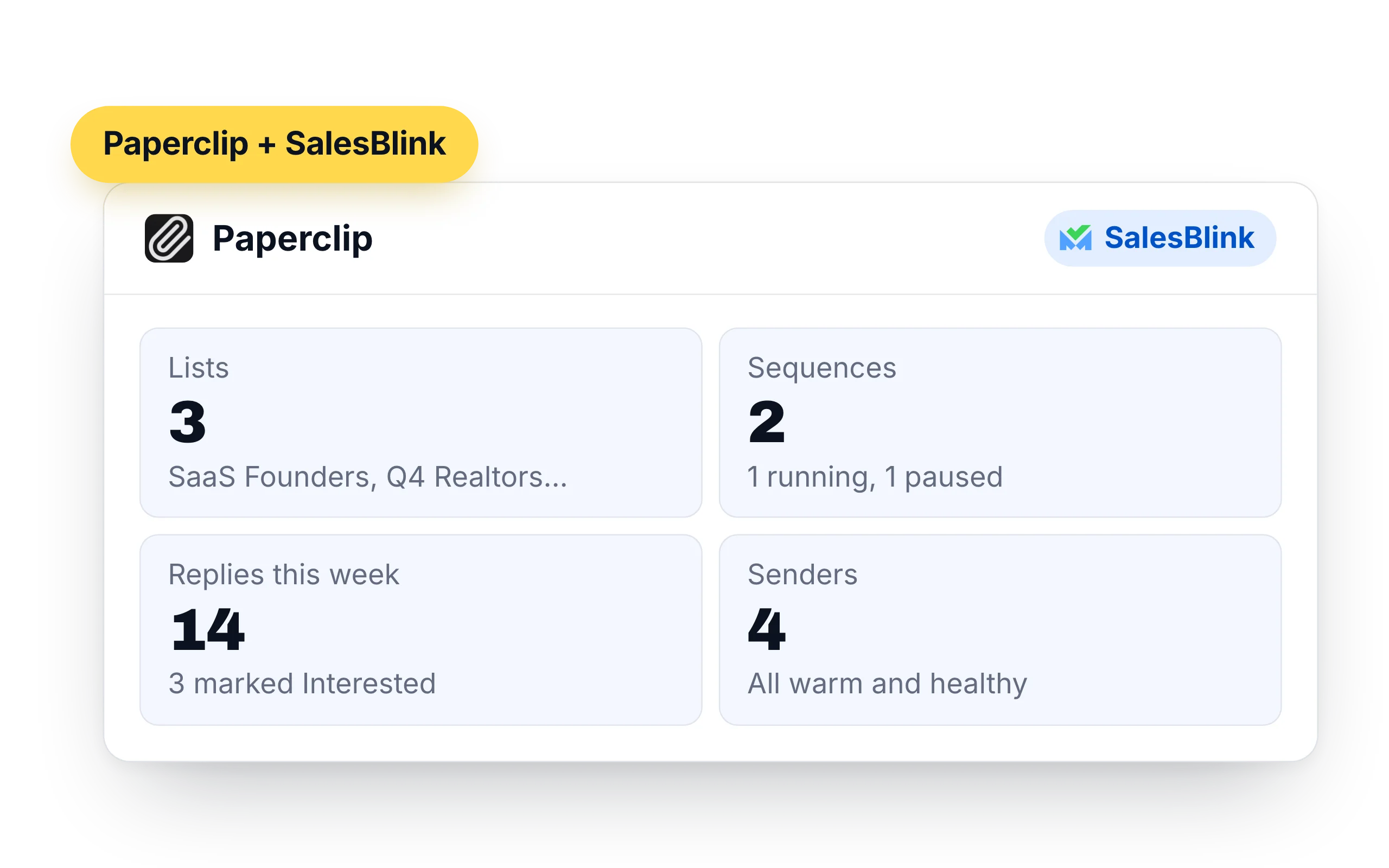
What Paperclip can do in your SalesBlink account
An agent with the SalesBlink skill and the key in its environment can work in your account during any run. What it did is written back to the ticket.
- Lists and leads: create lists, add up to 500 contacts at a time, look up leads and move them between lists
- Sequences: create, clone, launch and pause cold email sequences, and pull their stats
- Replies: read reply threads from the Unified Inbox, answer them and forward messages
- Senders: check sender health and warmup stats, and run an inbox placement test
- Templates and workspaces: create email templates and switch between client workspaces
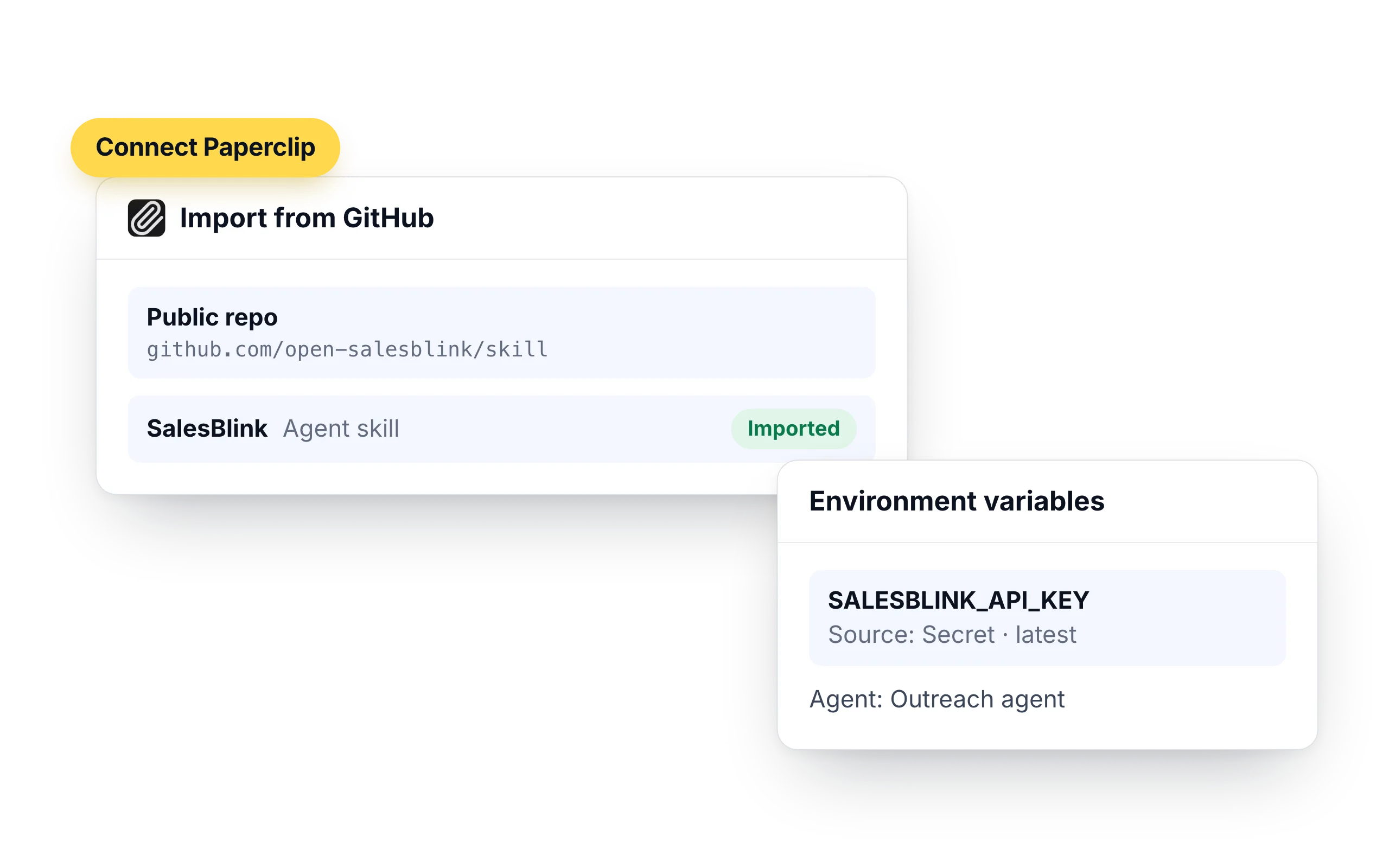
How to connect Paperclip to SalesBlink
Paperclip runs agents such as Claude Code, Codex, OpenClaw and Hermes Agent. The SalesBlink skill gives whichever agent you pick the same instructions, and the API key stays in Paperclip secrets.
- Go to Skills → Sources → Import from GitHub, choose "add public repo by URL" and paste
https://github.com/open-salesblink/skill - Select Find skills, keep the SalesBlink skill checked and finish the import, then add the skill to your outreach agent
- Create an API key in Account → Integrations → API and save it under Company Settings → Secrets
- In the agent's Environment variables, add
SALESBLINK_API_KEY, set its source to Secret and pick the secret you saved
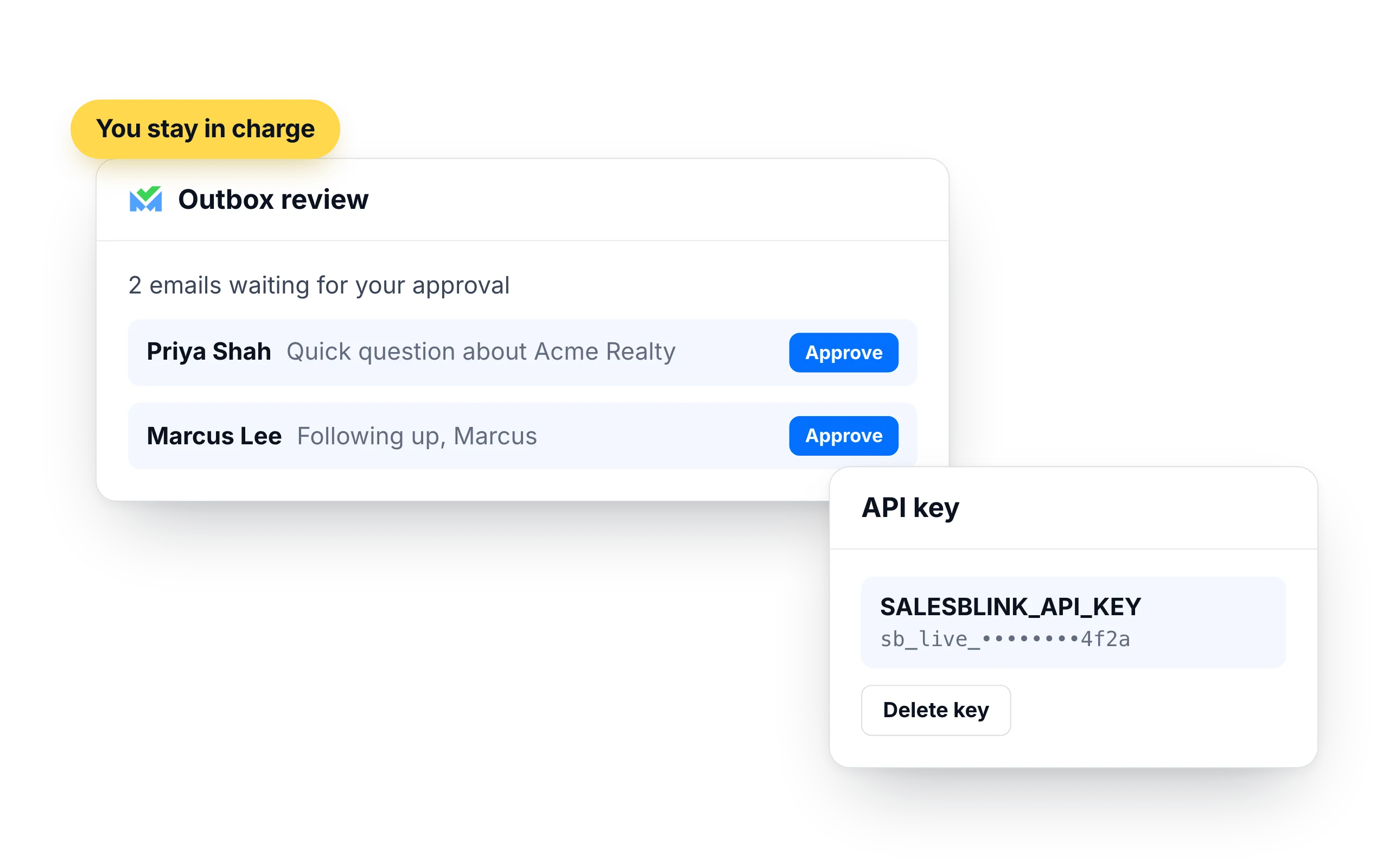
You stay in charge of what gets sent
A Paperclip agent with the key can act without asking SalesBlink again. Put the approval step in Paperclip and the email review in SalesBlink.
- Turn on Outbox review in a sequence's settings and every email waits for your approval
- Emails go out from your own SalesBlink senders, inside their daily limits and sending schedule
- Delete the API key in Account → Integrations → API to cut off Paperclip's access
- Add a review or approval stage in Paperclip for tickets that launch a sequence, so a person signs off first
What customers say
4.7/5 on Capterra (286 reviews)4.5/5 on G2 (311 reviews)
5.0 on Capterra
“I like how SalesBlink connects with AI and my own code, making the email outreach process faster and easier. This integration allows me to build sequences quickly and carry out email outreach with automatic follow-ups.”













Frequently Asked Questions
What is Paperclip?
Paperclip is an open-source, self-hosted app for running a team of AI agents. You set goals, build an org chart of agents, give them tickets and routines, and control their budgets and approvals.
How does a Paperclip agent use SalesBlink?
Through the SalesBlink Agent Skill, imported from https://github.com/open-salesblink/skill, and an API key from Account → Integrations → API that the agent reads as SALESBLINK_API_KEY. The agent can then create lists, add contacts, launch and pause sequences, read replies and pull stats.
Why doesn't my agent see the API key?
Saving a company secret does not create an environment variable by itself. Open the agent, add SALESBLINK_API_KEY under Environment variables and set its source to the secret.
Which Paperclip agents can run outreach?
Any agent you give the skill and the key to. Paperclip has adapters for agents such as Claude Code, Codex, OpenClaw, OpenCode and Hermes Agent.
Can several agents share one SalesBlink account?
Yes. Give each agent that needs it the skill and the environment variable. They all work in the same SalesBlink account, so use Outbox review if more than one of them can launch sequences.
Do I need a SalesBlink account?
Yes. Paperclip connects to your SalesBlink account with an API key from Account → Integrations → API. You can start with the 14-day free trial.
Can Paperclip send emails without asking me?
Paperclip can launch a sequence when you ask it to. Turn on Outbox review in a sequence's settings and every email waits for your approval before it sends.