 New: SalesBlink is now in ChatGPT
Inbox Placement Test
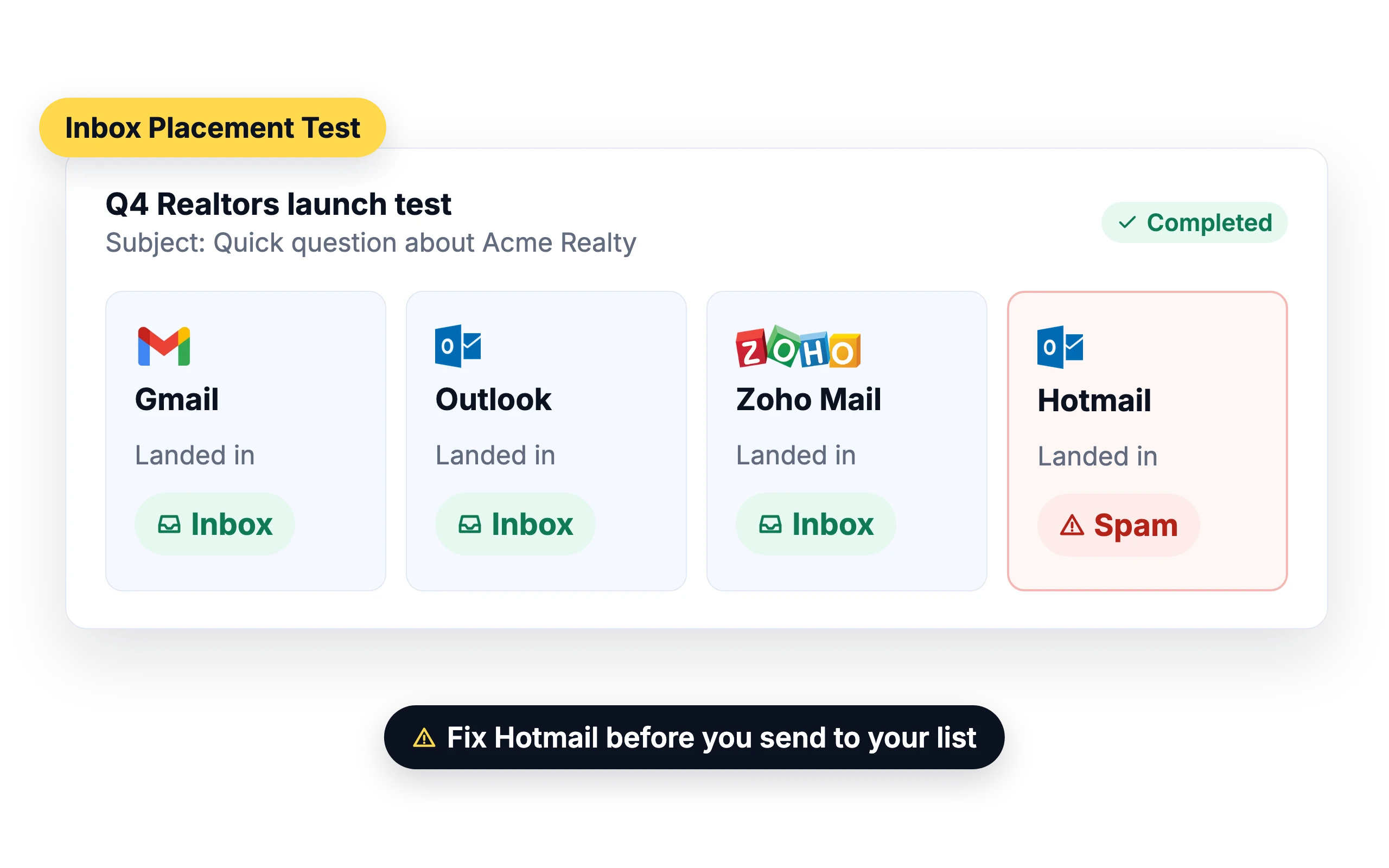
See where your emails land before you send
An email can reach the mail server and still end up in spam. A placement test shows which folder your email lands in at each provider, so you can fix problems before you send to your whole list.
One-time or automated tests
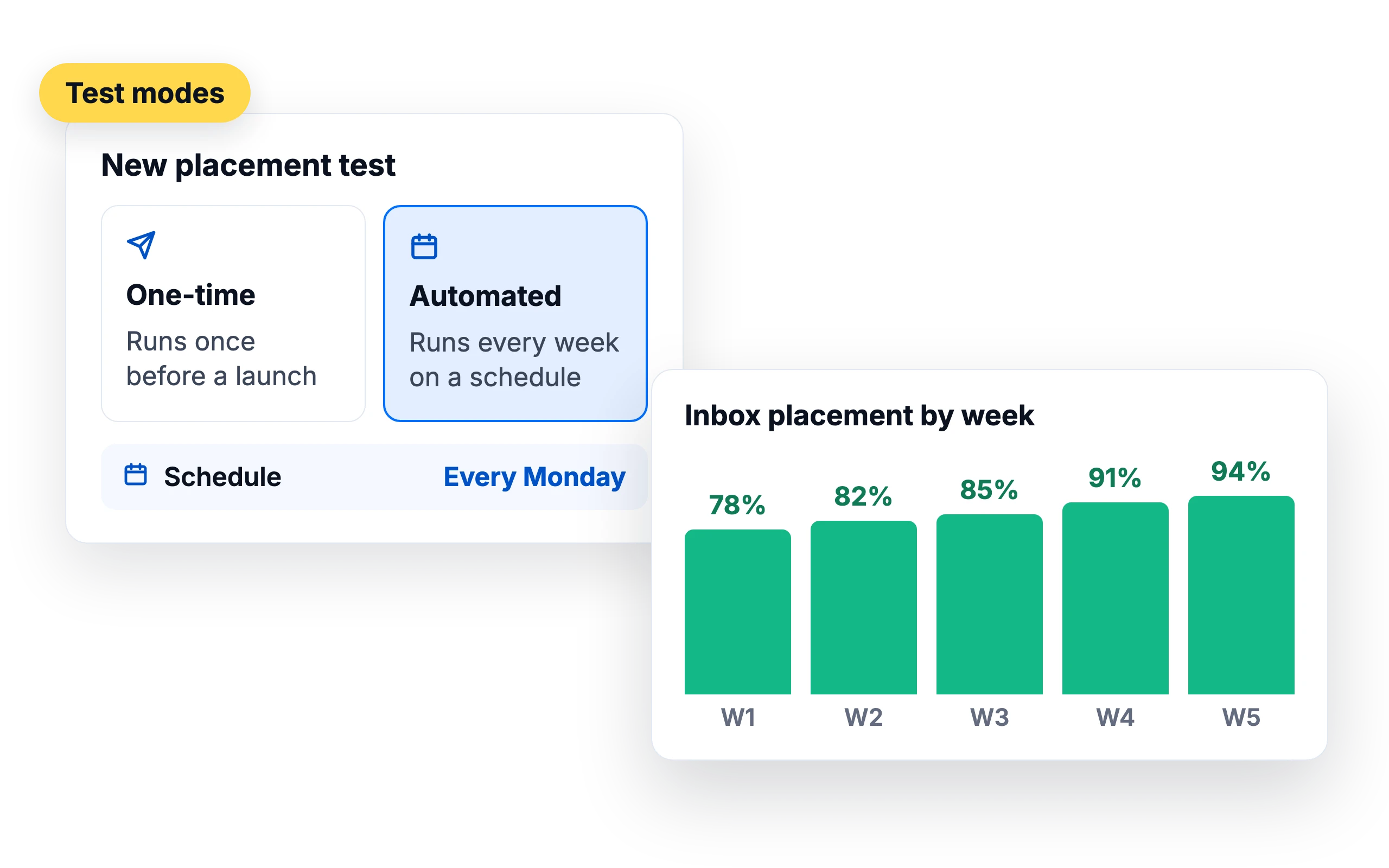
Run a one-time test before a launch, or schedule automated tests to track placement over time while a campaign runs.
Test from SalesBlink or any other tool
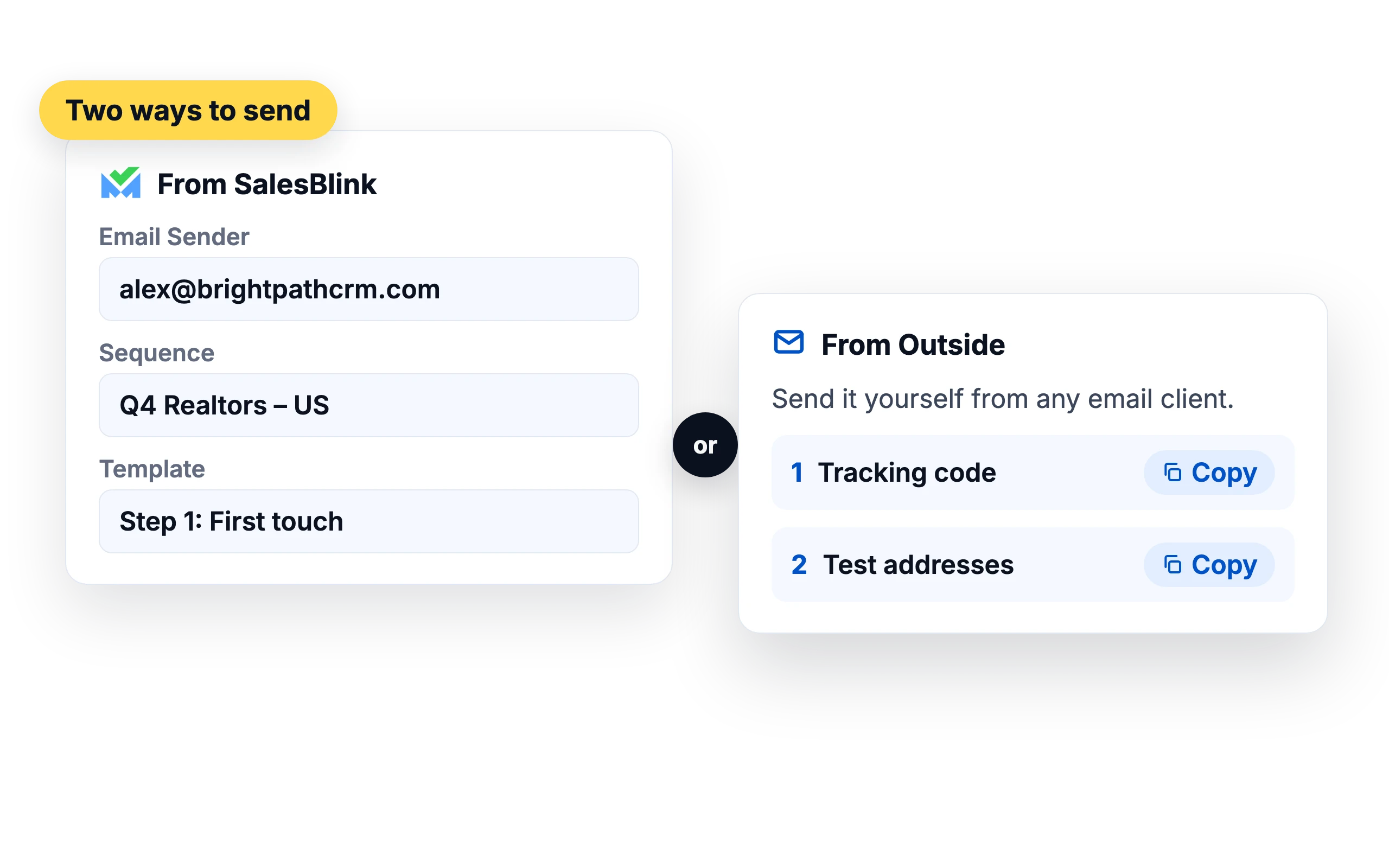
Send the test from a connected SalesBlink sender using an existing sequence or template, or paste in new email copy. To test copy or a sender that isn't in SalesBlink, send the test email yourself from any email client.
Results for every provider
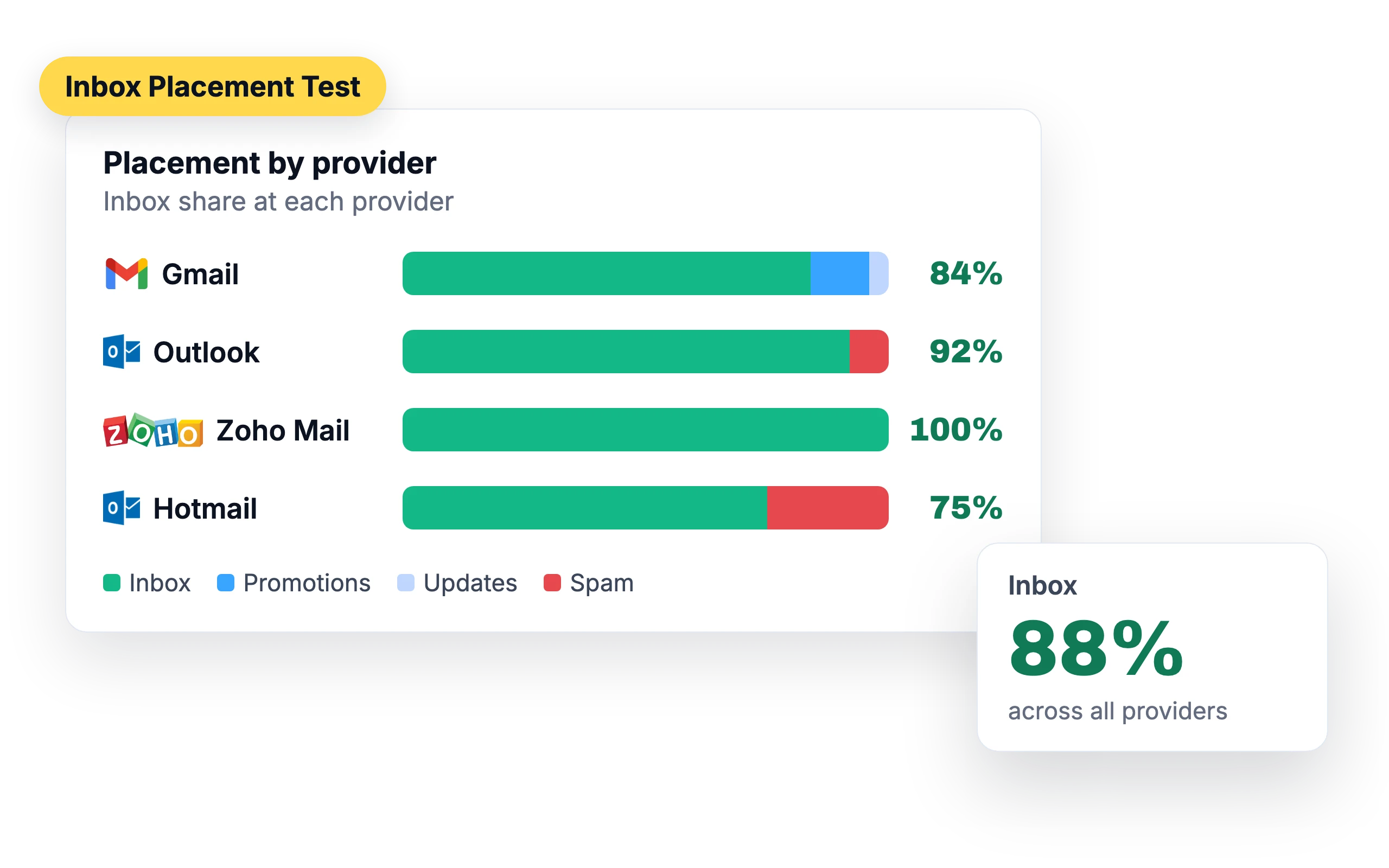
See what share of your emails reached the inbox, spam, promotions, updates or another tab, or didn't arrive, at Gmail, Outlook, Zoho Mail and Hotmail.
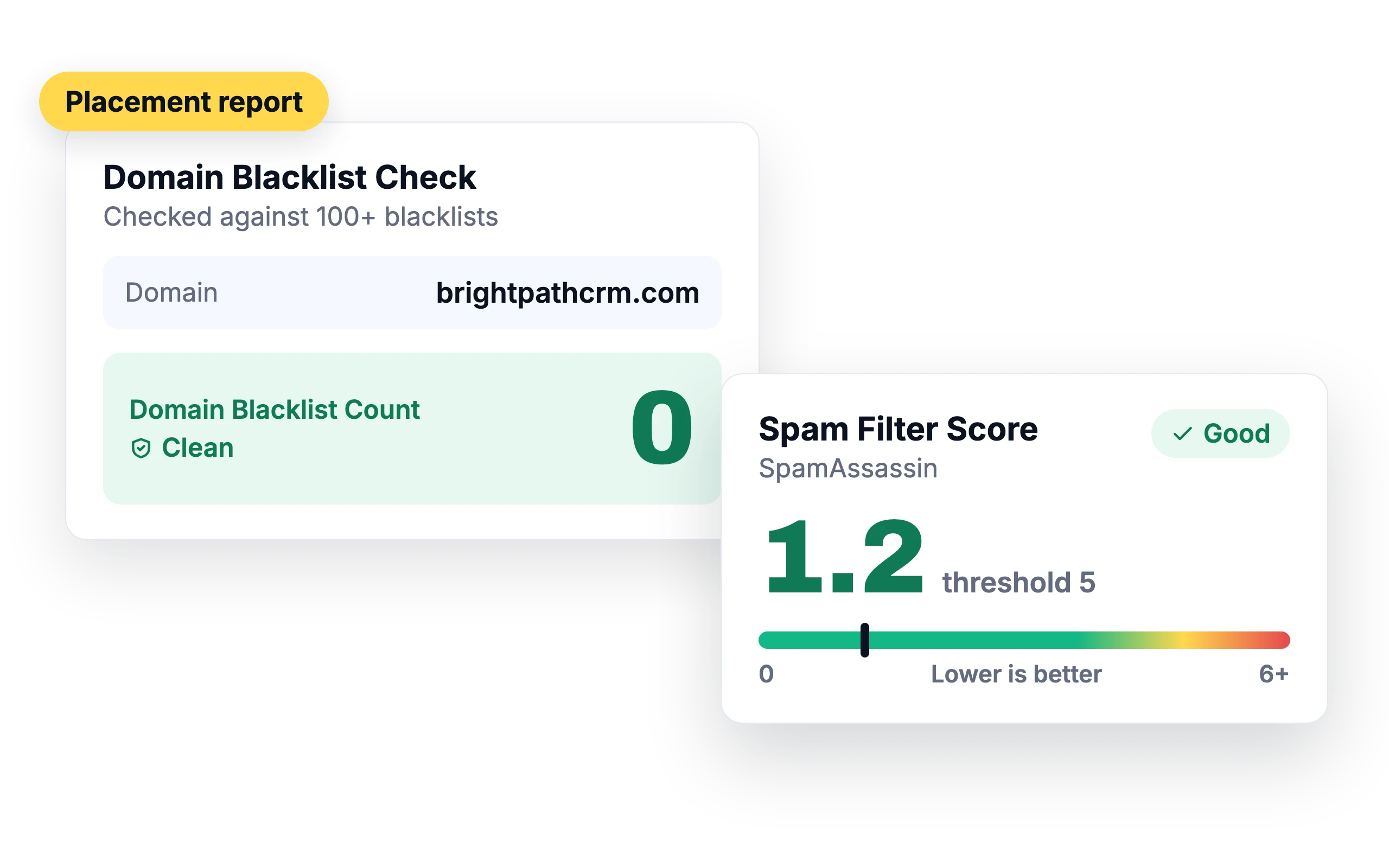
Blacklist and spam score in the same report
Each report also checks your sender against blacklists and shows a Spam Filter Score from SpamAssassin.
Run it from your agent
Ask your agent to “run an inbox placement test for john@mycompany.com”.
SalesBlink for AI agentsWhat customers say
4.7/5 on Capterra (286 reviews)4.5/5 on G2 (311 reviews)
5.0 on G2
“The warmup and placement test let me confirm deliverability on real inboxes before launching, instead of guessing - my Google placement came back at 100% inbox after warmup.”
Frequently asked questions
What is an inbox placement test?
A test that sends your email to test inboxes at major providers and reports which folder it landed in.
How is placement different from deliverability?
Deliverability tells you whether the email reached the mail server. Placement tells you whether it reached the inbox or went to spam or another tab.
Which providers are tested?
Gmail, Outlook, Zoho Mail and Hotmail.
Do I need a sequence to run a test?
Not if you send from outside SalesBlink. To send from SalesBlink, you need a connected sender, plus an existing sequence or template or new email copy.
How long does an inbox placement test take?
Usually a few minutes. The status moves from Pending to Tracking to Completed, and the full report is ready once it shows Completed. If a test stays on Pending or Tracking, give the seed addresses up to 15 minutes. For tests sent from outside SalesBlink, check that the email went out with the tracking code exactly as copied.
How often do automated tests run?
Once a week, on the day you choose when you set up the test. Each run uses the sender and the sequence template or custom copy you picked, and the test list shows its mode as Recurring. Open Details after a run to see the report, or Pause the test from the Actions menu without deleting it.
Why does my test show spam when my sender health is high?
Usually because of cross-provider filtering. Email from Google to Google tends to reach the inbox, while Google to Outlook can land in spam even from a healthy sender, and the same applies the other way. Connect a mix of Google and Outlook mailboxes, add them all to the sequence, and turn on Provider Matching so each lead gets email from a sender on their provider when possible.
What does the Template Analysis check?
It looks at the parts of your email that spam filters react to. It counts words (aim for 50 to 150), personalization variables (at least 2), links, images (1 at most), question marks (1 or 2) and attachments. A yellow or red row marks an item to fix. Edit the template and run the test again to see if placement improves.
How many blacklists does the test check?
More than 100. The test checks your mail server's IP address against over 100 DNS-based email blacklists, following the same practice as MXToolbox. The report shows a Domain Blacklist Count for your sending domain, and 0 means it's clean. The Spam Filter Score sits beside it: lower is better, and a score under the threshold of 5 rates Fair or Good.