 New: SalesBlink is now in ChatGPT
Run cold email outreach from your terminal with Claude Code
Add SalesBlink to Claude Code with one command. Then ask for lists, sequences and reply reports from the same terminal session where you write code.
14-day free trial. No credit card required.
Trusted by 12,000+ businesses


How it works
Add the MCP server
One claude mcp add command registers SalesBlink.
Sign in
Run /mcp in Claude Code and approve access in the browser.
Ask Claude Code
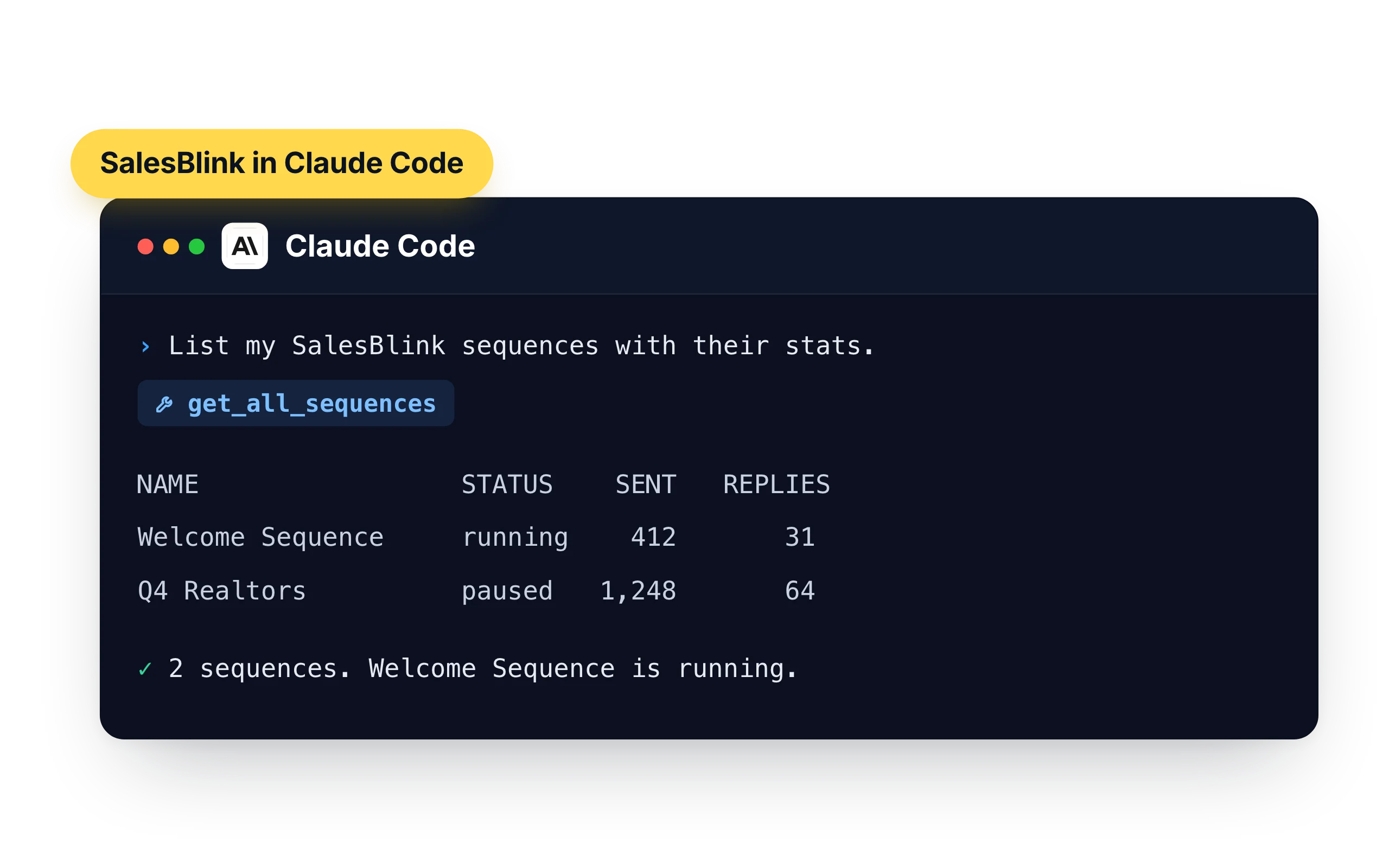
Ask it to list your sequences, add contacts from a file or pull reply stats.
Outreach without leaving the terminal
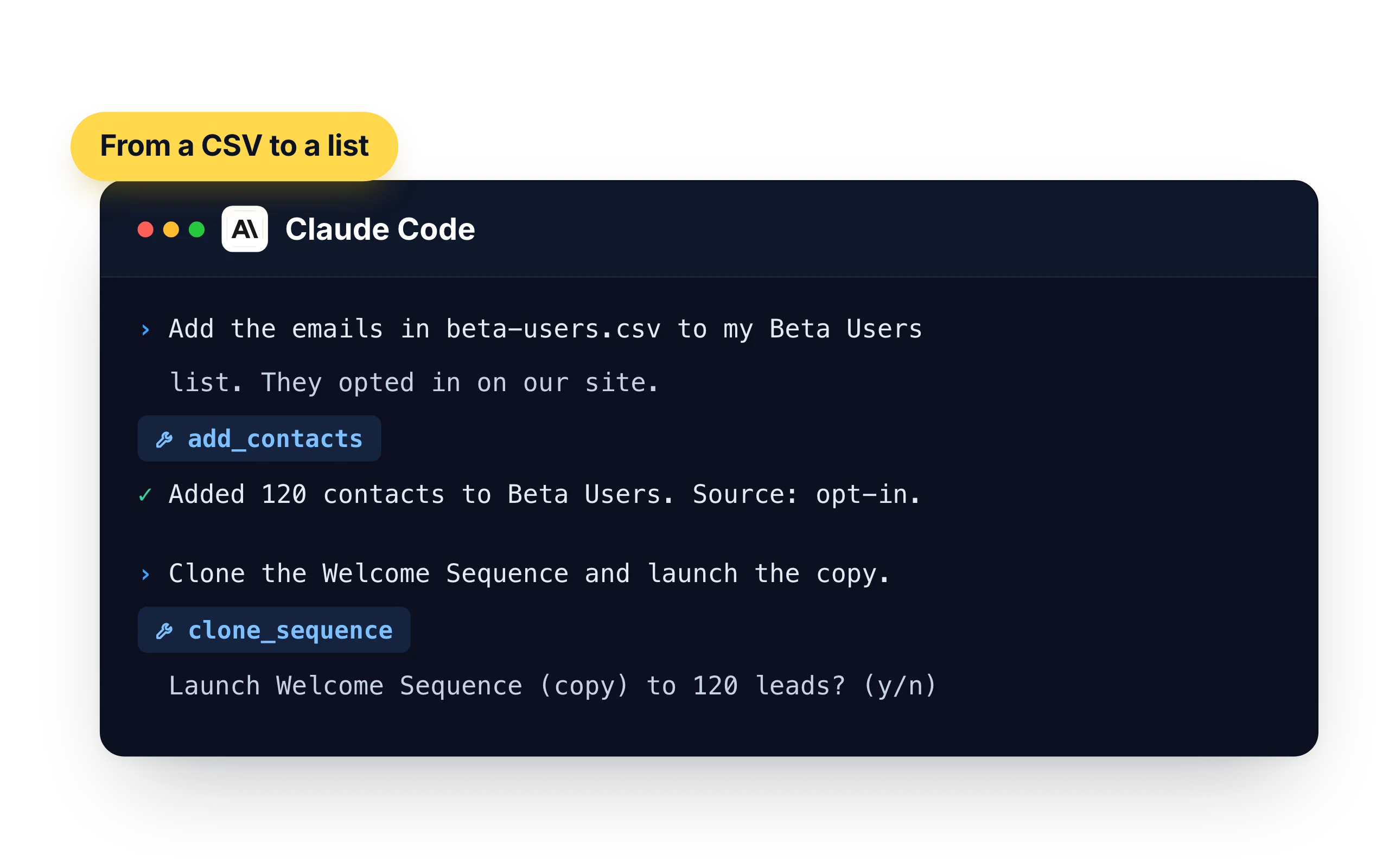
Claude Code can read the files in your project and call SalesBlink in the same turn. Hand it a CSV of sign-ups, ask for a list and a sequence, and confirm the launch.
- "Add the emails in beta-users.csv to my Beta Users list. They opted in on our site."
- "Clone the Welcome Sequence and launch the copy to Beta Users."
- "Which sequences had a reply rate under 2% last week?"
Script it with the plugin and the CLI
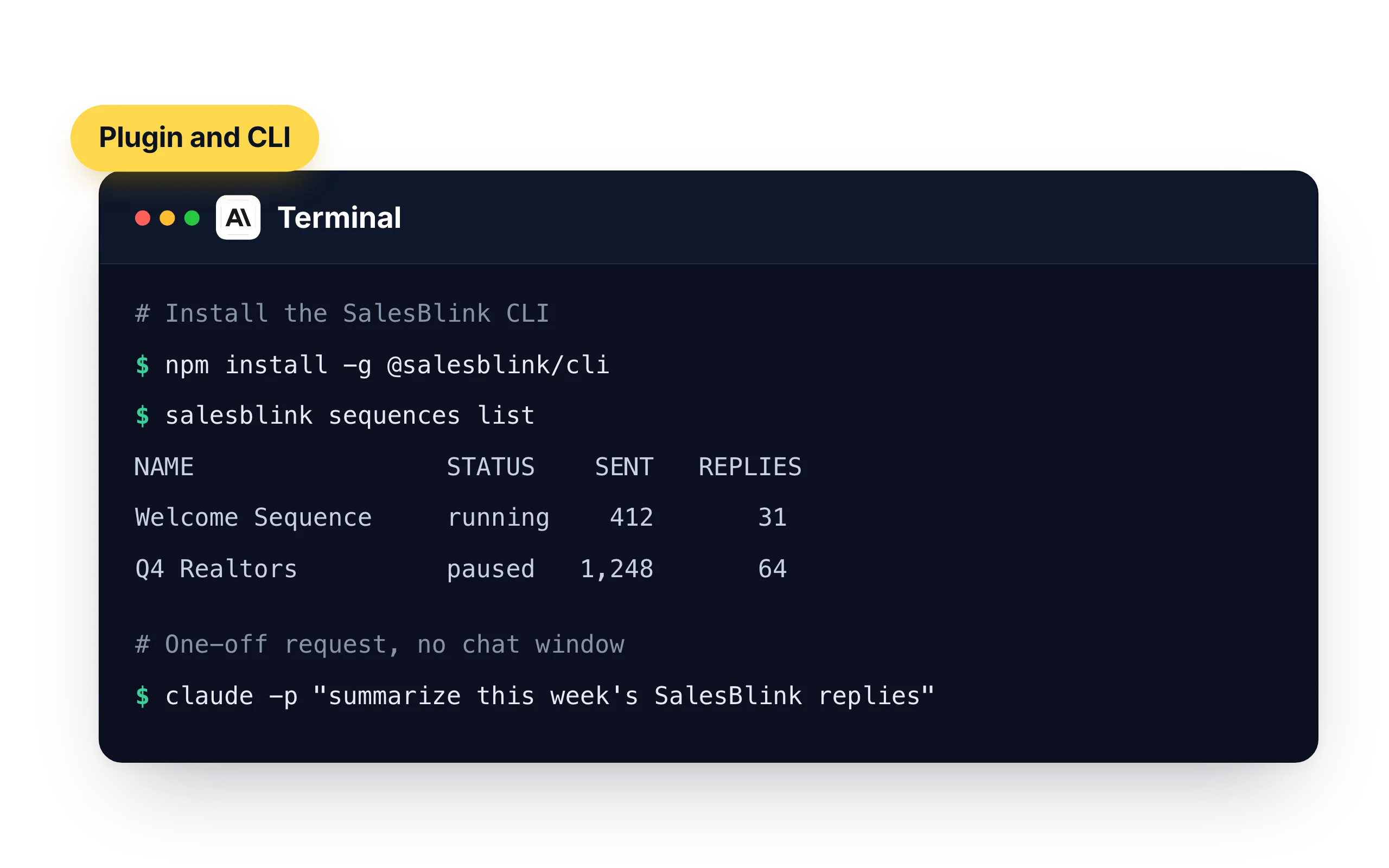
The SalesBlink plugin works with an API key, so it also runs where there is no browser to sign in. Pair it with the SalesBlink CLI for jobs you want to repeat.
- Install the CLI with
npm install -g @salesblink/cli, then run commands such assalesblink sequences list - Run a one-off request with
claude -p "summarize this week's SalesBlink replies"
When Claude Code is the better choice
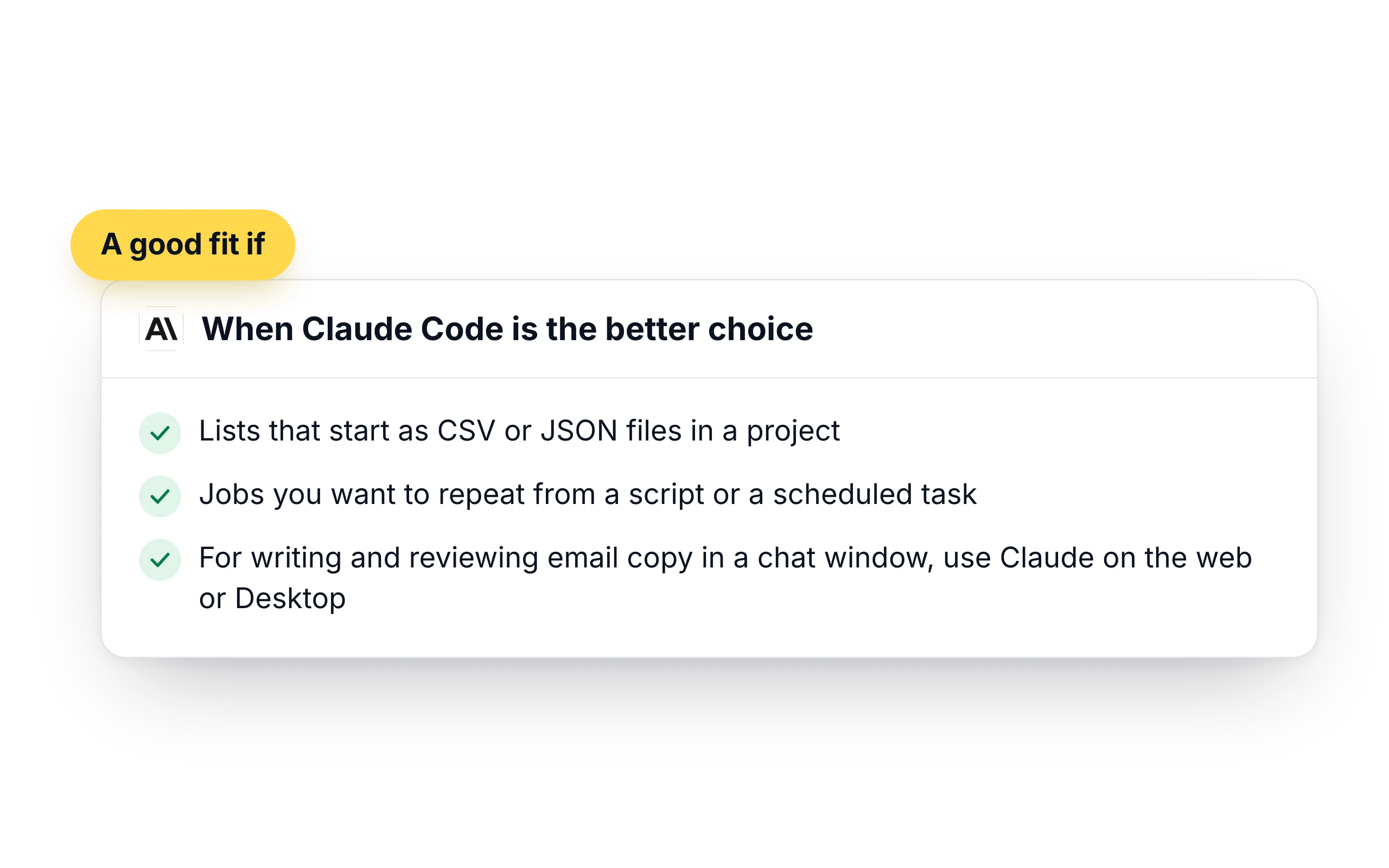
Use Claude Code when your leads live in files and your day is spent in a terminal. It reads the export, calls SalesBlink and shows you the result in one session, and the plugin lets the same work run from a script.
- Lists that start as CSV or JSON files in a project
- Jobs you want to repeat from a script or a scheduled task
- For writing and reviewing email copy in a chat window, use Claude on the web or Desktop
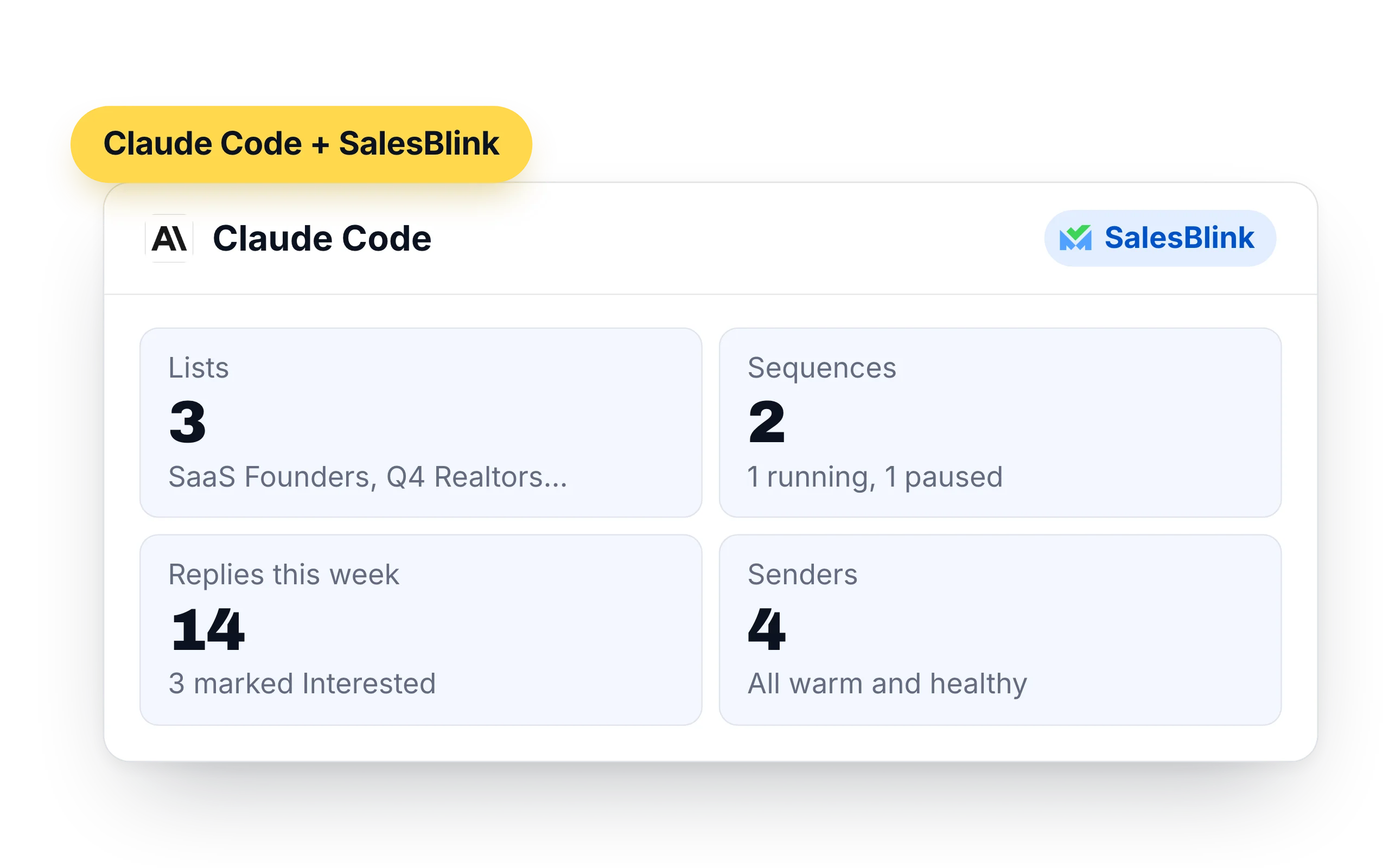
What Claude Code can do in your SalesBlink account
Claude Code calls SalesBlink between its other steps, so one request can read a file, update a list and print the result. Each call is shown in the terminal.
- Lists and leads: create lists, add up to 500 contacts at a time, look up leads and move them between lists
- Sequences: create, clone, launch and pause cold email sequences, and pull their stats
- Replies: read reply threads from the Unified Inbox, answer them and forward messages
- Senders: check sender health and warmup stats, and run an inbox placement test
- Templates and workspaces: create email templates and switch between client workspaces
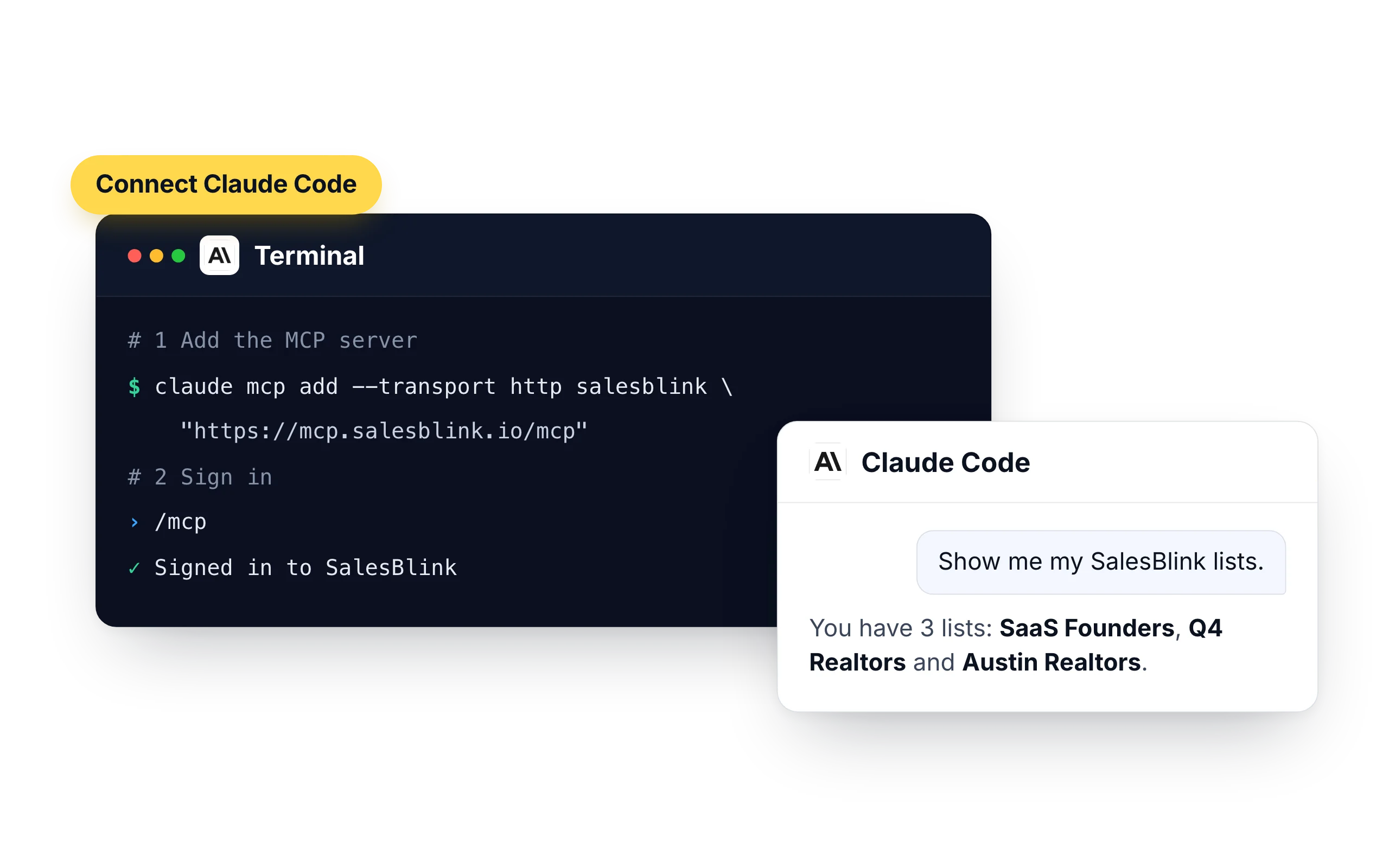
How to connect Claude Code to SalesBlink
Pick MCP if you want a browser sign-in and confirmations before launches. Pick the plugin if you want an API key.
- MCP: run
claude mcp add --transport http salesblink "https://mcp.salesblink.io/mcp" - Then run
/mcpin Claude Code and sign in - Plugin: run
/plugin marketplace add https://github.com/open-salesblink/skill - Then set
SALESBLINK_API_KEYto an API key from Account → Integrations → API
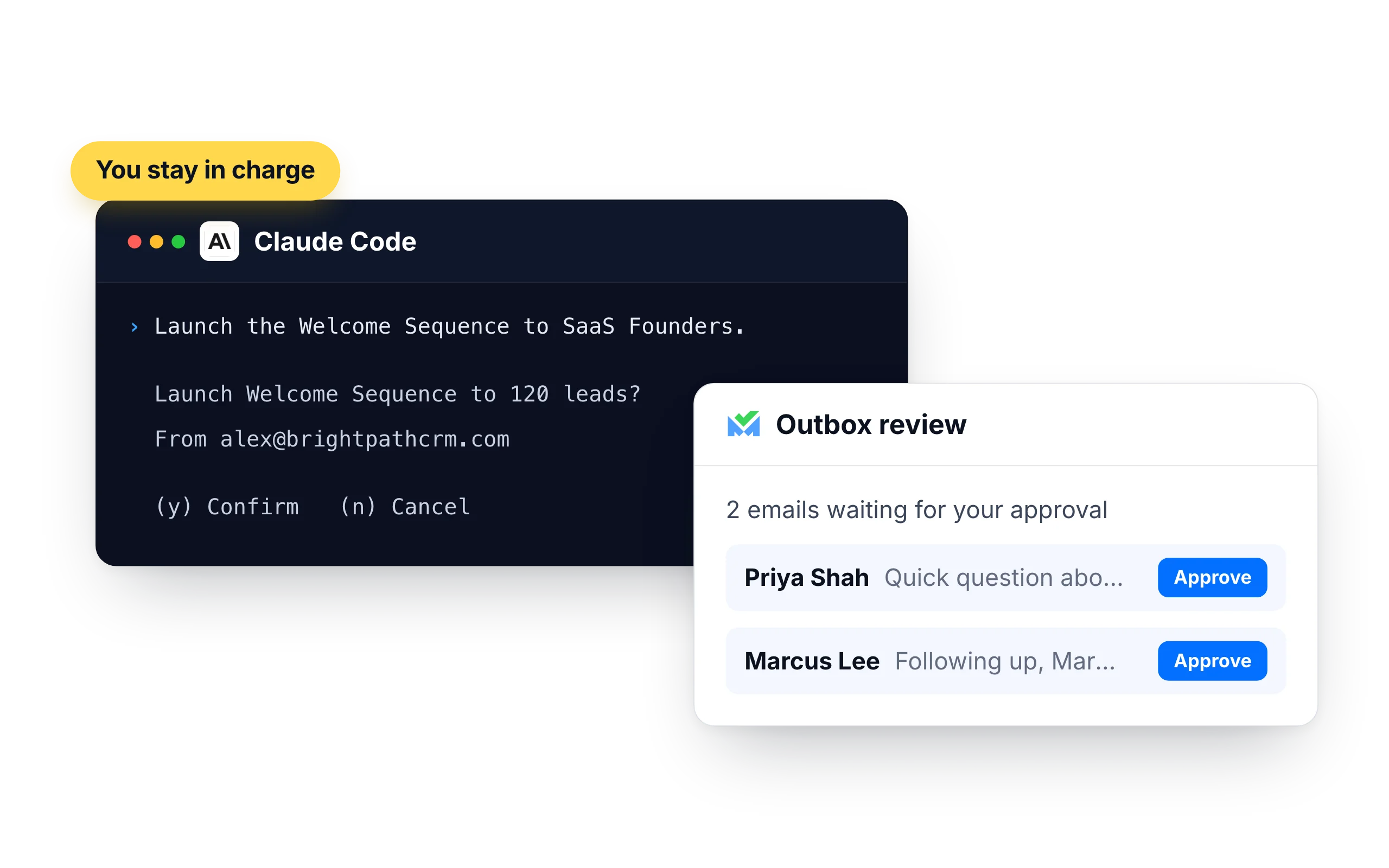
You stay in charge of what gets sent
Over MCP, Claude Code asks before it launches or resumes a sequence. You answer in the terminal, and the rest of your session carries on.
- Turn on Outbox review in a sequence's settings and every email waits for your approval
- Emails go out from your own SalesBlink senders, inside their daily limits and sending schedule
- Each time Claude Code adds contacts it has to state where they came from, such as an opt-in list, a CRM export or an event
- The plugin uses an API key and doesn't ask for a second confirmation. Delete the key in Account → Integrations → API to revoke it
What customers say
4.7/5 on Capterra (286 reviews)4.5/5 on G2 (311 reviews)
5.0 on Capterra
“The native MCP (Model Context Protocol) integration is a massive bonus for value for money, allowing direct connection to AI assistants to manage lists, trigger sequences, and pull reporting and analytics via natural language prompts.”













Frequently Asked Questions
How do I add SalesBlink to Claude Code?
Run claude mcp add --transport http salesblink "https://mcp.salesblink.io/mcp", then run /mcp inside Claude Code and sign in with your SalesBlink account.
Can I add SalesBlink for all my projects?
Yes. claude mcp add saves the server for the current project by default. Add --scope user to make it available in every project.
Can Claude Code read my replies?
Yes. Ask for replies by period, sequence or Outcome and Claude Code prints them in the terminal. It can also send an answer or forward a thread.
Should I use MCP or the plugin?
MCP signs you in through the browser and asks before it launches a sequence. The plugin uses an API key, which suits scripts and machines without a browser.
Is this different from Claude on the web?
It is the same SalesBlink account and the same actions. The setup differs: Claude on the web and Claude Desktop use a connector. See SalesBlink for Claude.
Do I need a SalesBlink account?
Yes. Claude Code connects to your SalesBlink account through a sign-in that you approve, so you don't need an API key. You can start with the 14-day free trial.
Can Claude Code send emails without asking me?
Claude Code asks you to confirm before it launches or resumes a sequence. You can also turn on Outbox review so every email waits for your approval.